A journalist has just received a first document from a source. A lawyer needs a client to upload privileged records without sending them through ordinary email. An incident responder must move a large case archive between systems while preserving control over who can access it. Those are all file-sharing problems, but they aren't the same security problem.
Some secure file sharing platforms minimize identity and retention. Others provide governed cloud storage, recovery, collaboration, audit logs, or data-sovereignty controls. The right choice depends on what you need to protect, who the recipient is, and what happens after the transfer.
This comparison focuses on end-to-end or zero-knowledge encryption, link controls, ephemerality, browser-native access, installation requirements, recipient friction, metadata and retention exposure, and operational failure modes. It also separates hosted convenience from direct or self-hosted control. That distinction matters because almost 60% of organizations cannot track what happens to information after it leaves their environment, according to a 2024 industry survey reported by Cybersecurity Dive.
For a broader client-facing workflow perspective, see this secure file sharing guide for client communication.
1. Ciphar
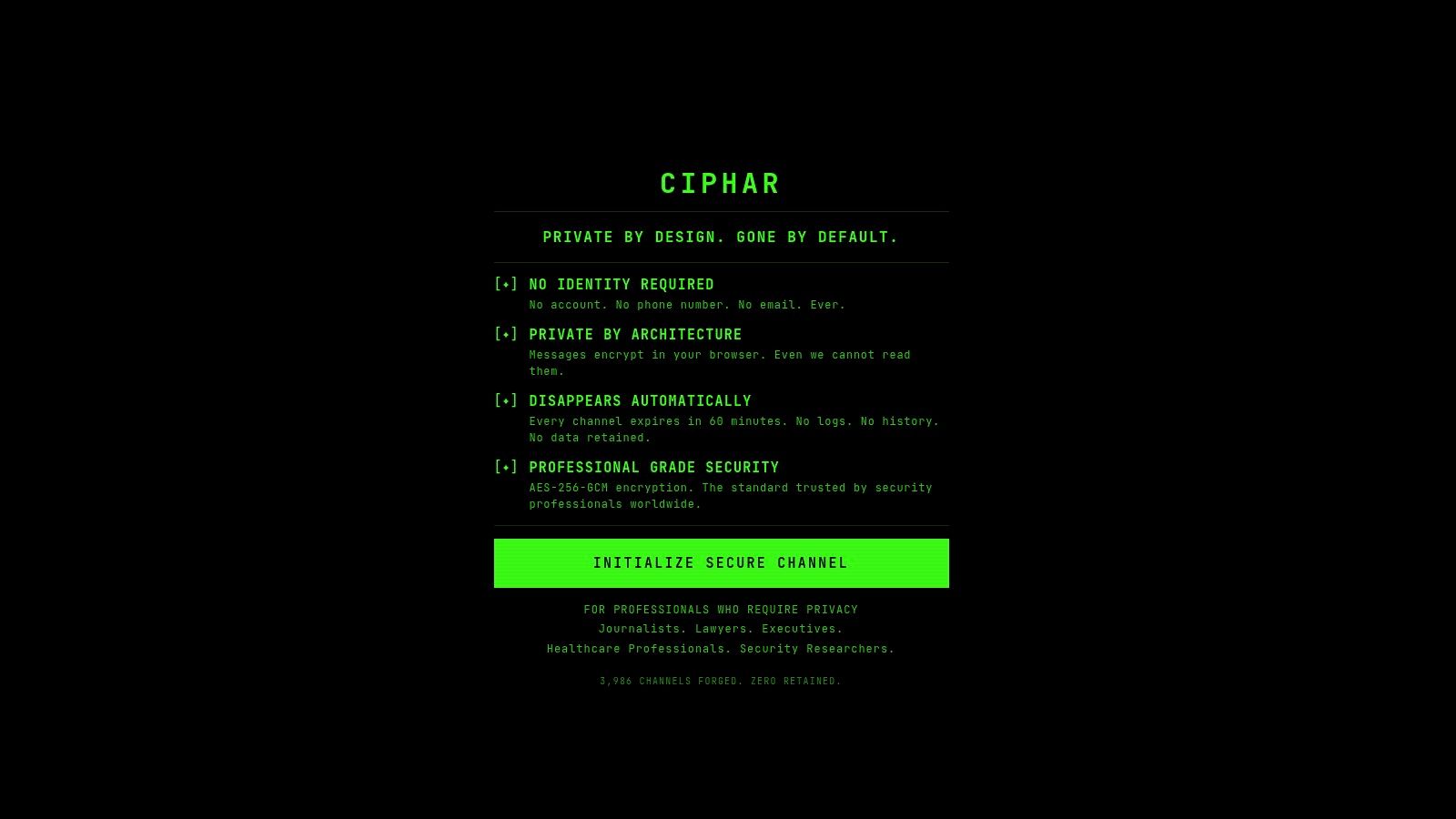
Best for ephemeral, identity-free browser sessions. Ciphar addresses a specific decision: whether a sensitive exchange should exist briefly in a browser or remain recoverable in governed storage. It avoids accounts, phone numbers, email addresses, and installation, which reduces onboarding and identity exposure for both sender and recipient.
Create a human-readable browser channel, send its access key through a separate channel, and begin sharing. Messages, files, edits, replies, and voice frames use client-side AES-256-GCM encryption. Ciphar derives keys locally with PBKDF2 using 100,000 SHA-256 iterations, and the keys do not leave the device. The relay receives opaque ciphertext plus the information required to enforce expiry, rather than readable content.
Each channel has a server-enforced 60-minute lifetime and can be burned manually sooner. There is no archive, recovery mechanism, or retention extension. That limits exposure after a server compromise, legal compulsion, or later access to an unsafe device, but it also creates a clear operational failure mode: a lost key or missed session ends access.
What works and what fails
Ciphar supports encrypted file sharing and real-time voice rooms without recordings or transcripts. Failed access attempts produce in-channel intrusion alerts, and rate limiting makes guessing attacks harder. Its public security documentation and product model clarify that the service is not a long-lived messenger, file store, or regulated-communications archive.
Practical rule: Use Ciphar when the absence of recovery is a security feature, not an inconvenience.
If the file must be recoverable next week, choose a governed drive instead. Ciphar intentionally offers no recovery. That makes it suitable for journalist-source contact, lawyer-client first contact, incident coordination, and privacy-sensitive executive conversations. It is unsuitable for records requiring retention, discovery, repeat access, or long-term collaboration. The recipient experience is quick, but every participant must protect the access key and complete the exchange within the expiry window.
2. Tresorit
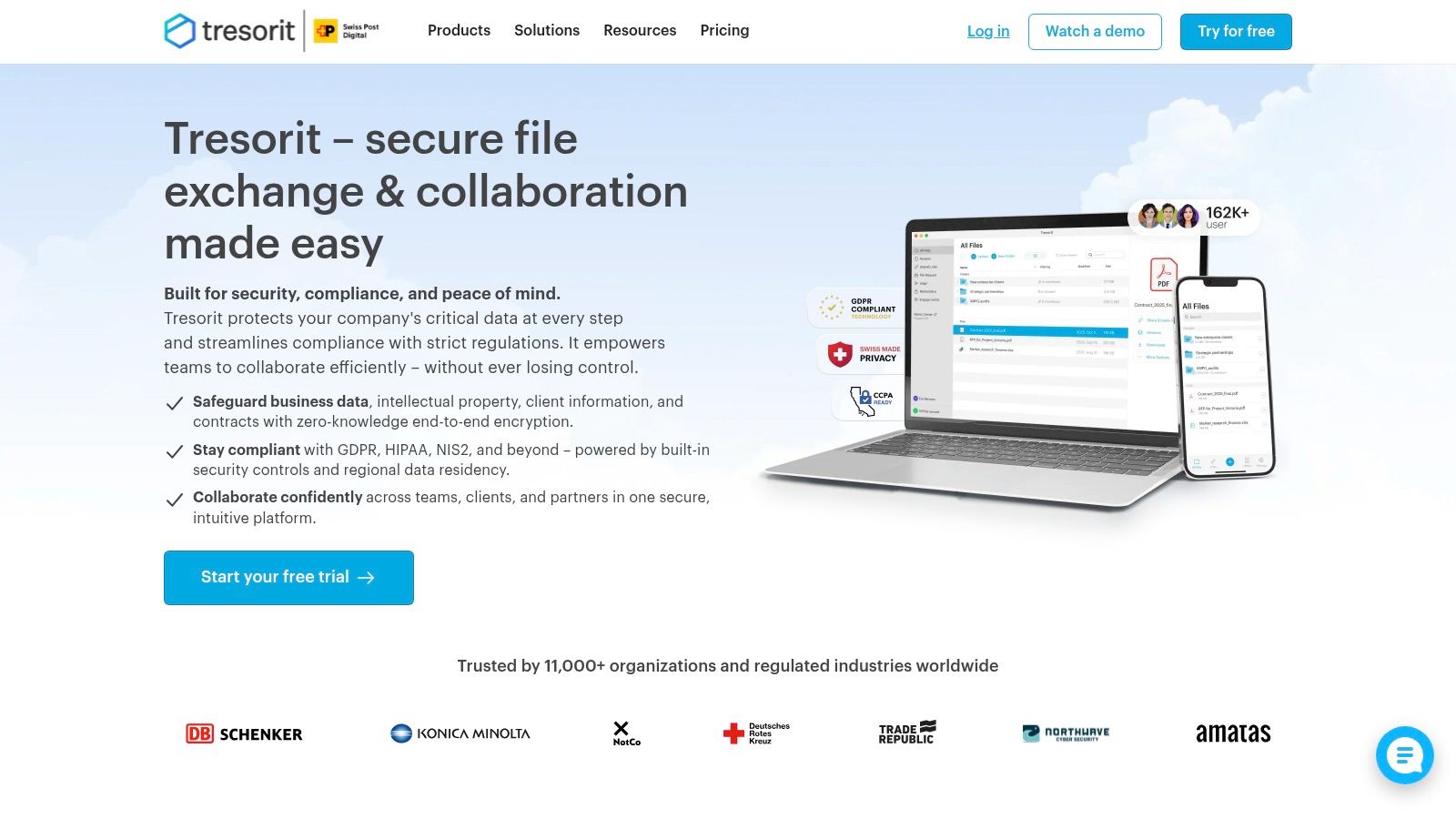
Best for governed external sharing in regulated teams. Tresorit combines zero-knowledge cloud storage with the administrative controls that legal, healthcare, government, and other high-sensitivity teams usually need after a file becomes part of an ongoing matter.
Its encrypted links can use passwords, expiry dates, open limits, email verification, and access logs. Those controls are more useful than a simple “share” button when the sender must define exactly who can open a file and how long the link should remain usable. File requests also support inbound collection, while desktop, mobile, Outlook, Gmail, and Microsoft Teams integrations reduce the temptation to fall back to ordinary attachments.
The operational trade-off
Tresorit is hosted convenience with a strong governance layer. A team can manage shared content, external recipients, and administrative policy without operating its own storage infrastructure. Data residency options and compliance-oriented controls make it easier to align the platform with contractual or regulatory requirements, but they don't remove the need to configure permissions, verify recipients, and define retention.
The recipient experience is relatively mature because external users can interact with controlled links rather than installing a specialist transfer tool. That convenience comes at a cost. Premium pricing is a recurring drawback for smaller teams comparing Tresorit with consumer-oriented encrypted drives.
Choose Tresorit when you need persistent encrypted storage plus recipient-level policy enforcement. Don't choose it merely because it has strong encryption if your real requirement is a one-time, trace-free conversation. A platform that retains governed records is solving a different problem from an ephemeral channel.
3. Proton Drive
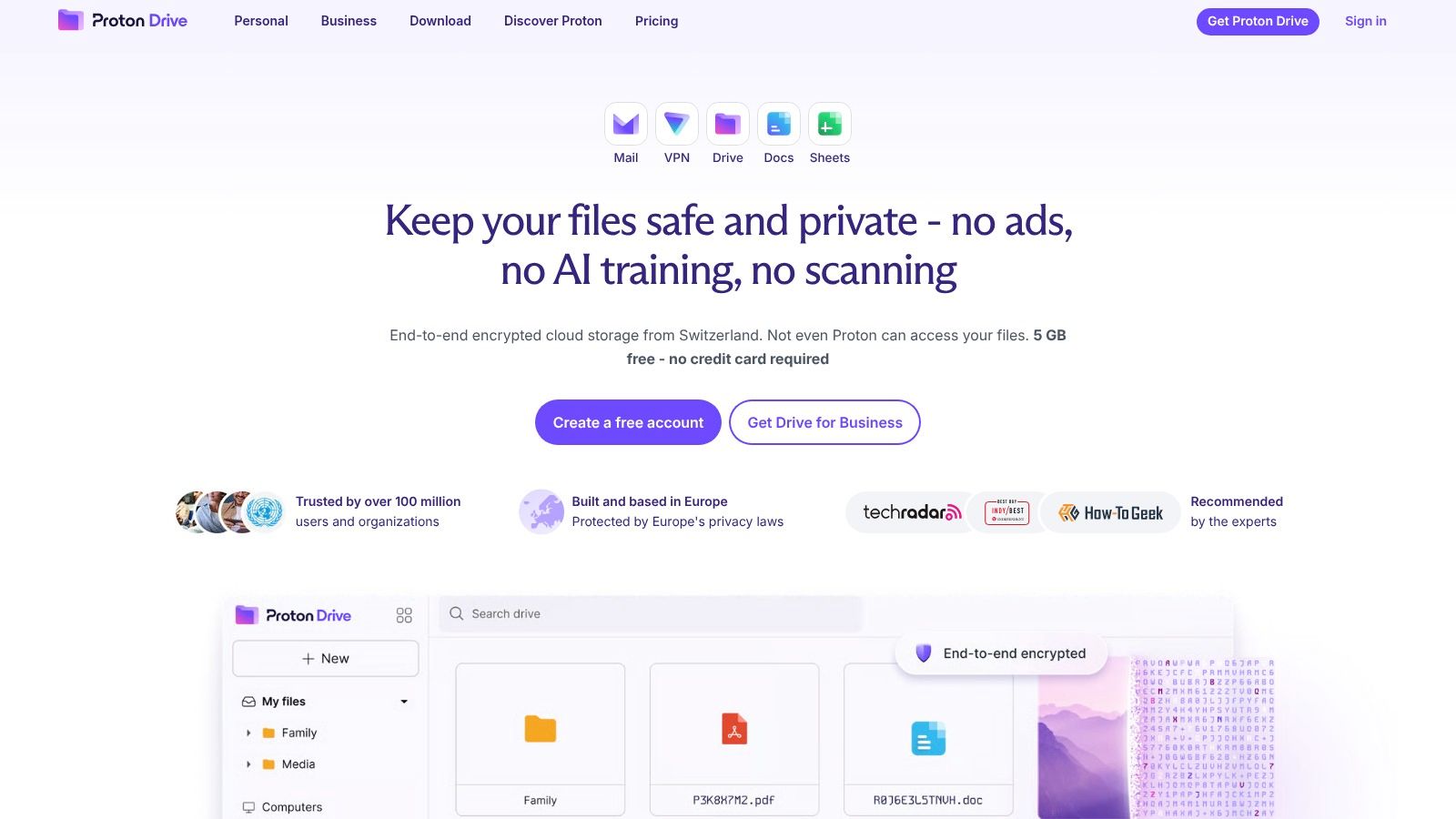
Proton Drive is a practical choice for privacy-focused teams that want encrypted cloud storage without adopting a complicated enterprise content-management environment. It uses client-side end-to-end encryption for files and folders, and recipients can access shared files without creating Proton accounts.
That last point matters in client workflows. A recipient who only needs to download a document shouldn't have to join an organization's collaboration ecosystem just to open a link. Proton Drive keeps the handoff relatively familiar while preserving a stronger privacy model than ordinary server-side cloud sharing.
Where it fits
The service is part of the wider Proton ecosystem, including Mail, Calendar, Pass, and VPN. Teams already using those products may find the shared identity and privacy model easier to manage than a collection of unrelated tools. Proton also documents its security architecture and uses key transparency to make cryptographic changes easier to evaluate.
Its sharing controls and link management work well for persistent encrypted cloud sharing, but the platform isn't the obvious choice for complex legal holds, highly customized intake workflows, or large-scale administrative governance. Collaboration features continue to develop and are less extensive than those found in mature enterprise suites.
A strong encryption model doesn't automatically provide strong retention governance. Decide whether you need privacy from the provider, administrative visibility for your team, or both.
Proton Drive suits small organizations, consultants, and privacy-sensitive teams that need a straightforward repository for files shared with clients or partners. It's less suitable when a security team needs extensive workflow automation, advanced audit operations, or a self-hosted deployment model.
4. Sync.com
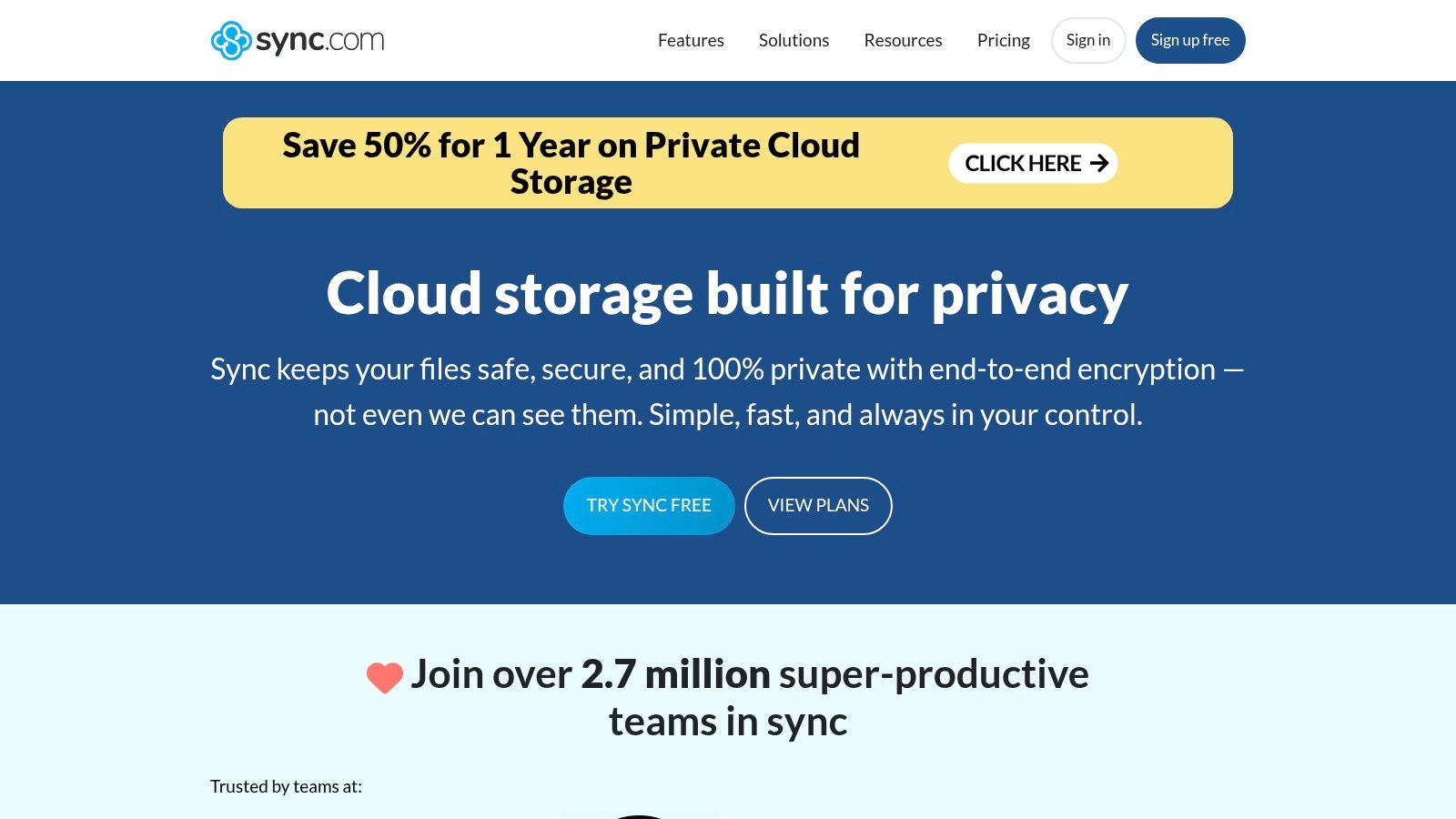
Sync.com targets teams that want zero-knowledge cloud storage without turning secure sharing into an IT project. Its link-based workflow supports passwords, expiry dates, download limits, file requests, and read-only or editing permissions. That makes it accessible for small firms sending documents to clients who may have little patience for technical onboarding.
The platform's default approach is persistent rather than ephemeral. Files remain available as part of a managed cloud workspace, so users get the convenience of returning to a shared folder, requesting additional documents, and maintaining an ongoing matter. Two-factor authentication support and SOC reporting add useful administrative context for business buyers.
Watch the compatibility boundary
The most important evaluation point is how advanced link features behave under your chosen settings. Some compatibility-oriented features, particularly around large files, may relax pure client-side processing. Administrators should test whether a particular workflow preserves the same encryption guarantees they expect, rather than assuming every sharing mode has identical properties.
For a useful technical explanation of the distinction, review this zero-knowledge encryption overview.
The recipient experience is one of Sync.com's strengths. A client can usually work from a link rather than adopting a new application, while the sender can control whether the recipient downloads, edits, or uploads content. That convenience still leaves familiar risks: a recipient can mishandle a downloaded file, forward credentials, or store an unprotected local copy.
Sync.com is a good fit for small professional firms needing encrypted cloud sharing with modest administration. It isn't the best choice for a no-retention first contact, a self-hosted environment, or a workflow that requires deep post-download control.
5. SendSafely
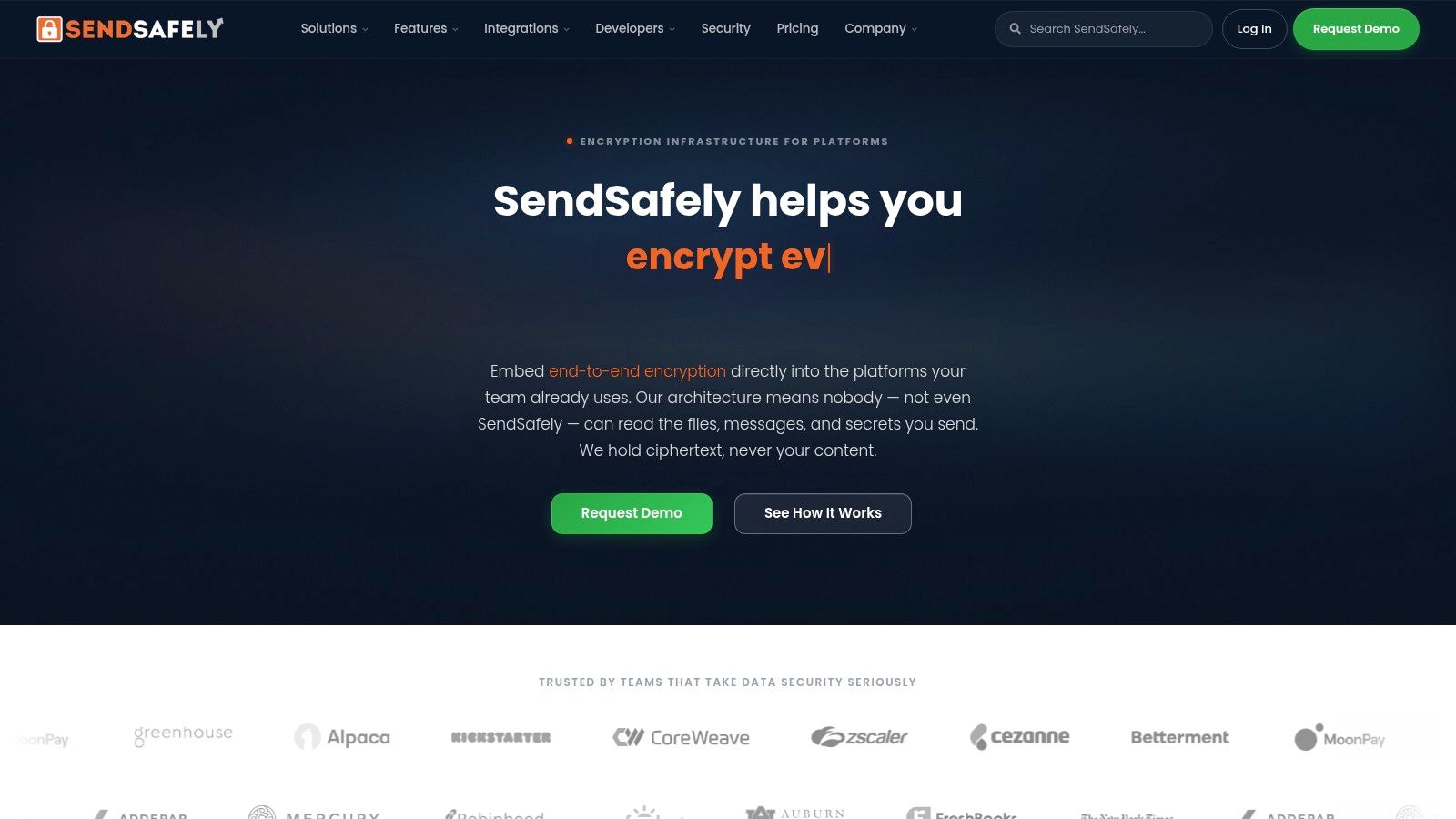
SendSafely is built around controlled intake, not just outbound file links. That distinction makes it especially useful when a law firm, healthcare provider, financial team, or support organization needs clients or members of the public to upload sensitive documents safely.
Its dropzones and branded portals let an organization create a recognizable destination for inbound files. A client can submit records without sending them as ordinary email attachments, while the receiving team gets administrative controls, auditable logs, APIs, and integration options for support desks, portals, and custom workflows.
Why intake changes the decision
Outbound sharing assumes the sender already has the file and knows the recipient. Intake reverses the direction. The organization must make the process easy enough that users don't improvise with email, while still controlling who submitted what, when it arrived, and which internal workflow receives it.
SendSafely uses a split-key end-to-end encryption architecture intended to keep plaintext away from the server. It also supports secure email attachments and enterprise workflows, with support for SOC 2 Type II and PCI DSS compliance requirements as part of its positioning. Buyers should still verify the exact scope of any compliance claim against their own contracts and implementation.
For inbound collection: The safest portal is the one clients can understand without asking where to send the document.
The main trade-off is cost and procurement friction. A per-user model may be expensive if your primary requirement is general-purpose storage, and enterprise tiers require a sales conversation. SendSafely is therefore strongest when secure intake and auditability justify a dedicated platform. Its secure file-sharing workflow guidance provides useful context for evaluating the surrounding process, not just the encryption layer.
6. MEGA
MEGA is attractive when a broad audience needs accessible encrypted cloud storage and link sharing. It offers end-to-end encrypted sharing links, optional passwords and expiry controls on paid plans, folder sharing between MEGA accounts, file requests, cross-platform applications, and a 20 GB free tier.
The product is easy to understand operationally. A sender can create a link, add a password or expiry where available, and provide the recipient with access. That model works for family-sized teams, freelancers, and organizations that need a familiar link workflow without immediately buying a complex enterprise platform.
The key-handling problem
MEGA links can include both the location and the decryption key. If the sender posts that complete link in a public channel or sends it through a compromised account, the security benefit of separating access from decryption is weakened. Users who need stronger control should deliver the key separately, using a different communication channel.
That isn't a minor configuration detail. The provider can protect the file while the sender still exposes it through careless delivery. A password or expiry date also doesn't control what an authorized recipient does after downloading the content, so the threat model must include local copies and onward sharing.
MEGA is a sensible option for accessible cloud links with careful key management, especially when storage capacity and recipient familiarity matter. It isn't the right tool for identity-free first contact, strict organizational auditability, or a workflow where a provider must never retain content beyond a short session. Train users to split the link and key before treating the platform as suitable for sensitive files.
7. OnionShare
OnionShare is the choice for a threat model where anonymity and reduced third-party exposure matter more than convenience. It uses Tor to turn the sender's device into a temporary onion service, so the files don't sit in a central cloud repository waiting for a recipient to download them.
That architecture changes the metadata and availability trade-off. There's no hosted storage provider holding the uploaded archive, but the sender must keep OnionShare running and remain online during the transfer. A recipient needs to use Tor, which can create more friction than opening a standard browser link.
A direct exchange with hard limits
OnionShare supports temporary file sharing, file drops for inbound collection, simple sites, and chat over Tor. The sender can also configure a one-shot behavior that stops sharing after the transfer. Those features are useful for source-to-journalist exchanges, sensitive legal communications, or high-threat incident work where a normal cloud account creates an unacceptable identity or retention trail.
The failure mode is equally clear. If the sender closes the application, loses connectivity, or shuts down the device before the recipient completes the transfer, the recipient can't retrieve the file from a provider's backup. OnionShare also isn't optimized for asynchronous distribution to a large group or for maintaining a long-lived project archive.
OnionShare minimizes central storage, but it doesn't eliminate endpoint risk. Check the sender device, recipient device, and Tor workflow before moving sensitive material.
Choose it when Tor-based anonymity and direct hosting outweigh recipient convenience. Choose a hosted encrypted drive when recipients need reliable access at different times or when administrators need centralized recovery and audit operations.
8. Resilio Sync
Resilio Sync is for direct device-to-device movement, particularly when large files shouldn't be uploaded to a third-party cloud. It uses peer-to-peer synchronization built on BitTorrent technology, with mutual authentication, selective sharing, encrypted folders, and controls over which devices can connect.
This makes it entirely different from a hosted link service. The files move between authorized peers rather than sitting in a central workspace that recipients can revisit later. That can reduce provider retention and cloud-storage exposure, while also giving teams better control over device-level access and transfer timing.
Speed without hosted recovery
Resilio Sync is useful for large media, forensic material, engineering assets, or case archives that need to move between known devices. LAN-friendly behavior can help when peers share a local network, and QR or link invitations make setup more manageable across platforms.
The operational dependency is unavoidable: at least one peer must be online for the transfer. If both devices go offline, the exchange pauses. There's no hosted download page to keep serving the file, and the product isn't designed for anonymous public distribution or a recipient who only wants to click once and leave.
Administrators must also secure the endpoints. Peer-to-peer architecture reduces reliance on a cloud provider, but it doesn't protect a compromised laptop, an incorrectly shared folder, or a device that retains an unencrypted local copy. Resilio Sync is therefore best for known participants, large files, and direct transfer control, not for public-facing intake or long-term governed collaboration.
9. Nextcloud
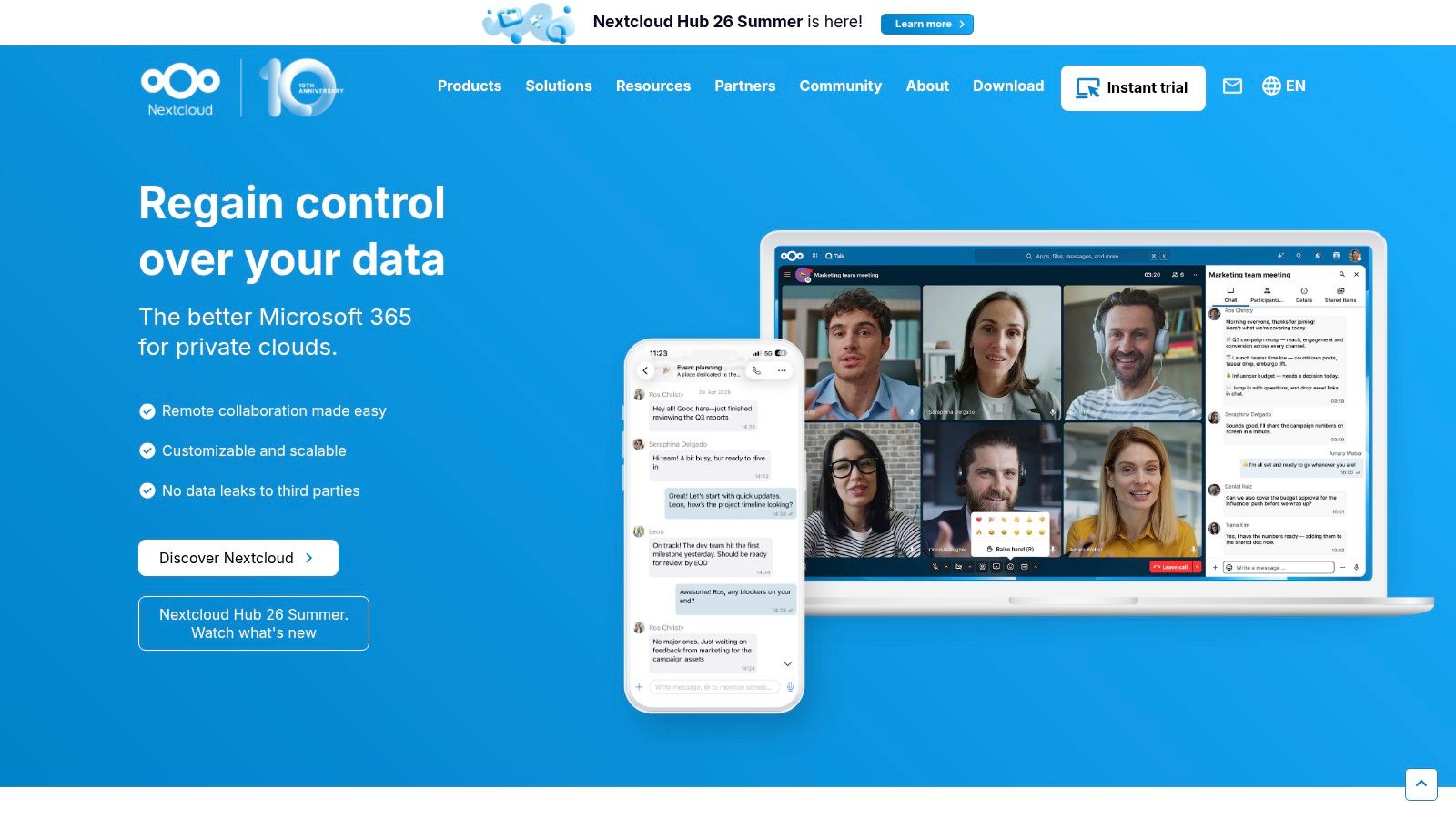
Nextcloud is the strongest option in this list for organizations that need to control where their collaboration environment runs. Teams can self-host it, use a managed service, or build a deployment around specific residency, access, and administrative requirements.
The platform supports password- and expiry-protected public links, file drops for inbound uploads, federated sharing between Nextcloud instances, activity information, and an extensible ecosystem. Optional client-side end-to-end encryption can protect selected folders through desktop and mobile clients, but it isn't a universal switch that makes every workflow identical.
Control creates responsibility
Self-hosting can keep infrastructure, data, and policy decisions closer to the organization. It can also create more work. Administrators must handle patching, backups, identity management, monitoring, storage resilience, and incident response. A poorly maintained self-hosted system can have a larger practical attack surface than a well-configured hosted service.
The E2EE workflow also needs testing. Encrypted folders may limit some administrative operations, sharing patterns, or recovery options, and the team must understand which clients and features support the chosen configuration. The cloud data protection guidance is useful when comparing provider-managed encryption with customer-controlled deployment.
Nextcloud fits data-sovereignty, jurisdictional-control, and custom-policy requirements. It isn't the fastest route to a temporary recipient exchange, and it demands more operational maturity than Proton Drive or Sync.com. Select it when your organization can support the infrastructure and needs that control for a defined reason, not just because self-hosting sounds more secure.
10. CryptPad
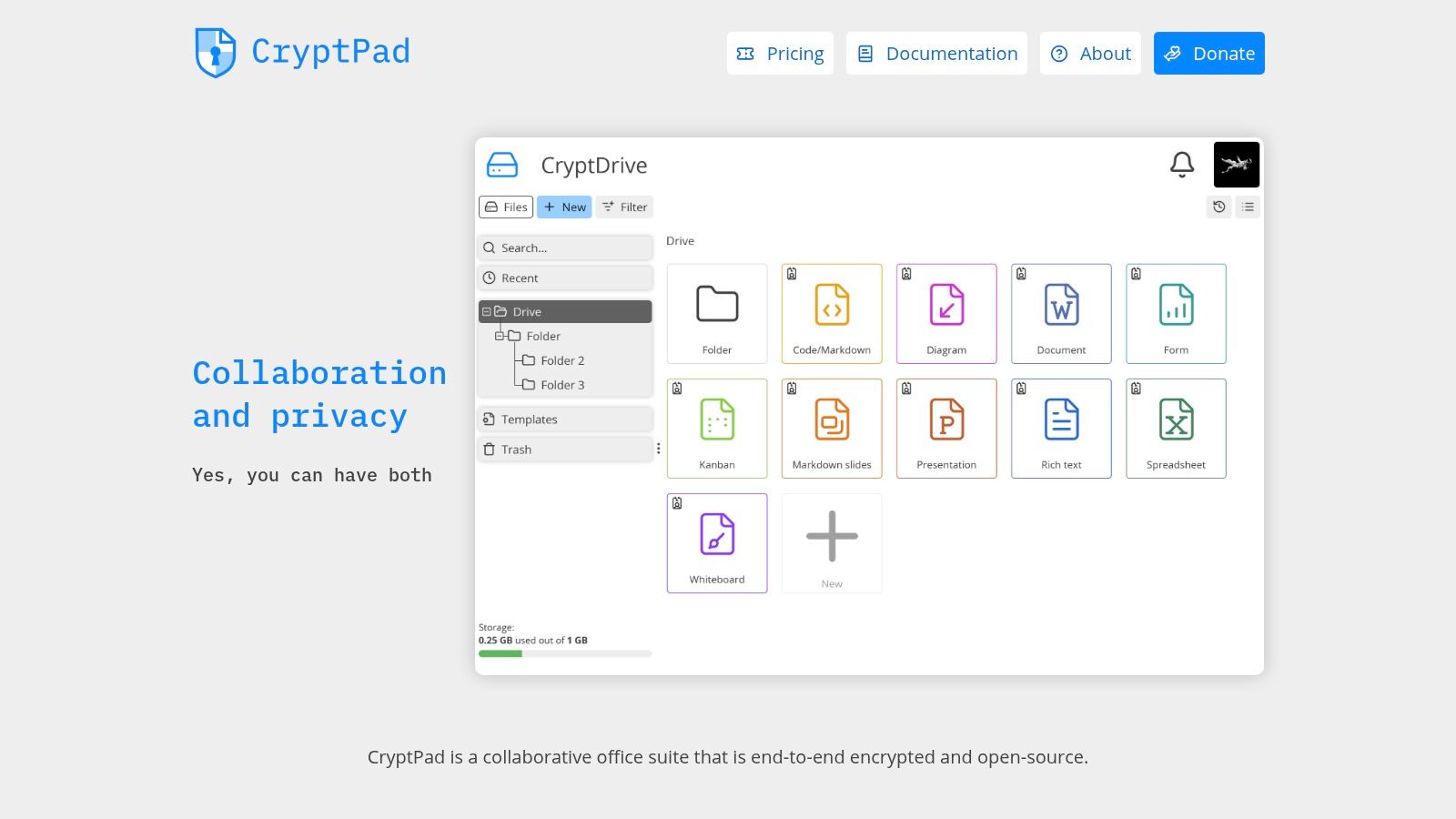
CryptPad combines encrypted file exchange with browser collaboration. It includes documents, sheets, whiteboards, forms, shared folders, and a Drive, all built around a zero-knowledge privacy model. Teams can use the hosted service or self-host the platform when they need more control over deployment.
That makes CryptPad useful for a collaboration threat model rather than a simple transfer. A group can work on an encrypted document, share a folder, and keep the discussion close to the material instead of sending revisions through email. Client-side encryption limits what the service can read, while browser access reduces the need for a specialized desktop application.
Collaboration has limits
CryptPad's strength is also its boundary. It handles browser-based documents and structured collaboration better than it handles very large binary files. Hosted tiers have storage quotas, and performance can lag when teams treat the product like a high-capacity media drive.
Self-hosting improves deployment control but transfers maintenance responsibility to the organization. Hosted use reduces that burden but leaves the team dependent on the provider's availability, policies, and operational choices. Either way, shared links and contact permissions still need careful management.
CryptPad is a good choice for encrypted browser collaboration and privacy-oriented shared workspaces. It's less suitable for a journalist who needs a short, identity-free first contact, an incident responder moving a very large archive, or a regulated organization that requires a mature records-management program. The product works best when the documents themselves are collaborative and the browser is the primary work surface.
Top 10 Secure File Sharing Platforms, Comparison
| Product | Core features ✨ | Security & UX ★ | Value / Price 💰 | Target audience 👥 | USP / Notes 🏆 |
|---|---|---|---|---|---|
| Ciphar 🏆 | One‑click browser channels, AES‑256‑GCM E2E, PBKDF2 keys, 60‑min self‑destruct, real‑time voice, manual burn | ★★★★★ Zero‑knowledge relay, intrusion alerts, no account/telemetry | 💰 Free; privacy‑first, no hidden tracking | 👥 Journalists, lawyers, researchers, responders, privacy‑sensitive execs | 🏆 Ephemeral, identity‑free contact with transparent security docs |
| Tresorit | E2EE cloud storage, admin controls, Outlook/G Suite/Teams plugins | ★★★★ Enterprise‑grade security, detailed audit logs | 💰 Premium enterprise pricing | 👥 Regulated enterprises, legal, healthcare, government | Strong compliance & admin controls for governed sharing |
| Proton Drive | Client‑side E2EE links/folders, encrypted metadata, Proton ecosystem | ★★★★ Solid cryptography, simple UX | 💰 Paid tiers; privacy‑centric value | 👥 Privacy‑focused orgs and users | Part of Proton suite with key transparency |
| Sync.com | E2EE by default, password/expiry links, file requests | ★★★★ Good UX, straightforward link sharing | 💰 Free 5 GB tier; paid granular controls | 👥 Small firms and SMBs | Easy link workflows; low admin overhead |
| SendSafely | Split‑key E2EE, branded dropzones, APIs, audit logs | ★★★★ Purpose‑built intake UX with auditable logs | 💰 Per‑user/org pricing (sales) | 👥 Healthcare, legal, finance intake workflows | Designed for secure collections & enterprise integrations |
| MEGA | E2EE sharing links, optional separate key, cross‑platform apps | ★★★ Mature clients; easy public links | 💰 Generous free tier (20 GB); paid Pro plans | 👥 Broad consumer/user base needing free storage | Large free capacity; user training needed for safe key handling |
| OnionShare | Ephemeral Tor onion links, file drops, no central server | ★★★ High anonymity; requires Tor & sender online | 💰 Free & open‑source | 👥 High‑threat journalists, sources, activists | Minimal metadata leakage; best for very sensitive transfers |
| Resilio Sync | P2P E2EE sync, direct device‑to‑device transfers, selective sync | ★★★ Fast for large files; needs peers online | 💰 One‑time or paid pro tiers | 👥 Teams transferring very large media/files | Direct transfers avoiding third‑party clouds |
| Nextcloud | Self‑hosted collaboration, public links, optional folder E2EE | ★★★★ Full admin control; setup overhead | 💰 Free self‑hosted or paid managed services | 👥 Orgs needing data sovereignty & compliance | Extensible ecosystem and federated sharing |
| CryptPad | Browser zero‑knowledge docs, drive, forms; hosted or self‑host | ★★★ Strong privacy defaults; some quota limits | 💰 Free tier / paid hosted plans; self‑host option | 👥 Privacy‑focused teams needing collaboration | Combines encrypted collaboration and file exchange |
Match the Platform to the Exposure You Can Accept
There isn't one universal winner among secure file sharing platforms. The right decision starts with the exposure you can accept after the recipient receives the file. Do you need the content to disappear, remain recoverable, stay inside infrastructure you control, or move directly between two known devices?
For a browser-native, identity-free, hard-expiring conversation, Ciphar is the clearest fit. It requires no account, phone number, email address, or installation, and its channel expires after 60 minutes. That makes it appropriate for first contact, short incident coordination, or a sensitive exchange where retaining a transcript would create more risk than value. It isn't appropriate when the organization must preserve records, recover lost files, or meet a retention obligation.
Choose OnionShare when the anonymity requirement is higher and you can accept a Tor-based workflow. It avoids central file storage and supports temporary direct exchange, but the sender must remain online and the recipient has more onboarding friction. Choose SendSafely when the organization needs controlled inbound collection, branded portals, APIs, and auditable administration. It solves the client-upload problem better than a generic cloud drive.
For persistent encrypted cloud sharing, evaluate Tresorit, Proton Drive, or Sync.com. Tresorit is the strongest fit when administrative controls, recipient policies, integrations, and compliance-oriented governance matter. Proton Drive is appealing for privacy-focused teams that want strong defaults and a simple ecosystem. Sync.com suits smaller firms that want familiar links, file requests, and straightforward controls without a large implementation.
MEGA works for accessible link workflows, but users must handle decryption keys carefully. Don't send a complete link and key through the same exposed channel when the file is sensitive. Resilio Sync is better for direct transfers between known devices, especially when large archives shouldn't be stored in a third-party cloud. Its peers must remain available, so it isn't a substitute for asynchronous hosted access.
Choose Nextcloud when self-hosted control, jurisdiction, or custom policy enforcement outweighs operational simplicity. It can provide a flexible collaboration environment, but your team owns more of the maintenance and security burden. Choose CryptPad when you need encrypted browser collaboration across documents, sheets, forms, and shared folders, and your files fit that workflow better than a drive-centric model.
These choices matter because the attack surface extends beyond encryption algorithms. File transfer software accounted for 14% of third-party breaches over the past year, according to SecurityScorecard's analysis of the attack vector. Vendor exposure, stale permissions, misconfiguration, endpoint copies, and recipient behavior can all undermine an otherwise strong cryptographic design.
Before sending anything, define the retention requirement. Deliver passwords and access keys through a separate channel, verify the recipient before granting access, and test what happens when a user loses a device or forgets a key. Confirm whether the platform can revoke access after opening, whether downloaded files remain available locally, what metadata the provider retains, and whether audit logs are useful for your actual investigation needs. If your organization handles accounting records or other regulated material, compare the platform against a compliant file-sharing approach for accountants.
The practical recommendation is simple. Use the smallest, most controlled workflow that meets the need. Don't place a short-lived source conversation in a permanent cloud archive, and don't force a self-hosted collaboration system onto a recipient who only needs to submit one document. Encryption matters, but the platform's retention model, recipient experience, and failure modes determine whether that encryption protects the workflow in practice.
Ciphar offers browser-based, zero-knowledge encrypted chat with client-side file encryption, no account or installation, and one-time channels that self-destruct after 60 minutes. If your file-sharing threat model calls for a short, identity-free exchange that leaves no long-term archive, visit Ciphar and start a secure channel in the browser.