You need to send a message to someone without giving them your phone number. They may not use the same app you use. You may not want to install anything. You may also not want to leave behind a reusable identity that keeps linking future conversations together.
That sounds simple, but “text app without phone number” can mean very different systems. One product gives you a browser room that expires on a hard timer. Another gives you a pseudonymous account that persists across devices. Another stores a cryptographic identity on your device. Another pushes messages through a decentralized network with no central account at all. If you also use AI tools in sensitive work, the same identity questions show up there too when you chat with all best LLMs.
The practical differences matter more than the slogan. I'm comparing each option on seven things: what identity it requires, whether the conversation persists, how encryption works, what metadata can still leak, where it runs, how people verify they reached the right recipient, and what happens if you lose the key, device, or invite.
One warning before the list. None of these apps makes you anonymous automatically. A phone-free signup only removes one identifier. Usernames, invite links, device metadata, IP exposure, contact discovery, backups, and your own verification habits still shape the risk.
1. Ciphar
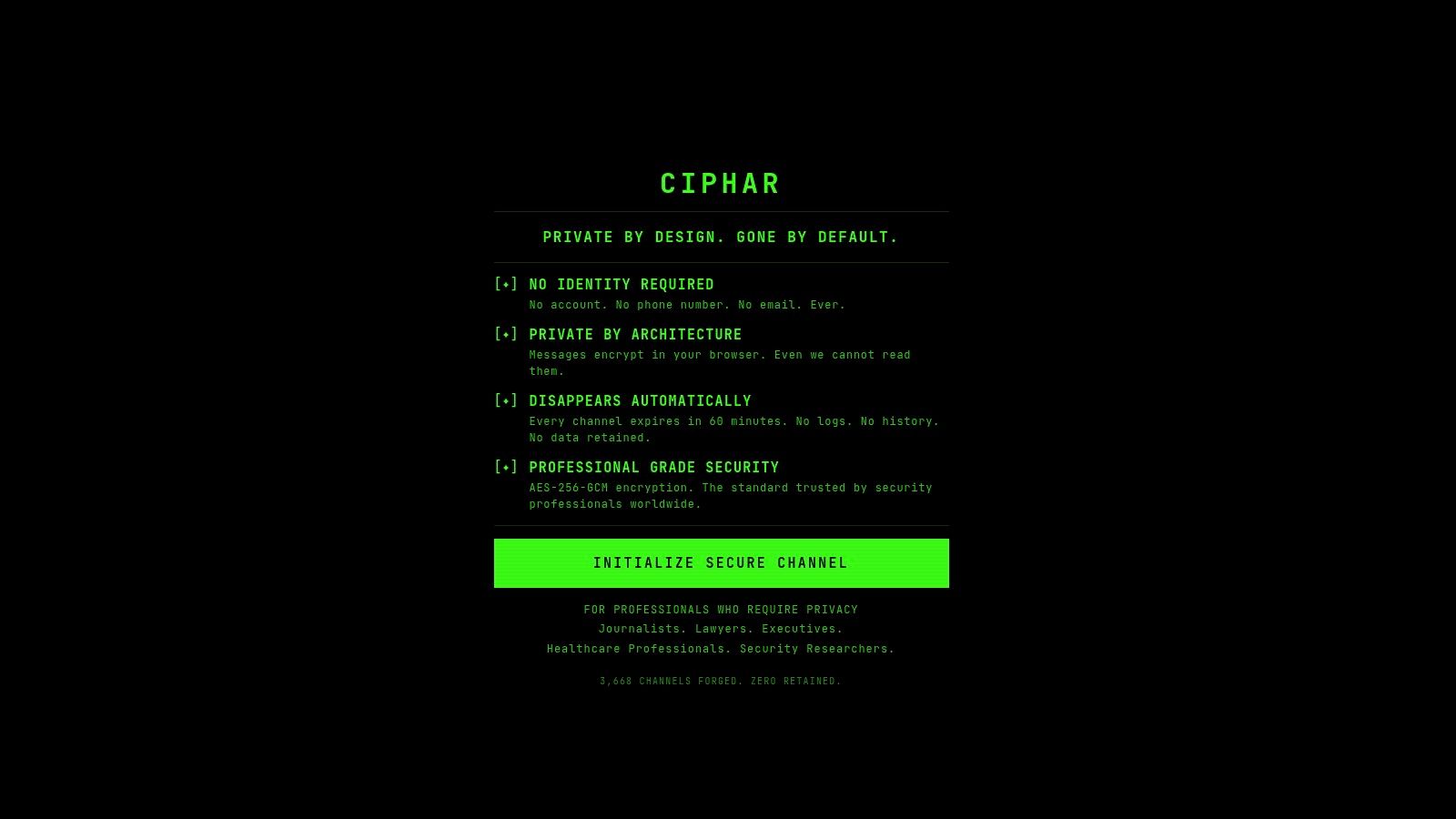
You need to send a link now, reach someone who may be on a locked-down device, and avoid creating an account that could tie this conversation to the next one. Ciphar is built for that narrow job. It opens a browser-based room, requires no phone number or email, and lets the sender separate the room URL from the access key during delivery.
That design puts Ciphar in the "immediate ephemeral contact" category rather than the persistent messaging category. The main privacy gain is not anonymity in the broad sense. It is short-lived communication with no reusable profile, no contact graph tied to an account, and a fixed expiry window that limits retention by design.
The service describes client-side encryption for messages, files, edits, replies, and voice frames using AES-256-GCM, with keys derived locally through PBKDF2 with SHA-256. It also says the relay keeps ciphertext and timing-related records needed to run the room, then deletes channels and stored ciphertext after expiry. That distinction matters. Content protection and metadata protection are separate questions, and Ciphar is stronger on retention control than on making network-level metadata disappear.
What problem Ciphar actually solves
Ciphar is a good fit for first contact, short intake, or a one-time exchange where asking the other person to install an app would reduce the chance of successful contact. Legal intake, source outreach, incident response, and executive coordination are practical examples because the communication need is immediate and the value of the conversation often drops sharply after the first hour.
Its verification workflow is also more usable than many anonymous chat tools. A sender can place the room link in one channel and the access key in another, which lowers the chance that a single intercepted message is enough to join. Ciphar also advertises intrusion alerts and rate limiting, which are operational controls, not just privacy claims.
Trade-offs
The same expiry model that reduces retention also removes recovery. If a participant loses the key, closes the wrong tab, or needs records later, there may be nothing to restore. That makes Ciphar a poor choice for ongoing relationships, regulated recordkeeping, or any process that depends on searchable history.
Browser access makes onboarding easier, and browser-based real-time communication has been practical for years because WebRTC made audio, video, and data exchange possible without a separate install, as explained by DialAnyone's overview of browser-based calling. Ease of access does not remove operational risk, though. Safe use still depends on how the link and key are shared, whether participants verify each other out of band, and whether their devices are already exposed.
Use Ciphar if the communication need is brief contact with low retention and no standing identity. Choose a persistent tool later if the conversation needs continuity, device sync, or stronger protection against metadata correlation over time.
2. Session
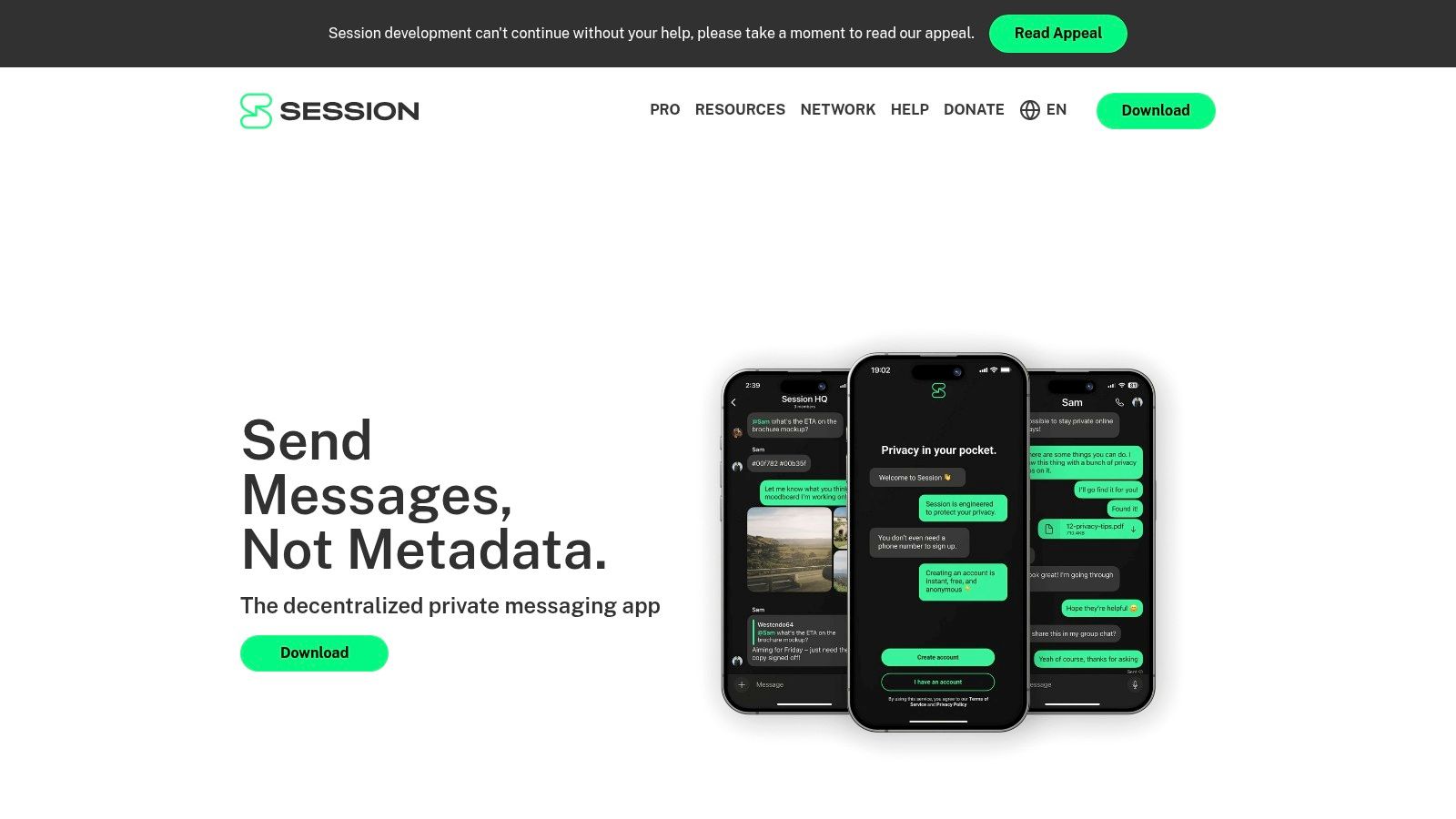
Session fits the person who wants ongoing messaging without tying their account to a phone number or email. Instead of a phone-number login, it uses a cryptographic identity expressed as a Session ID, and it routes messages through its own onion-routed network. You can get it from Session.
That combination matters because many mainstream apps still start by asking for a live phone number, even when later privacy features hide that number from other users. Independent reporting comparing messaging app privacy labels highlighted that Signal, WhatsApp, and Telegram all required an active phone number at signup, which leaves room for numberless alternatives to differentiate at the onboarding stage according to 9to5Mac's messaging privacy analysis.
Where Session sits in the market
Session isn't ephemeral in the Ciphar sense. It's persistent enough for ongoing one-to-one and group conversations, which makes it better for relationships that continue past first contact. The cost is that you now have an identity to protect, even if that identity isn't your phone number.
For many users, that's the right compromise. You get cross-platform apps, end-to-end encrypted chats, and lower metadata exposure than conventional account-based messengers, without having to self-host anything.
- Best use case: Ongoing private messaging when you want a stable contact method but don't want your phone number to be part of onboarding.
- Main risk: You're trusting a specialized network and a smaller ecosystem than mass-market apps.
- Verification habit: Compare Session IDs through a separate channel before discussing anything sensitive.
For a closer look at the privacy issue Session is responding to, see this explainer on phone number privacy in messaging.
3. Threema

Threema is the polished choice for people who want a normal-looking messenger experience without making a phone number part of account creation. It assigns a random Threema ID, supports encrypted messages and calls, and is available through Threema.
Its appeal is simple. You get a mature app model, a stable identity, and a privacy posture that doesn't force personal data collection just to get started. That makes it much easier to recommend to less technical users than many decentralized tools.
Why people choose it over more radical designs
Some users don't want browser-only ephemerality, and they also don't want the unusual contact model of systems like SimpleX. Threema lands in the middle. It gives you a persistent pseudonymous identity with less setup friction than a federated or peer-to-peer network.
The trade-off is structural rather than cryptographic. You're still using a conventional app with a durable identity and contact graph. That's a different privacy shape from a no-account browser room or a no-global-ID messenger.
A phone-free identity is not the same thing as a trace-free workflow. If you reuse the same ID with the same circle over time, people can still map your relationships.
If you're comparing mature secure messengers that don't depend on phone numbers, this roundup of secure chat apps is a useful companion.
Threema is strongest when the goal is straightforward private communication with minimal personal-data exposure, not maximum deniability or shortest possible retention.
4. Element
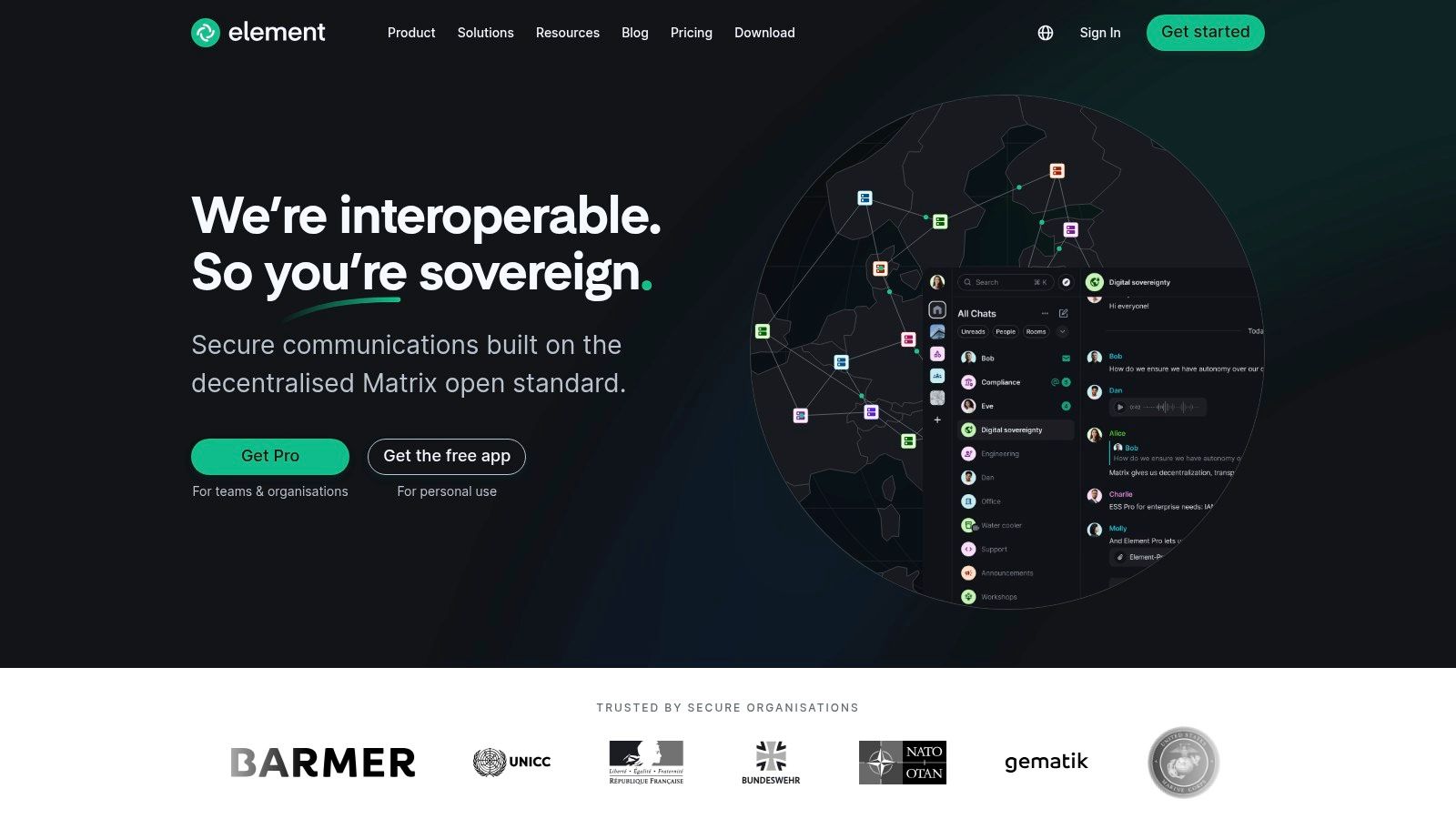
A common scenario is a volunteer group, newsroom, or distributed team that wants to avoid phone-number signup but still needs shared rooms, message history, multiple devices, and admin control. Element fits that use case better than apps built mainly for anonymous first contact. It is a client for Matrix, so the account is a Matrix ID tied to a homeserver, not a phone number. You can start with Element.
The key question with Element is not just whether you can register without a number. It is where the account lives, who operates the server, how long messages remain available, and what other systems the room needs to interoperate with. Matrix gives you choices on all four. Those choices are useful, but they also create policy and verification work that simpler messengers avoid.
Element is strongest in the "persistent identity-free enough for organizations" category. You can keep pseudonymous accounts, use end-to-end encryption in private chats and rooms, sign in on several devices, and federate across different administrative domains. That makes it materially different from browser-only ephemeral tools and from systems designed to minimize stable identifiers as much as possible.
The trade-offs are practical:
- Retention: Message availability depends on room settings, server policy, and which devices have keys. "No phone number" does not mean low retention.
- Routing and metadata: Federation spreads control across servers, but server operators can still learn meaningful metadata about timing, membership, and traffic patterns.
- Verification: Cross-signing and device verification matter. Without a clear workflow, users may trust the room name while missing an unverified session.
- Operational risk: Bridges, self-hosting, and large rooms improve reach, but each one adds administration and expands the number of components that must be configured correctly.
For a community that needs durable rooms and admin boundaries, those costs are often acceptable. For a user whose main goal is metadata minimization or deniable first contact, Element is usually not the cleanest fit.
5. SimpleX Chat
A realistic SimpleX workflow starts with contact exchange, not account discovery. Two people meet on another channel, one sends a one-time invite or shows a QR code, and the conversation begins without creating a public username, directory entry, or phone-linked profile. The project is at SimpleX Chat.
That design places SimpleX in a different bucket from tools that merely remove phone signup. Its main job is persistent messaging with as little stable identity exposure as possible. For readers sorting these apps by communication need, this is the clearest metadata-minimization option in the list.
The distinction matters. Encryption protects message content. Ephemerality limits how long content sticks around. Anonymity reduces how strongly an account maps back to a person. Metadata protection asks a harder question: who can still infer that two specific people are in repeated contact. SimpleX is aimed at that last problem more directly than username-based messengers.
A few practical consequences follow:
- Signup and identity: No phone number, no email, and no global user ID in the usual sense.
- Verification workflow: Contact establishment is intentional. You usually need to exchange an invite link or QR code out of band, which lowers unsolicited contact but adds setup friction.
- Routing and correlation risk: The system is designed to avoid a single stable identifier that follows you across all conversations, which reduces easy contact-graph mapping.
- Retention and continuity: It is for ongoing chats, not throwaway browser sessions. Privacy here comes from limiting identifiers and routing visibility, not from making messages short-lived.
- Operational trade-off: If someone expects "search, tap, message," SimpleX will feel less intuitive than Session, Threema, or Element.
That last point is the filter. SimpleX works well for users who already have a safe way to exchange an initial invite and who care about reducing metadata exposure over time. It works less well for outreach, public communities, or any workflow that depends on discoverability.
6. Briar
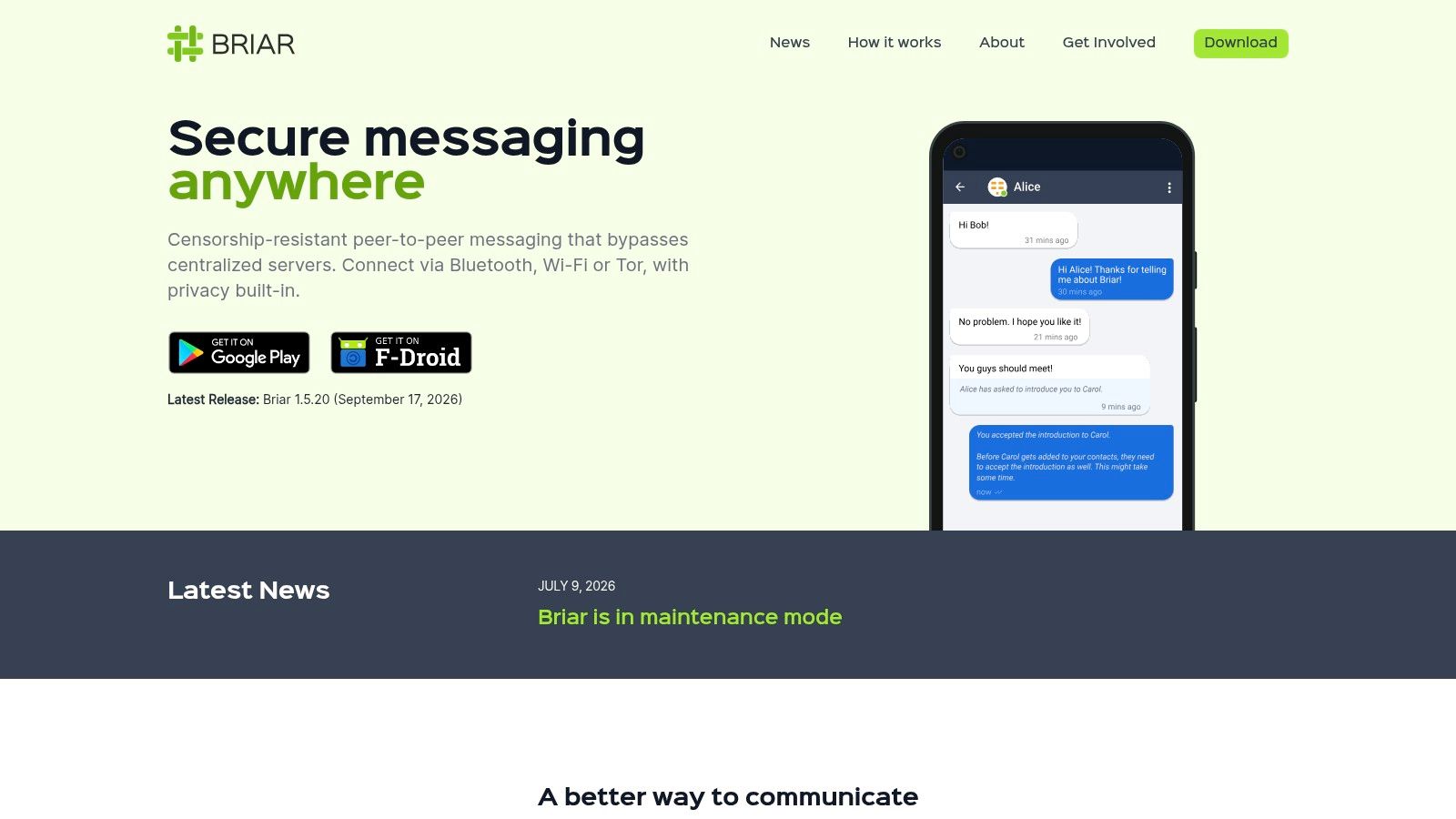
Briar is built for bad network conditions and hostile environments, not for broad convenience. It's Android-only, avoids phone-number onboarding, and can synchronize over Tor when online or use Wi-Fi, Bluetooth, and offline methods when connectivity is constrained. The project lives at Briar.
This is the tool you consider when infrastructure dependence itself is the risk. If central services are blocked, monitored, or unreliable, Briar's design starts to make more sense than app-store-friendly polish.
Built for constrained or adversarial connectivity
Most messaging apps assume a healthy internet connection and some trust in servers run by someone else. Briar doesn't. It assumes users may need private groups and forums that continue to function with as little external dependency as possible.
That design changes the workflow.
In low-connectivity settings, the best messenger often isn't the one with the most features. It's the one that still passes messages when central infrastructure is failing or risky to touch.
Briar's limitations are clear too. It's Android-only, and its feature set is intentionally narrower than what mainstream users expect. But if you need a text app without phone number support that also takes hostile connectivity seriously, Briar belongs near the top of your shortlist.
7. Jami
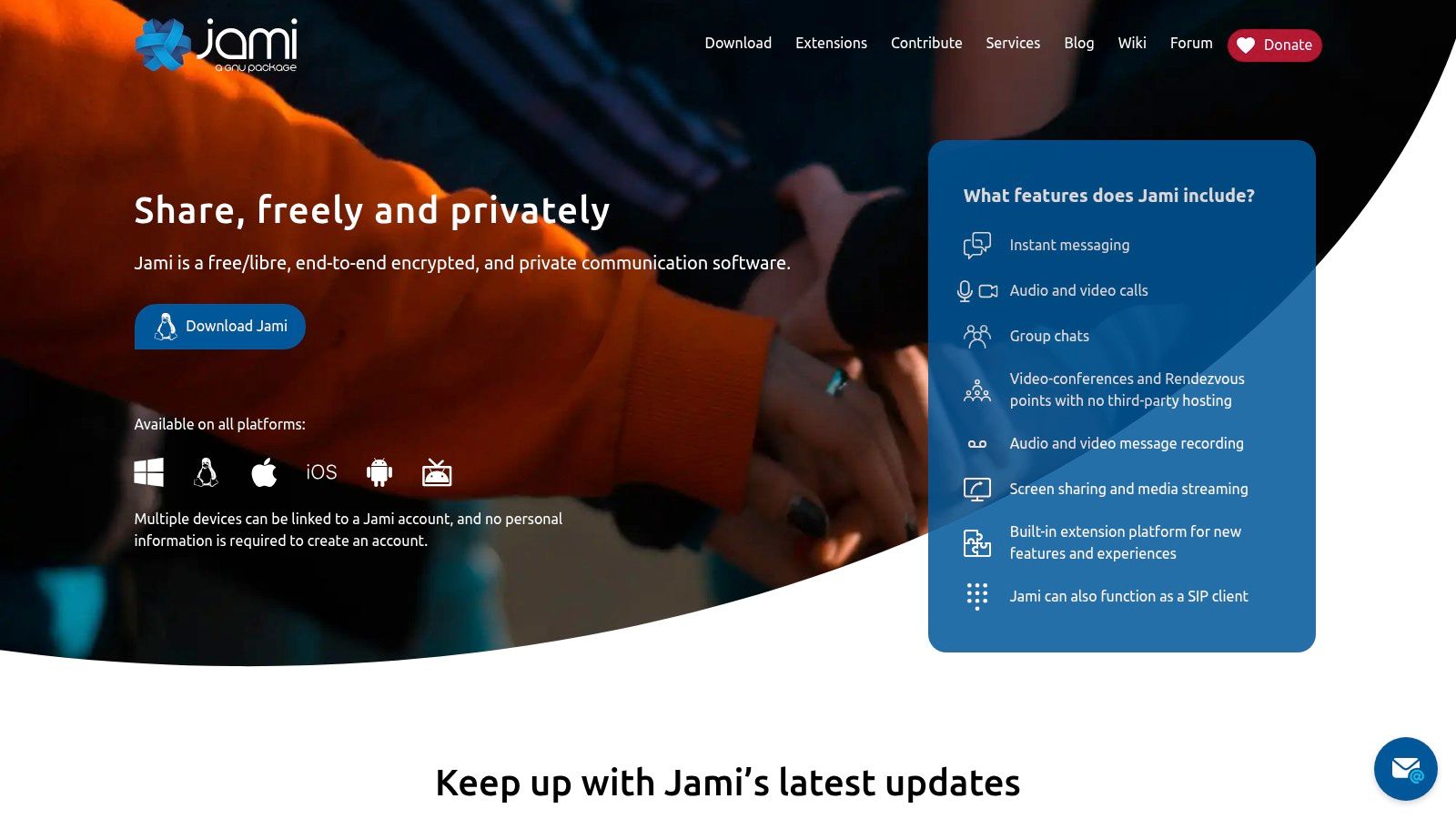
A practical Jami use case looks like this: two people want voice, video, and chat without opening a phone-number account, and they expect to keep using the same identity across devices. Jami fits that job better than apps built around disposable contact or server-routed pseudonyms. It creates accountless identities stored on devices and supports peer-to-peer communication, with downloads available from Jami.
That design solves a specific problem. It reduces dependence on a central provider and gives users a stable identity that is not tied to a SIM card or mainstream account system. For someone replacing Signal-style calling with a phone-number-free option, that matters more than pure anonymity.
The main risk shows up during connection setup, not signup. If one contact is behind carrier-grade NAT, hotel Wi-Fi restrictions, or a strict office firewall, a call may ring and then fail to connect, or media may drop while text still goes through. Before choosing Jami for regular use, test a real call between the actual networks and devices you expect to use, then keep a fallback route for first-time coordination.
Jami is strongest in the decentralized-operation category when calling is part of the requirement. It is weaker for one-off anonymous outreach, because contact exchange and device trust work better in ongoing relationships than in brief, low-context conversations.
A few operational checks matter:
- Retention: Identity lives on your devices, so device loss and backup discipline matter more than with server-centered apps.
- Routing: Direct communication can reduce provider dependence, but network conditions decide how reliably calls and media sessions start.
- Device limits: Multi-device use is possible, but treat linking as an identity-management step, not casual convenience.
- Verification workflow: Exchange identifiers through a separate trusted channel before relying on Jami for sensitive calls.
Compared with Ciphar, Jami is less suited to short-lived anonymous contact. Compared with SimpleX, it places less emphasis on minimizing contact-graph exposure. Its niche is broader communication without phone-number onboarding, especially if voice and video are part of the workflow.
8. Status
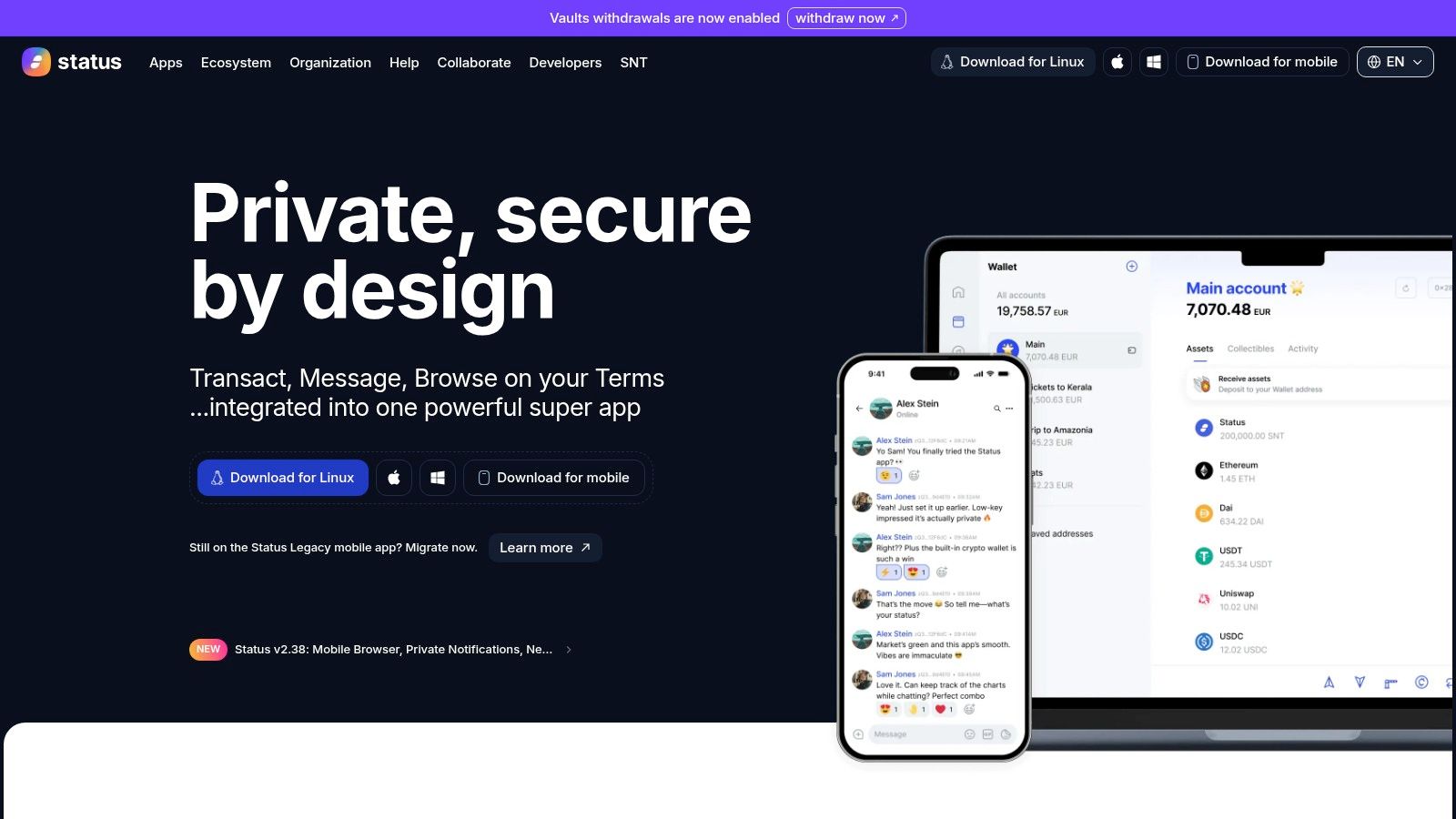
You join a public community chat under a handle that is not tied to your legal name, then reuse that same profile to message a new contact privately a week later. Status is built for that kind of workflow. It does not ask for a phone number or email to create an account, and it combines encrypted messaging, community spaces, a wallet, and a browser inside Status.
That design serves a specific need. Status fits persistent identity-free messaging better than short-lived anonymous outreach, because the same pseudonymous profile can follow you across conversations and groups. The benefit is continuity. The trade-off is linkability. If you reuse one profile across public communities and private chats, other participants can correlate your activity patterns even if they do not know your real name.
Best for pseudonymous participation with careful identity hygiene
Status is useful when you want a durable alias for communities, direct messages, and repeated contact without real-name onboarding. It is less suited to metadata minimization than tools that avoid shared social spaces or long-lived profiles. The main risk is not signup exposure. It is behavioral reuse over time.
A practical step helps here. Before using community features to reach a sensitive contact, exchange and verify the exact profile or chat key through a separate trusted channel, then save that contact under a dedicated pseudonym rather than the identity you use in public groups. That reduces the chance of messaging the wrong person after impersonation attempts, and it limits the metadata overlap created by one reused profile.
Retention and scope also matter. A persistent alias is useful for ongoing participation, but it leaves more history to manage than an app built around ephemerality. Users who only need one confidential conversation may see the wallet, browser, and community layers as extra operational surface rather than value.
Compared with Threema, Status places more weight on ongoing pseudonymous presence than on a tightly bounded messenger workflow. Compared with Element, it offers a different community model, but the same basic caution applies. Once one identity spans multiple rooms, contacts, and routines, metadata starts to accumulate even if message content stays encrypted.
9. Ricochet Refresh
Ricochet Refresh is one of the most focused tools on the list. It creates a Tor hidden service identity on your machine, and contacts connect to you through a .onion address. There's no registration, no server account, and no phone number through Ricochet Refresh.
This is not a general-purpose messenger for broad social use. It's a direct, desktop-oriented privacy tool for one-to-one communication where central metadata collection is exactly what you want to avoid.
Strong anonymity properties with a narrow use case
Ricochet's strength comes from refusing a lot of convenience. No central roster. No cloud identity. No mainstream onboarding assumptions. Both parties need Tor connectivity, and both parties need to treat contact exchange carefully.
That last part matters a lot. If you send the onion address through the same channel you're trying to protect, you can undercut the privacy benefit before the conversation even starts. A separate route for sharing identifiers is safer, and this guide to out-of-band key exchange explains why that practice matters.
The safest identifier is still risky if you hand it over in the compromised place you're trying to escape.
Ricochet Refresh is excellent for minimal, direct, desktop-based private chat. It's weak for multimedia, mobile-first use, and situations where either side can't rely on Tor access.
10. qTox
qTox is a desktop client for the decentralized Tox protocol. Users create local Tox IDs, connect directly through the network, and use encrypted messaging, voice, and video without central servers via qTox.
It appeals to users who want old-school decentralization with a straightforward identity model. You generate an ID locally, share it, and communicate without opening an account on anyone else's platform.
Better for self-directed users than for mass adoption
There's an important adoption lesson here. A major obstacle for secure communication tools hasn't only been privacy design. A 2016 UCL survey found that fragmented user bases and lack of interoperability were significant adoption obstacles, while privacy and security concerns played a smaller role in actual instant-messaging choice than peer influence, according to the UCL study on obstacles to secure messaging adoption.
qTox illustrates that tension well. It can work nicely for users who value decentralization and already have contacts willing to meet them there. It becomes harder to recommend when your recipient just wants something frictionless.
- What it solves: No central account, no phone number, and built-in voice and video.
- What can go wrong: NAT and firewall behavior may complicate direct connectivity.
- Who it's for: People who prioritize independence over polished onboarding.
Top 10 Phone‑Number‑Free Messaging Apps
| Product | Core features ✨ | Security & Privacy ★ | UX & Access 👥 | Price & Value 💰 |
|---|---|---|---|---|
| 🏆 Ciphar | One-click browser channels, per-channel access keys, 60‑min self‑destruct, real‑time voice | ★★★★★ Zero‑knowledge relay, AES‑256‑GCM, PBKDF2 keys, intrusion alerts | ★★★★☆ No account/install, link+key OOB sharing, mobile+desktop | 💰 Free, high privacy value, public security docs |
| Session (Oxen) | Session IDs, onion‑routed delivery, group E2EE, cross‑platform ✨ | ★★★★ Low metadata exposure, E2EE, IP hiding | ★★★★ Apps for iOS/Android/desktop, smoother onboarding | 💰 Free, relies on Session node network |
| Threema | Random Threema ID, E2EE calls/groups, Swiss audits ✨ | ★★★★ Strong privacy reputation, audited model | ★★★★ Polished UX, anonymous usage possible | 💰 Paid one‑time, trusted for enterprise |
| Element (Matrix) | Federated Matrix, E2EE, bridges, self‑host option ✨ | ★★★★ E2EE available; metadata varies by homeserver | ★★★ Variable UX by server, cross‑platform, flexible | 💰 Free/self‑host; paid hosted plans |
| SimpleX Chat | No global IDs, one‑time invites/QR, per‑message routing ✨ | ★★★★ Metadata minimization, per‑message private routing | ★★★ Unfamiliar invite model, mobile+desktop apps | 💰 Free, open source |
| Briar | Tor sync, Wi‑Fi/Bluetooth/offline sync, decentralized ✨ | ★★★★ Excellent for adversarial environments, minimal infra | ★★★ Android only, offline-capable | 💰 Free, strong niche value |
| Jami | P2P messaging & calling, SIP capable, device identities ✨ | ★★★ Decentralized, no central server | ★★★ Cross‑platform, P2P NAT traversal caveats | 💰 Free, no vendor lock‑in |
| Status | Pseudonymous profiles, E2EE chat, integrated Web3 wallet ✨ | ★★★ Anonymous‑by‑default, encrypted chats | ★★★ Mobile/desktop, crypto features add complexity | 💰 Free, added Web3 value for some users |
| Ricochet Refresh | Tor hidden‑service identity (.onion), P2P over Tor ✨ | ★★★★ Strong anonymity, no registration/metadata | ★★★ Desktop‑focused, both parties need Tor | 💰 Free, ideal for high‑anonymity one‑to‑one |
| qTox (Tox) | Decentralized Tox protocol, E2EE messaging/voice/video ✨ | ★★★ Decentralized, E2EE; NAT traversal can vary | ★★★ Desktop‑centric, multiple clients available | 💰 Free, lightweight open source |
Match the Tool to the Threat Model
The wrong way to choose a text app without phone number support is to ask which one is “best” in the abstract. The right question is what problem you're trying to solve. First contact without identity exchange is a different problem from long-term pseudonymous messaging. Metadata minimization is different from federation. Decentralized resilience is different from browser convenience.
Ciphar is the clearest recommendation when the conversation should start fast, require no account, and expire by design. That matters in short-lived exchanges where retention is the main risk and asking someone to install a niche app would kill the conversation before it starts. Its browser-native model is practical precisely because it removes onboarding and archive assumptions at the same time.
Session and SimpleX Chat are stronger when the relationship continues and metadata concerns remain central. Session gives you a persistent cryptographic identity with onion-routed delivery and easier day-to-day usability than more unusual systems. SimpleX pushes harder on identifier minimization and is better if your concern isn't just signup privacy but whether the system creates a lasting social graph.
Threema is the easiest recommendation for people who want a polished messenger that doesn't make a phone number part of the identity model. Element is the right fit when federation, organizational control, bridges, or self-hosting matter more than perfect simplicity. Those are governance and deployment decisions as much as privacy decisions.
Briar, Ricochet Refresh, Jami, and qTox belong in the shortlist when infrastructure assumptions change. Briar is the standout for constrained or adversarial connectivity. Ricochet Refresh is strong for narrow high-privacy desktop chat over Tor. Jami and qTox make more sense when full decentralization and account-less operation matter more than mass usability.
One more market reality matters here. Phone-number-based messaging is still the dominant norm. WhatsApp requires a mobile phone number to register and had 3 billion monthly active users worldwide as of May 2025 according to Wikipedia's WhatsApp entry. At the same time, later reporting described mainstream messaging shifts in another direction: encrypted defaults improving inside platform ecosystems while some social platforms moved away from encrypted DMs, which sharpens the distinct role of no-account, no-number, short-retention tools in sensitive workflows according to Help Net Security's coverage of messaging changes.
Use a simple verification routine every time. Get the official site through a trusted route. Confirm the recipient through a separate channel. Share links, room keys, Session IDs, Matrix IDs, onion addresses, or invite QR codes out of band. Use built-in verification features where the app offers them. Don't reuse identities or access keys unnecessarily. Check your browser, device lock, notifications, and backup settings before discussing sensitive material. If a room expires or a credential is lost, assume recovery isn't possible unless the product explicitly supports it.
Avoiding a phone number is only one privacy property. Retention, metadata, endpoint security, recovery design, and user behavior determine the exposure.
Ciphar is built for the narrow but important case where you need to talk now, without creating an account, sharing a phone number, or leaving behind a lasting conversation trail. Its browser-based, zero-knowledge design and hard 60-minute expiry make it a strong fit for short, identity-free contact. If that's the problem you're solving, visit Ciphar.