What if the service you're searching for isn't one service at all, but three dead ones wearing the same name? That's the core problem behind Chatear con MSN. People use that phrase for public chat rooms, for a contact list messenger, and sometimes for Skype, then wonder why every download and login page leads nowhere. Once you separate those services, the practical options get much clearer, and you can stop wasting time trying to revive a network Microsoft switched off years ago.
What Chatear con MSN Really Means Today
Most confusion starts with a simple mix-up. MSN Chat and MSN Messenger weren't the same product, didn't work the same way, and didn't close at the same time. If you remember joining named rooms in a browser, you used the first. If you remember a buddy list, nudges, and one-to-one windows, you used the second.
The Public Rooms Called MSN Chat
MSN Chat was Microsoft's browser-based public chat room service built on IRCX, an extension of Internet Relay Chat, with roots in Microsoft's Exchange Chat work in 1994 according to the recorded history of MSN Chat. You entered a topic room, picked a nickname, and talked to strangers. There was no persistent contact list at the center of the experience.
That model became hard to moderate at scale. Microsoft closed the service in 28 countries on October 14, 2003, kept it only in the United States, Canada, Japan, and Brazil on a subscription of approximately $20 per year, and shut down the remaining chat.msn.com servers on October 16, 2006. Those servers are gone. No login trick brings the original rooms back.
The Contact List Called MSN Messenger
MSN Messenger launched on July 22, 1999, later became Windows Live Messenger, and worked around your account and contacts. It reached a reported peak of more than 330 million monthly users in June 2009 before Microsoft retired it in April 2013, with mainland China continuing until October 31, 2014, as summarized in this retrospective on the AIM, MSN, and Yahoo chat era.
Use this quick test to identify what you remember:
- Named rooms and strangers: You mean MSN Chat, and you're really asking whether open rooms survived.
- A contact list and status messages: You mean MSN Messenger, and your questions are about an account, contacts, and history.
- Video calls with old Messenger contacts: You probably moved to Skype at some point, which creates a different migration path.
Practical rule: A room you joined anonymously and a contact list tied to your account were never interchangeable, and they can't be recovered the same way.
That distinction matters because people still ask whether online chat rooms still exist while searching for a Microsoft room that closed in 2006. General chat rooms exist elsewhere, but an official public MSN room doesn't. Chatear con MSN today means choosing a modern substitute, recovering what Microsoft migrated, or accepting that some old data is gone.
Checking What Still Works in 2026
Start by lowering your expectations in a useful way. You're not checking whether you can log back into MSN. You're checking three separate assets, your Microsoft account, your contacts, and your message history, because each one can survive or disappear independently.
Run These Checks Before Downloading Anything
Check one, account control. Try signing in through Microsoft's official sign-in flow with the address you used back then. If you can't recover that account, no client, official or unofficial, can prove you owned the old identity.
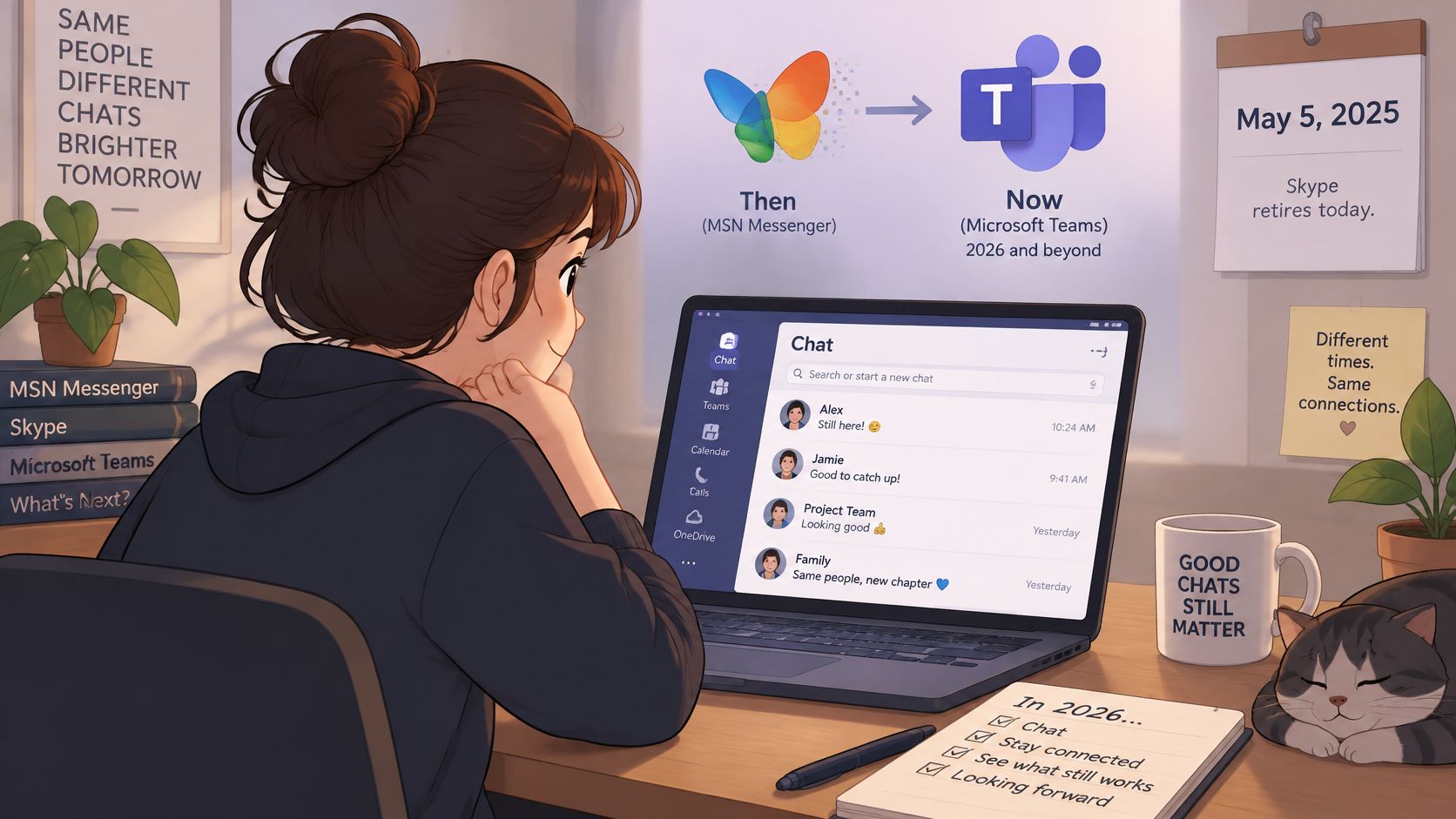
Check two, contacts. Skype replaced Messenger, then Skype itself was retired on May 5, 2025, and Microsoft said users could move contacts and chats to Teams Free or export their data, as explained in Microsoft's Skype retirement guidance. Whether that helps you depends on whether your contacts ever made that migration.
Check three, history. Old conversations stored locally on a long-dead computer are a different problem from chats Microsoft migrated between services. Don't assume an export exists just because a contact appears. Confirm each piece separately and write down what you found.
Know Which Category You're Dealing With
Keep these three buckets separate and you'll avoid most dead ends:
- Official Microsoft services: Teams Free and your current Microsoft account. This is the only path Microsoft supports now.
- Historical MSN clients: Original Messenger software pointing at servers that no longer answer. Installing one gives you an interface, not a network.
- Unofficial community restorations: Fan-run servers and patched clients. These can recreate the look and feel, but they aren't the original Microsoft network and they don't restore your old data automatically.
Installing a legacy client restores none of your account, contacts, or history on its own. It only gives old software somewhere to try to connect.
That last point is where people lose hours. If your goal is talking to a specific person today, the official path is faster and safer. If your goal is nostalgia, say so plainly and treat a restoration as a hobby project with hobby project risks. If your goal is recovering old messages, focus on exports and local backups, not clients.
Spend ten minutes on the account, contacts, and history checks first. You'll know which category fits your situation, and you'll know whether Chatear con MSN is even the right phrase for what you need, or whether you just need a working chat with one person under a modern name.
Using a Modern Microsoft Chat Step by Step
The working path in 2026 runs through your current Microsoft account, not through any MSN branding. It isn't glamorous, but it's the route Microsoft supports, and it takes minutes to test.
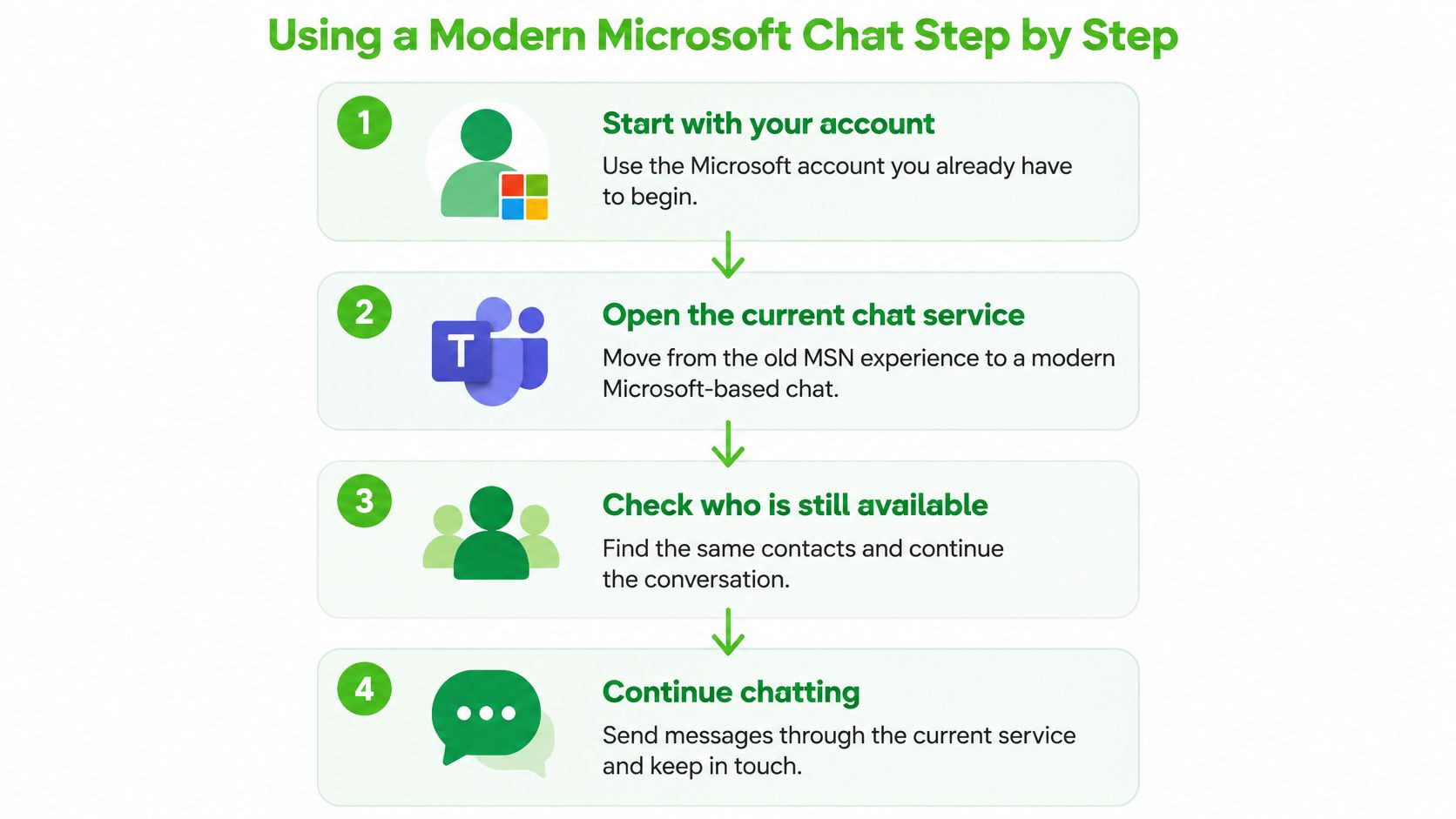
From Old Account to One Working Conversation
Follow this order, because each step tells you whether the next one is worth doing:
- Sign in officially first: Use Microsoft's own sign-in page with the account you already control. Never sign in through a forum download or a patched client page, since that's how credentials get stolen.
- Open the current chat service: Go to Teams Free with that signed-in account. Eligible Skype contacts and chats were directed there during the migration.
- Look for your people: Search for a contact you know migrated. If they appear, you've confirmed at least part of your old network survived.
- Send one test message: Message one trusted person and wait for a reply before you rely on the setup for anything important.
If someone doesn't appear, it usually means their account wasn't migrated or they're using a different identity now. That's not a sync error you can fix from your side. Reach them another way, confirm their current address, and connect fresh rather than waiting for an old list to repopulate itself.
Making the Setup Usable Day to Day
Once one conversation works, decide how you'll use it. For casual catch-ups, a laptop and a phone are enough. For regular group calls at a desk or in a small office, it's worth looking at Teams meeting room equipment options so audio and camera quality don't become the weak point of every conversation.
Keep a simple record as you go. Note which account signed in successfully, which contacts you found, and which people you're still missing. That sounds tedious, but it prevents the common loop where someone retries the same recovery steps months later because they forgot what they'd already ruled out.
Don't promise yourself features Microsoft hasn't confirmed for your account. Migration applied to eligible users, not to every address that ever touched Messenger. One verified, working conversation with a real reply is worth more than a long list of names that never answer. Finish with that, and you've effectively done what many users mean by Chatear con MSN today, just under the current Microsoft name and with an account that still exists.
Fixing Problems With Legacy MSN Clients
Downloading an old client feels like the obvious fix. It usually fails, and not because you installed it wrong. The assumption that the old software will find the old network is the problem, because that network no longer exists in its original form.
Why Logins Get Rejected Even When the Client Opens
Messenger didn't use one simple chat socket. A session connected to a dispatch service, traditionally on port 1863, got assigned to a Notification Server for presence, then opened a separate Switchboard Server connection for each conversation, according to historical documentation of the MSN Messenger protocol. Break any stage and the whole login looks broken.
Authentication version drift causes most failures. MSNP8 introduced .NET Passport and Tweener authentication, later generations moved to mechanisms including RPS and Single Sign-On for MSNP15, and Microsoft removed support for versions through MSNP7 in October 2003. A client that hard-codes old login commands fails even when its basic connection works perfectly.
Matching Symptoms to Realistic Fixes
Work through what you're seeing:
- Login rejected immediately: The client is probably offering an authentication method the server in front of it doesn't accept. Use a build made for the right protocol version, or stop.
- No server assigned: The client expects a dispatch step that the endpoint doesn't provide. Hard-coding one server address won't recreate that assignment process.
- Signed in but contacts are missing: Your identity and your contact list are separate problems. The client connected, but there's no original list waiting for it.
- Messages arriving out of order: The protocol allowed asynchronous commands without guaranteed response ordering, so a client that assumes neat ordering shows garbled conversations.
Honest test: If a restoration works, ask who runs the server and what they're storing. If nobody can answer, treat every message you send there as visible to strangers.
Be clear-eyed about community restorations. They can be fun and technically impressive, and they're the only way to see that old interface alive again. But they are fan-operated services, not Microsoft, and your old credentials shouldn't go into them. Use throwaway details, expect breakage, and don't send anything sensitive.
For many users, the sensible fix isn't a better patched client. It's accepting that the original service ended, using an official modern chat for real conversations, and keeping the legacy experiments in the nostalgia category where they belong.
Choosing Between Persistent and Ephemeral Chat
Sometimes the search behind Chatear con MSN isn't about Microsoft at all. It's about wanting the old feeling back, a low-friction conversation that doesn't demand much setup. That's a legitimate need, but it raises a different question. Should this conversation leave a record, or shouldn't it?
What Each Model Gives You and Costs You
Persistent platforms tie messages to an account and keep them. That's convenient for ongoing relationships, searchable history, and picking up a thread months later. It also creates retention, account linkage, and breach exposure, since a record that helps you can also be discovered, leaked, or demanded.
The scale of that trade-off is easy to underestimate. Skype fell from roughly 300 million users at its peak to more than 36 million in 2023, yet even that reduced audience still had histories worth migrating or exporting, a point covered in this account of what happened to MSN Messenger and its successors. When a platform dies, your archive becomes a logistics problem.
Short-lived channels flip the priorities. They suit a first contact, a sensitive introduction, or quick coordination that shouldn't outlive the moment. If you're weighing that model, it helps to understand how a temporary chat is supposed to work before trusting one with anything real.
| Factor | Persistent platform | Ephemeral channel such as Ciphar |
|---|---|---|
| Identity | Account, contact list, and profile attached | No account or lasting identity needed |
| History | Stored and searchable until deleted | Gone when the session expires |
| Best for | Ongoing relationships and records you may need again | First contact and time-sensitive coordination |
| Main risk | Retention, discovery, and breach of stored data | No recovery if you later need the record |
| Avoid when | The topic shouldn't be permanently tied to you | Legal preservation, auditability, or medical continuity matters |
Two Distinctions People Routinely Miss
Encryption in transit protects data between your device and a server, but the service itself may still read it. Client-side end-to-end encryption means content is encrypted on your device and the relay can't read it. Those are not the same promise, and marketing language blurs them constantly.
Disappearing messages also have hard limits. They don't stop screenshots, photos of a screen, or a compromised device at either end. And never send an access link and its key in the same message. Share the key out of band, through a different channel, or you've handed both locks to anyone who intercepts one message.
Choose based on the record, not the vibe. If future-you needs proof, continuity, or an audit trail, use a persistent platform and export backups before the next shutdown forces your hand. If the conversation's value drops to zero once it's over, a short-lived encrypted channel matches that reality better, provided everyone involved understands nothing can be recovered afterward.
Starting a Private Chat Without an Account
For a brief, sensitive conversation where neither person wants to exchange accounts or phone numbers, an ephemeral browser channel solves the problem more directly than reviving anything Microsoft built. The modern equivalent of Chatear con MSN splits from nostalgia. You're not rebuilding a contact list. You're opening one conversation, finishing it, and letting it disappear.
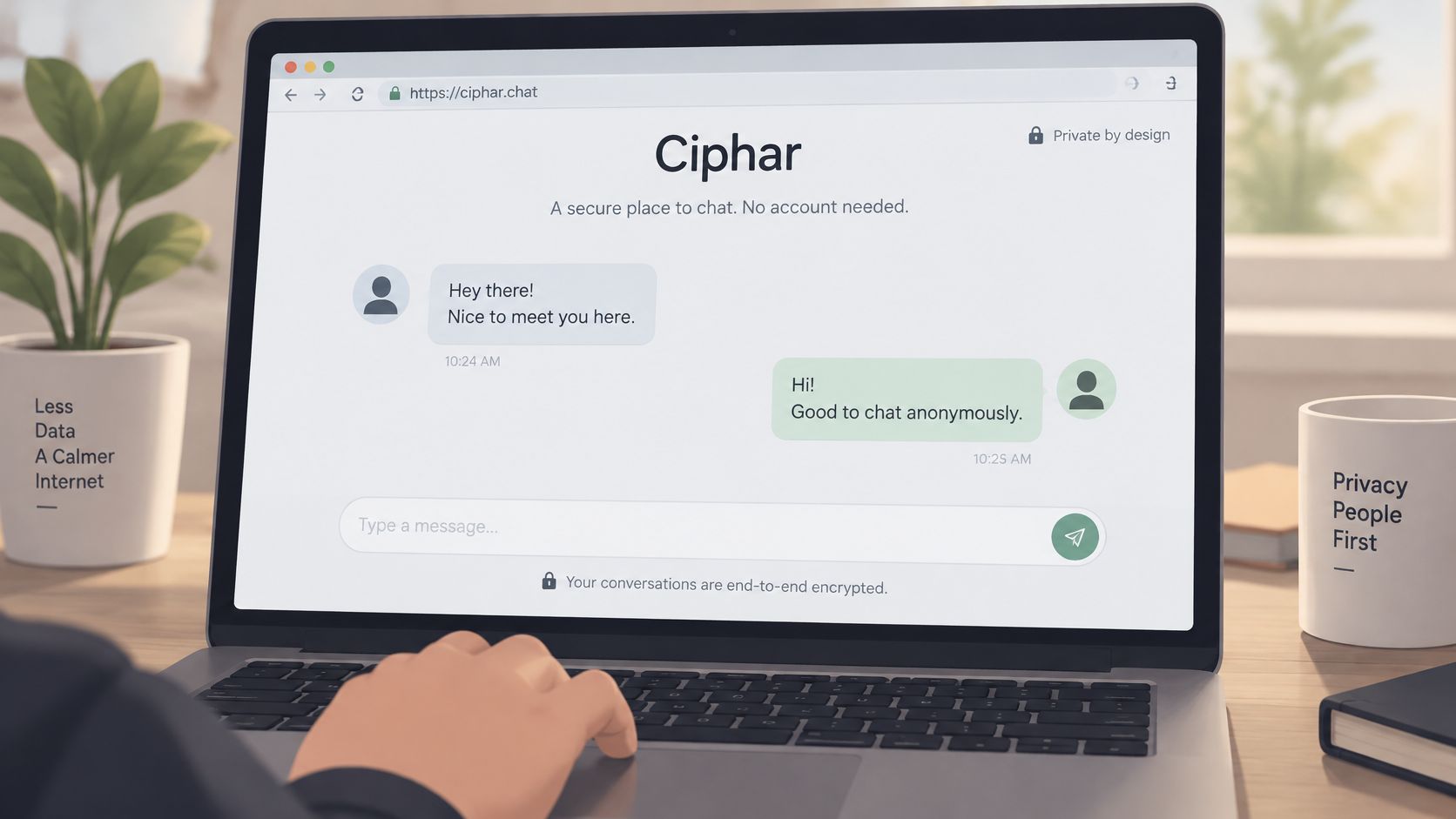
How a Short-Lived Encrypted Channel Works
Ciphar is a browser-based, zero-knowledge encrypted chat built for short, identity-free conversations. You create a channel in one click with a human-readable name and a per-channel access key. Messages, files, and voice frames are encrypted client-side with AES-256-GCM, so the relay holds ciphertext it can't read.
Each channel self-destructs after a fixed sixty minutes, with no archive and no recovery, and a burn control wipes the session immediately if you need it gone sooner. No account, phone number, or installation is involved. If that no-signup model is what you were really looking for, the details of private chat with no registration are worth reading before your first real conversation.
Follow the security-first order every time:
- Initialize the channel: Create it only when both people are ready, since the clock starts immediately.
- Share the key out of band: Send the link one way and the access key another, never together.
- Converse and close deliberately: Finish, then burn the session or let it expire instead of leaving it open.
Staying Honest About the Limits
Ephemeral doesn't mean invulnerable. A disappearing channel can't prevent screenshots or protect you if either device is already compromised. It also isn't a long-term messenger, a file store, or a regulated-communications tool, and it shouldn't be used where records must be preserved.
If it would be a disaster for this conversation to exist nowhere tomorrow, don't put it in a channel designed to vanish.
Businesses face the same thinking at a larger scale when deciding what's stored and for how long, which is why resources on incident response for customer data breaches are useful context for anyone moving sensitive conversations between platforms. Less retained data generally means less to lose.
For scale context, Messenger once reported more than 2.5 billion messages per day among approximately 130 million users in 2004, figures discussed alongside Microsoft's research on planetary-scale instant messaging. That world optimized for permanent, massive networks. A sixty-minute channel optimizes for the opposite. Read the security documentation, agree on the ground rules with the other person, then create the channel and let it end when the conversation does.
If what you wanted from Chatear con MSN was a quick, private conversation without resurrecting a dead account or leaving a permanent record, Ciphar gives you a browser channel that's encrypted client-side and gone within sixty minutes. Create one channel, share the key out of band, and burn it the moment you're done.