Most advice about secure chat rooms free assumes one tool can handle every conversation. It can't. A journalist making first contact with a source needs a different setup from a lawyer coordinating with an established client, and an incident-response team has different requirements from a community that needs persistent rooms.
Choose by job, not by a universal security ranking. For a first conversation where neither person wants to exchange a phone number or create an account, an identity-free, short-lived room is often the better fit. For an ongoing relationship, a messenger with dependable group management and message continuity is more practical. End-to-end encryption helps protect message contents, but it doesn't automatically verify who joined, hide every kind of metadata, or protect a compromised device. HolyJot explains how end-to-end encryption works, including why the surrounding design matters.
For a journalist and source, prioritize low-friction first contact and a separate, trusted way to share credentials. For a lawyer and an established client, choose a durable messenger only if it fits the matter's recordkeeping and confidentiality requirements. For responders coordinating a changing group, weigh access control, continuity, and what the service retains. These are different jobs, so the right tool changes with the threat model.
1. Ciphar
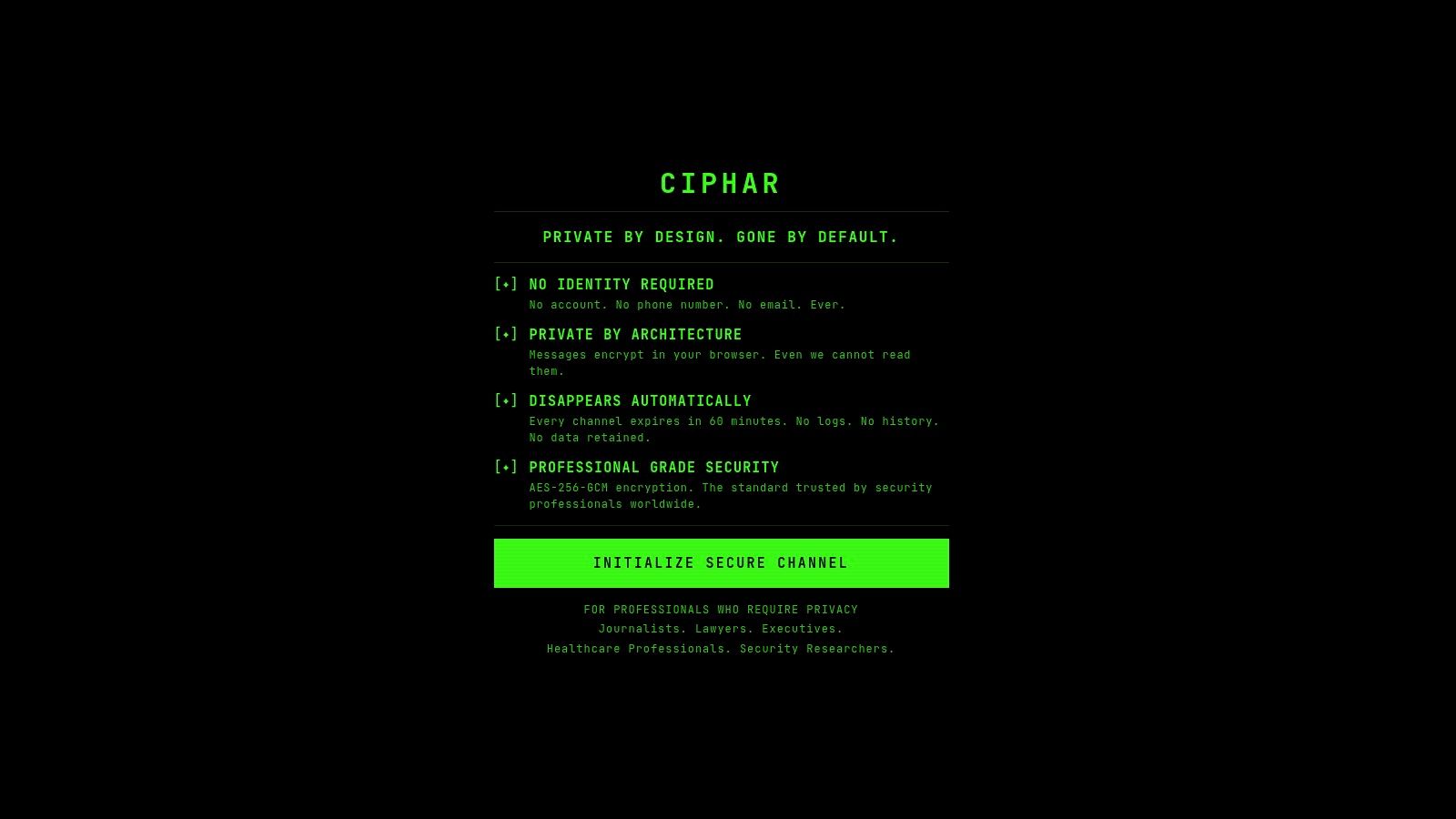
Best for first contact and short, sensitive conversations. Ciphar is a free browser-based chat room for people who need to talk without first trading phone numbers, email addresses, or app accounts. Create a channel, then share its link and access key through a separate trusted channel. That separation matters: sending both credentials through the same compromised route defeats part of the access-control plan.
Messages, files, replies, edits, and voice frames are encrypted on the user's device with AES-256-GCM. Ciphar derives keys locally with PBKDF2 and does not send them to its relay. The server receives encrypted content and related technical data, not the decryption key. AES has a long public history: NIST selected Rijndael in 2000 and published AES as a federal standard in 2001. That supports confidence in the cryptographic primitive, not a blanket guarantee about every part of an application. NIST's AES development history is useful context for distinguishing a recognized algorithm from the quality of its implementation.
The trade-off is deliberate
Channels have a hard 60-minute lifetime. Users can burn a session sooner, but they can't extend it, recover it, or use it as an archive. That makes Ciphar a poor fit for ongoing collaboration or regulated recordkeeping. It is a focused choice for a brief exchange, not a permanent workspace.
The service also supports real-time voice rooms, file sharing, rate-limited access attempts, and notices about failed access. Those controls help users spot suspicious join attempts. They can't prevent screenshots, key theft, social engineering, or a compromised device. A USENIX study found that encrypted-messaging users can misunderstand what E2EE protects, which is why key-sharing guidance and endpoint warnings belong inside the security model, not in optional fine print. The study on user understanding of encrypted messaging offers relevant background.
Practical rule: Use Ciphar to open a short-lived conversation, then move to an appropriate long-term channel if the relationship needs continuity.
Ciphar's public counter reports 4,214 channels forged and zero retained (Ciphar security documentation). Treat that figure as product-reported, not as independent proof that every endpoint or copy is erased. Read the documentation before sharing sensitive material, and skip ephemeral rooms entirely when the job calls for a reliable record.
2. Element (Matrix)
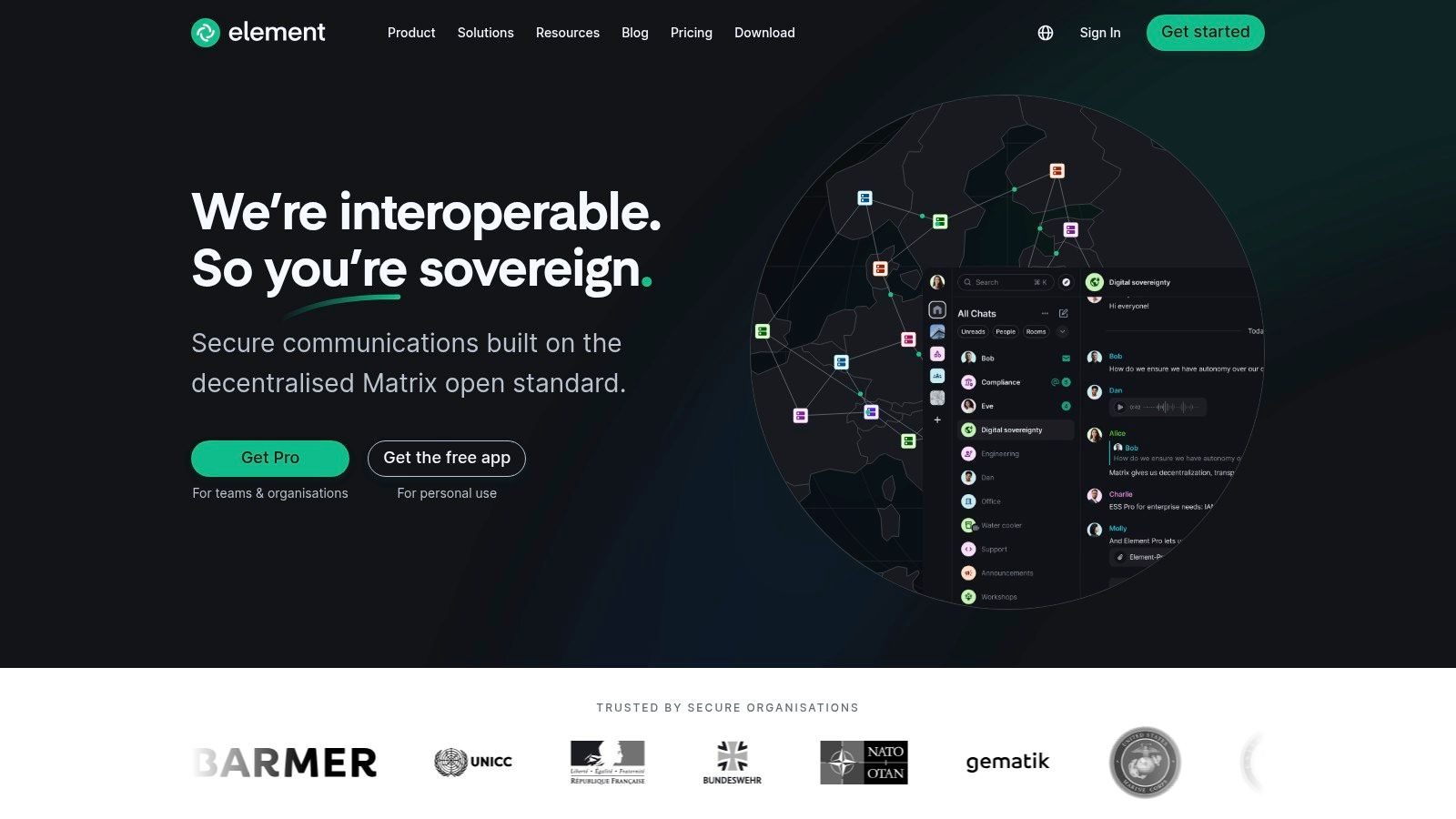
Choose Element when room flexibility and interoperability matter more than a quick, account-free first exchange. Element is a client for Matrix, an open protocol that supports private and public rooms. Private rooms can use end-to-end encryption, while federation lets rooms operate across Matrix servers. Organizations can also run their own homeserver when they want direct control over their infrastructure.
The feature set suits communities that need more than a single group thread. Element supports threads, file sharing, voice and video features, and bridges to other platforms when configured. That breadth comes with setup choices: users must understand which room is encrypted, how federation affects control, and how encryption keys are backed up and recovered. A poorly managed key backup can turn a recoverable conversation into a locked-out one.
Strong for rooms, weaker for casual onboarding
Element works well when administrators can explain room settings and help participants verify their devices. It's less suitable when a source or client needs to enter a private conversation without signing up or learning a new ecosystem. Search in encrypted rooms can also have platform limitations, so don't treat room history as a dependable searchable archive without testing the specific client and configuration.
Use a private, encrypted room for an ongoing group that needs Matrix's federation or self-hosting options. Don't assume federation means every server has identical policies or operational security. Teams should choose their homeserver deliberately and explain who controls it to members. For broader context on how persistent online rooms differ from short-lived chats, see Ciphar's guide to whether online chat rooms still exist.
Visit Element's Matrix client to review its apps and room options. It's the most adaptable pick here for communities prepared to manage the added complexity.
3. Signal
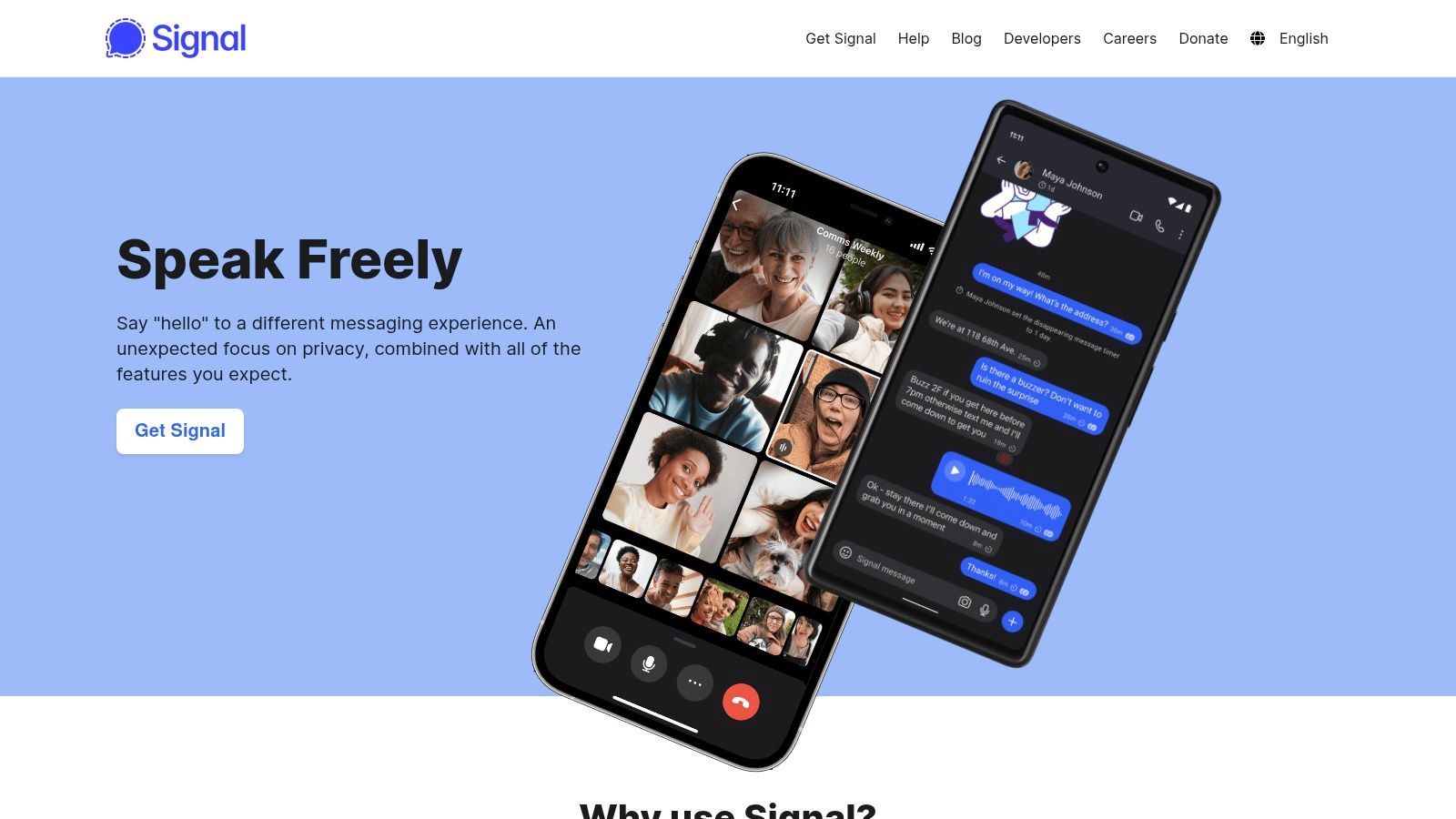
Pick Signal for trusted relationships that need an easy, persistent group chat. Encryption is enabled by default for messages and calls, including group conversations. Signal's private, invite-based groups suit a small team, a lawyer and an established client, or colleagues coordinating sensitive work without maintaining a public room directory.
The apps are straightforward, and group administrators can manage membership. Disappearing messages provide a retention option, while invite links and QR codes make adding participants simpler. Signal's open-source Signal Protocol is another reason security-conscious teams consider it, but no protocol can establish that a new participant is the person they claim to be without a verification step.
Familiarity comes with an identity trade-off
Signal requires a phone number for registration, even if users rely on usernames to avoid showing that number to contacts. That makes it less suitable for a first conversation where either party wants to avoid exchanging or associating phone-based identity information. It also doesn't offer public rooms. Those limits are useful boundaries for a private messenger, not defects to work around by sharing invites carelessly.
A USENIX SOUPS study found a gap between E2EE availability and people's choices for confidential conversations, underscoring that security depends on whether users can and will use the tool correctly. The study of encrypted communication preferences is a reminder to keep the workflow simple and explain what participants should verify.
A secure group still needs a trusted way to confirm who received the invite.
Use Signal when participants already know one another and want a polished messenger for recurring conversations. Set disappearing-message expectations with the group, protect notification previews on devices, and verify sensitive contacts through a separate channel. Explore Signal's official site, and compare its fit with other secure chat apps.
4. SimpleX Chat
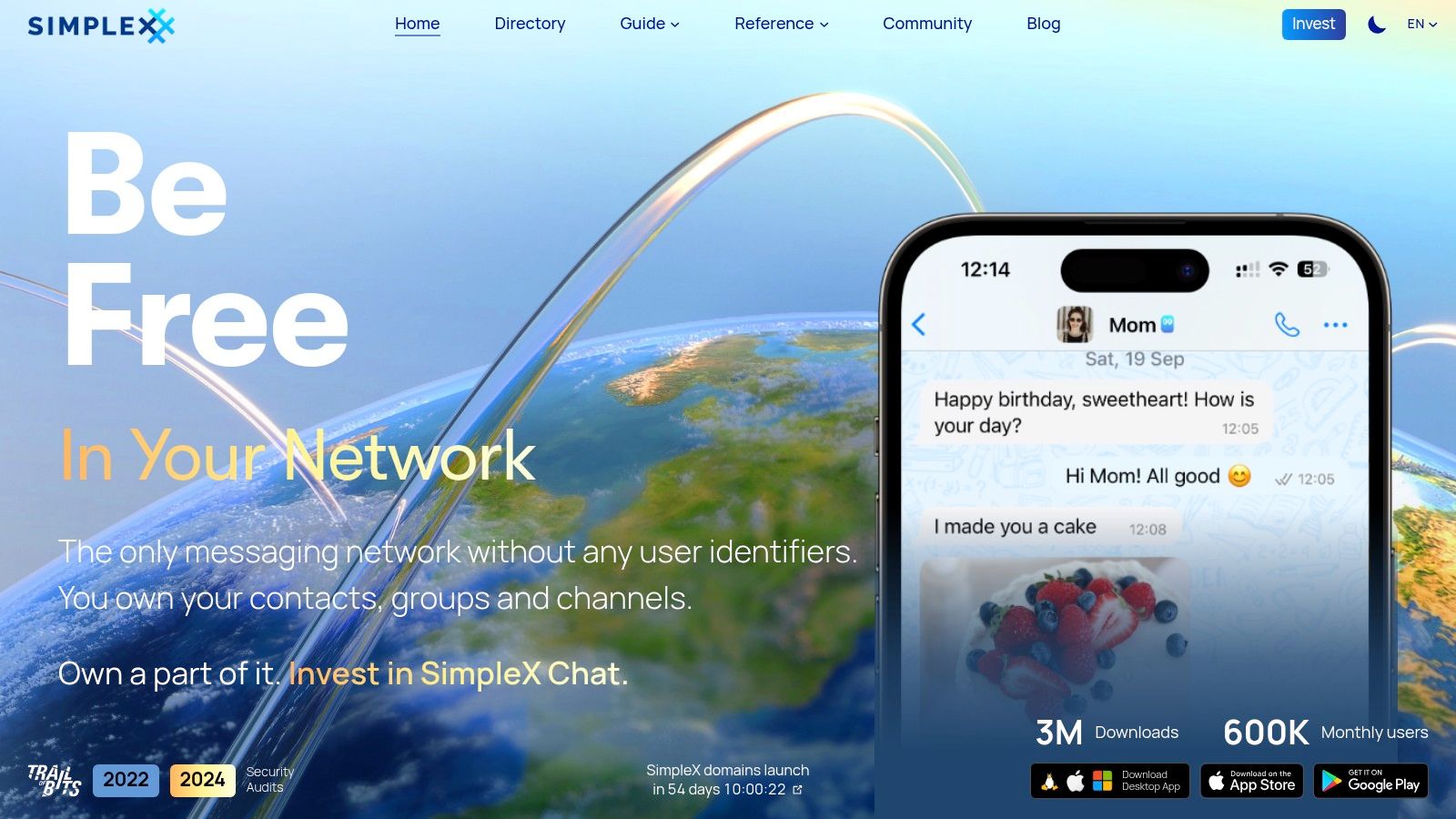
SimpleX Chat is the pick for groups that want to reduce persistent identifiers. It doesn't require a phone number, username, or global user ID. That makes it attractive for privacy-sensitive participants who want encrypted group conversations without tying access to a familiar account identity.
SimpleX supports groups and channels, open-source mobile and desktop apps, and optional access through Tor. Its protocol documentation describes post-quantum key exchange. Technical claims like that deserve close reading: users should check the current documentation and understand which parts of the communication path a protection covers, rather than treating a single feature as proof of total security.
Privacy controls have a participation cost
A smaller ecosystem means fewer people may already have SimpleX installed, and third-party integrations are more limited than in larger messaging platforms. That can be a serious drawback for a group that needs to onboard clients, sources, or colleagues quickly. Plan for a trusted way to exchange invitations and verify participants before using the room for sensitive coordination.
SimpleX's focus is useful when reducing account-linked identity exposure matters more than reaching the broadest possible audience. It's not the simplest default for a mixed group that expects familiar integrations and effortless contact discovery. For a closer look at the trade-offs between account-free identity and usability, read Ciphar's overview of anonymous messaging apps.
Choose SimpleX Chat for a privacy-conscious group willing to help members through setup. For a first-contact exchange that must end automatically, a temporary browser room is more direct; for a familiar recurring group, Signal is usually easier to adopt.
5. Session
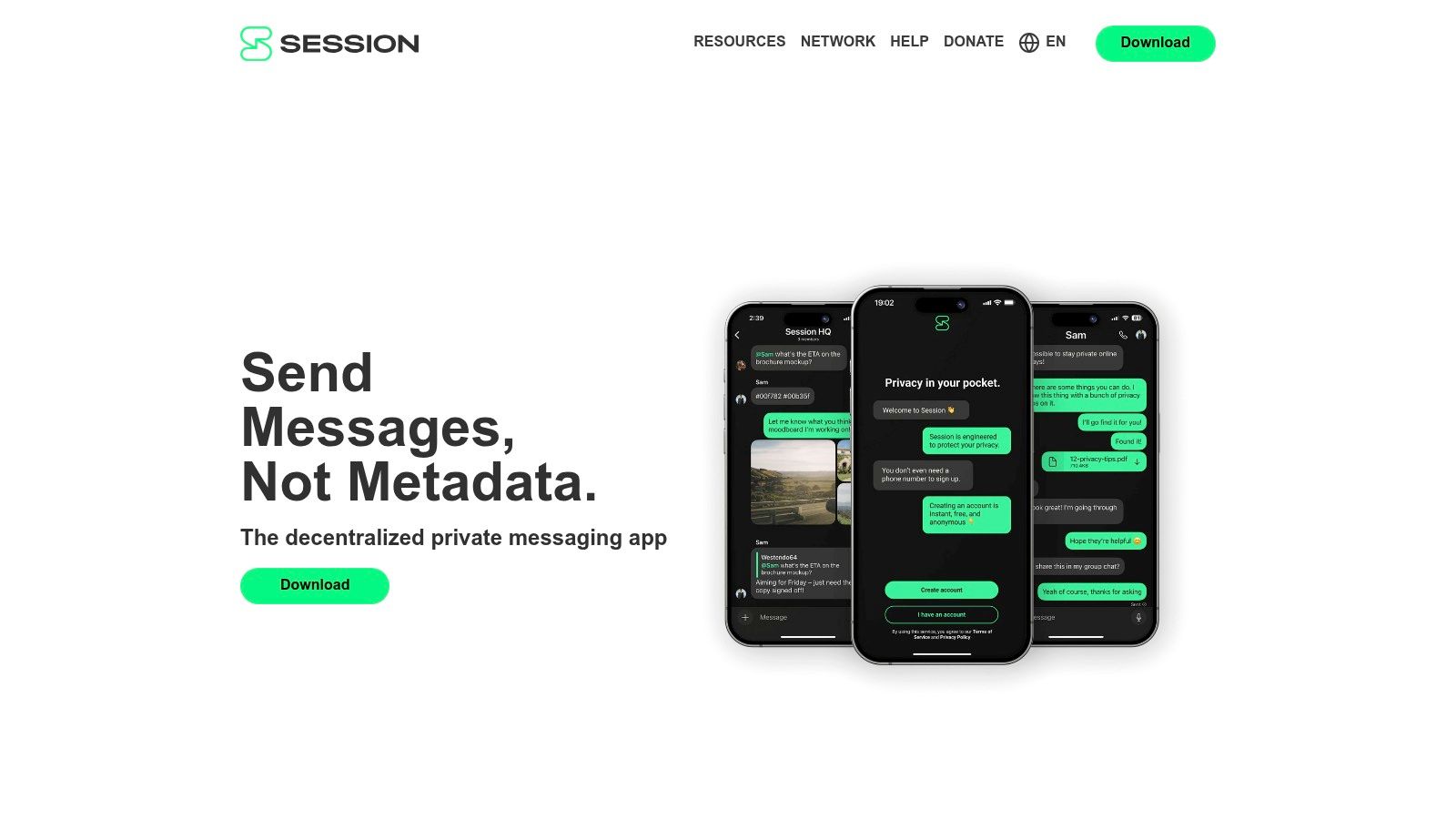
Session suits pseudonymous conversations that need rooms rather than a central account-based group. It doesn't require a phone number or email address, and its decentralized service-node network uses onion routing intended to reduce exposure of IP metadata. Users can create private groups or join larger open communities.
The core trade-off is control versus immediacy. Decentralized message handling can make delivery feel slower than a centralized messenger, and some capabilities are less mature. In particular, don't choose Session on the assumption that every voice or video feature has the same privacy properties as text messaging. Check the current implementation and its documentation against the actual threat model.
Match the network to the conversation
Session makes sense for pseudonymous communities where participants can tolerate a different interaction model and don't need a phone-based identity. It's not the strongest choice for a time-critical incident team if delivery predictability and mature calls are essential. A platform that reduces one kind of identifier may still expose other information through device behavior, participant conduct, or the content users share.
Groups should decide how membership is approved and how participants verify one another before exchanging sensitive information. Encryption protects message contents from intermediaries, but it doesn't prove that a new member is genuine. That distinction is especially important in open communities, where a room invite can travel farther than intended.
Try Session when a pseudonymous group values decentralized messaging and accepts the feature trade-offs. Choose a long-term messenger with stronger fit for routine coordination if the group needs consistent delivery and familiar calling features.
6. Keybase
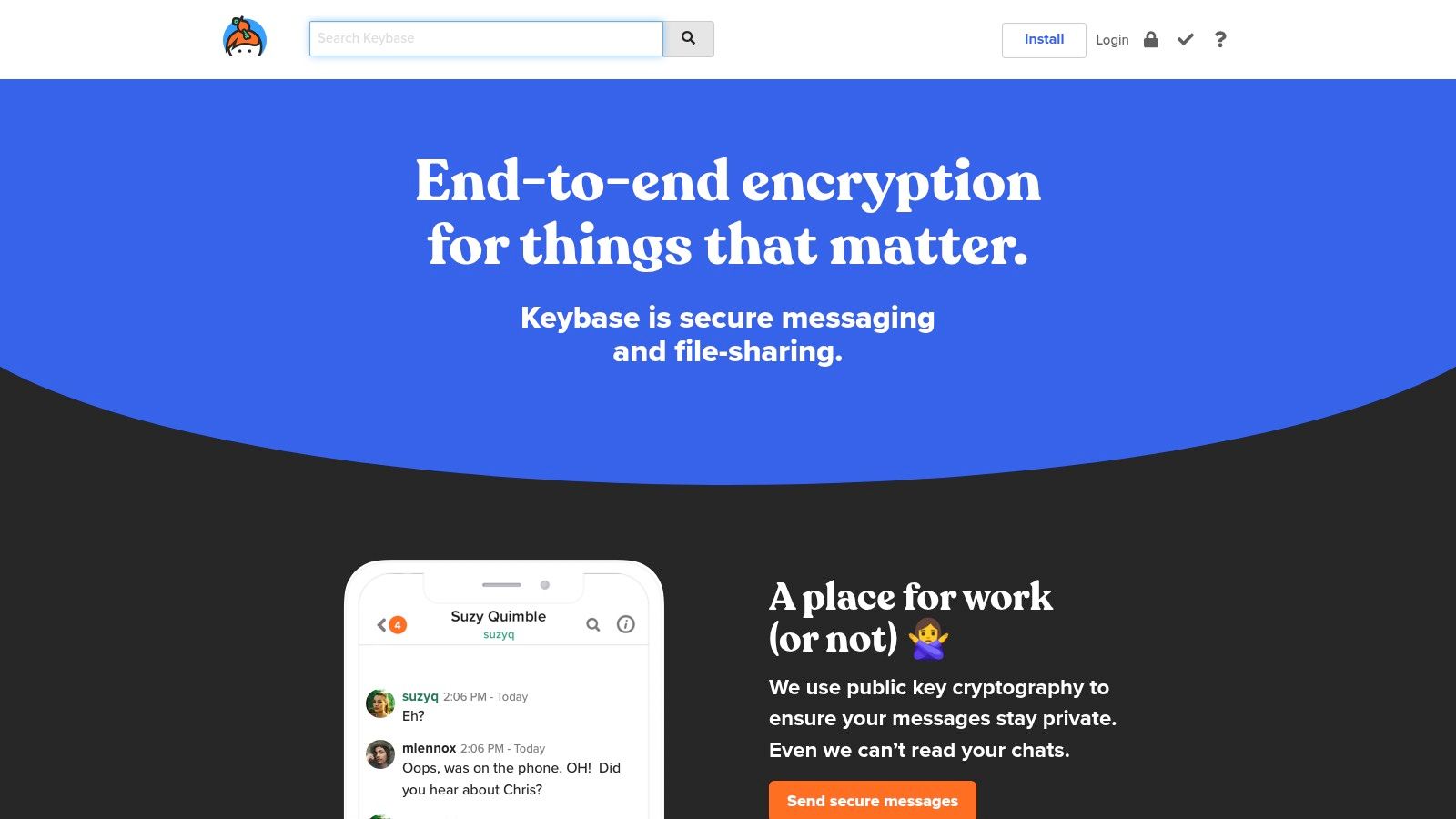
Keybase is a practical fit for technical teams that want chat channels alongside encrypted file sharing. Teams can organize conversations into multiple channels, use per-team keys, and work with integrated encrypted files and Git. Cryptographic identity links, such as connections to GitHub accounts or domains, can help participants establish continuity between an account and an external identity.
That structure is useful when a team already works with technical tools and can manage membership deliberately. It's less suited to a one-off exchange with someone who doesn't want to create an account. Keybase requires an account, and the service stores team names and membership metadata. End-to-end encryption for message contents doesn't mean the service has no information about the team's organization.
Use identity links carefully
A cryptographic identity can help verify that an account controls a linked profile, but it doesn't automatically confirm that the person is safe to trust for a particular conversation. Teams should verify membership through an independent route, especially when adding a new source, client, contractor, or incident responder.
Keybase's channel model works better for stable teams than for ad hoc, identity-free rooms. Its additional features can reduce tool switching, but they also create more account and membership decisions to govern. Keep access limited to people who need it, and review team membership when roles change.
For teams that want chat, files, and identity proofs in one environment, Keybase is worth evaluating. Don't mistake integrated cryptography for anonymity: the account and team structure remain part of the service's model.
7. Jami
Jami is for users who prioritize peer-to-peer communication and avoiding a central server. It's a free, open-source suite for chat, voice, and video, with group chats and file transfers across desktop and mobile platforms. Its distributed design can appeal to people who want a different infrastructure model from conventional hosted messaging.
Peer-to-peer communication also brings practical network constraints. Connections may be difficult behind strict firewalls or network address translation, and delivery can be slower in some situations. Larger groups and advanced user-experience features may be less straightforward than in a centralized messenger.
Test connectivity before relying on it
Jami makes sense for individuals or teams willing to test their devices and networks before a sensitive conversation. Don't make it the sole coordination channel for an incident response until everyone can connect reliably. A decentralized design doesn't remove the need to verify participants, protect endpoints, and agree on what happens if someone loses access.
Jami's group chat and file transfer features make it more than a direct-call tool, but its best use remains a deliberate choice by users who value peer-to-peer architecture. If your group needs predictable delivery across varied networks, select a tool that performs reliably in your actual environment.
Visit Jami's official site to review its open-source apps and platform support. Choose it for peer-to-peer priorities, not because decentralization alone guarantees stronger protection.
7 Free Secure Chat Rooms Compared
| Tool | 🔄 Setup Complexity | ⚡ Resource Requirements | ⭐ Privacy and Security Outcome | 📊 Ideal Use Cases | 💡 Key Advantage |
|---|---|---|---|---|---|
| Ciphar | Low; create a browser channel and share its link and key separately | Browser; no account or installation | Client-side encryption; channels expire after 60 minutes with no archive or recovery | Brief, privacy-sensitive exchanges | Fast, account-free access with strict short-term data retention |
| Element (Matrix) | Moderate; federation and encryption key management may take setup | Web, desktop, or mobile app; self-hosting is optional | Encrypted private rooms; open, federated protocol | Interoperable groups and communities | Open protocol, cross-server rooms, and optional self-hosting |
| Signal | Low; straightforward app setup, but registration requires a phone number | App on a major platform; phone number to register | End-to-end encryption enabled by default for messages and calls | Private, invite-based small and mid-sized groups | Polished, easy-to-use apps with default encryption |
| SimpleX Chat | Moderate; users may need to introduce contacts without global identifiers | Open-source mobile or desktop app; Tor is optional | End-to-end encryption and a design intended to limit identifiers and metadata | Privacy-sensitive groups | No phone number, username, or global user ID required |
| Session | Low to moderate; accountless onboarding | Open-source mobile or desktop app; decentralized service-node network | Onion-routed messaging intended to reduce IP metadata exposure | Pseudonymous groups and open communities | No phone number or email required |
| Keybase | Moderate; requires a Keybase account and team setup | Keybase account and app; integrated file sharing and Git available | End-to-end encrypted chat; team names and membership metadata are stored by the service | Technical teams needing chat and file-sharing tools | Combines team channels, encrypted files, and cryptographic identity features |
| Jami | Moderate; peer-to-peer setup may be affected by network restrictions | Open-source desktop or mobile app; no central server or account required | Peer-to-peer, end-to-end encrypted communications | Users prioritizing decentralized chat, voice, and video | No central server or account required |
Pick by Job, Not by Listicle
There isn't one winner for every secure-chat job. Start with the conversation's duration, the identities participants are willing to reveal, the need for records, and the method you'll use to verify who joined. Then choose the tool whose limits you can manage.
For first contact, use an identity-free ephemeral room such as Ciphar when participants need to talk without accounts and don't need an archive. Share the access key separately from the invite, verify the other person through a trusted channel, and remember that a short expiry cannot erase screenshots or copies already saved on a device.
For ongoing trusted relationships, choose Signal when a straightforward private messenger fits, or Element when persistent rooms, federation, or self-hosting matter. Neither is an anonymous first-contact service. Signal ties registration to a phone number, while Matrix rooms require informed choices about server control, encryption, and key management.
For pseudonymous groups, consider Session or SimpleX. Both reduce reliance on conventional account identifiers, but participants still need a way to check who is in the room and understand the trade-offs of each network. Choose Matrix self-hosting when community control over infrastructure is the priority and someone can maintain it. Choose Jami when peer-to-peer communication is the requirement and the group has tested its connectivity.
Before trusting any tool with sensitive content, verify its specific claims. Find out where encryption happens, what the server can see, what metadata remains, how keys are shared and recovered, and whether participants can authenticate one another. Encryption protects content from some forms of access; it doesn't establish identity by itself. Research on E2EE authentication has highlighted usability and impersonation concerns, so high-risk conversations need an independent verification method, not just an encrypted invite. The PETS research on authentication in end-to-end encrypted systems is a useful starting point.
For a broader view of group communication choices, see what Listava recommends. Make the decision around your actual participants and risks, then test the setup before the conversation becomes urgent.
Ciphar offers free, browser-based encrypted rooms for short conversations, with no account, phone number, or installation and a hard one-hour expiry. If you need a practical option for a first contact without creating a lasting chat history, visit Ciphar and review its security model before sharing sensitive information.