The most popular advice about the best encrypted messaging apps is a leaderboard, and it's the wrong shape for the question. A ranking assumes one app wins for everyone, so it scores every option against the same yardstick: cipher strength, open-source status, a few feature boxes. None of that tells you whether your specific conversation stays private, because the deciding factors are who you're talking to and how much identity you have to surrender before the first message.
Compare on four dimensions instead. Security model, meaning who holds the keys and what the relay can see. Identity requirements, meaning phone number, email, account, or nothing at all. Ephemerality, meaning whether the conversation persists and whether you can end it deliberately. Ease of use, meaning what the other person must install or learn before they can reply.
Each of the seven tools below wins on one dimension and gives ground on another. That's why this is a set of matches rather than a ranking: the honest answer depends on whether you're making first contact, running a long private thread, or deploying messaging across an organization. Start with the scenario, not the score.
1. Ciphar
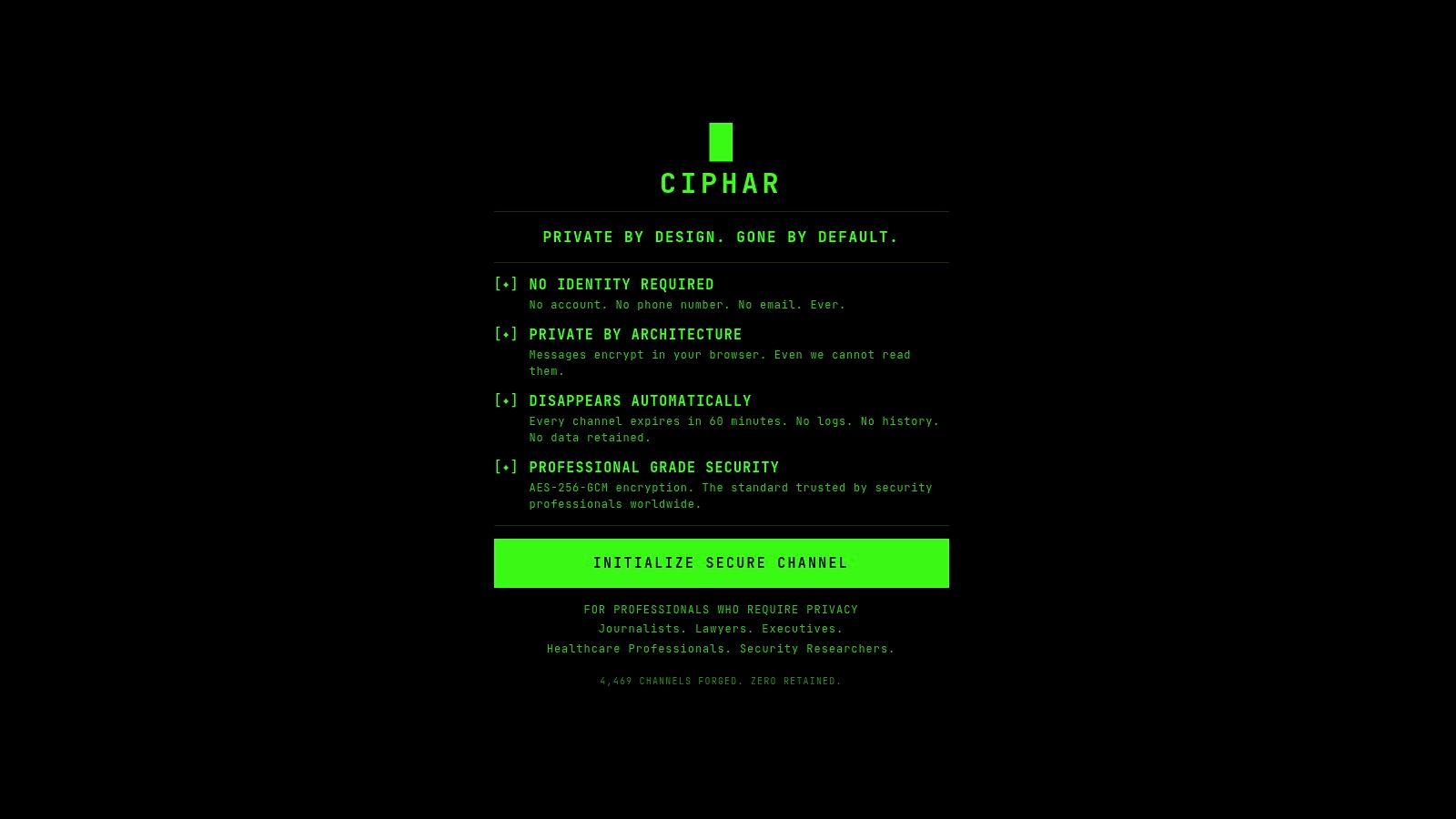
Ciphar solves a narrower problem than anything else here: the first message, when neither side wants to trade a phone number to start talking. It runs in a browser tab. You initialize a channel in a click, share the link and the channel access key over a medium you already trust, and the other person opens the link and pastes the key. No download, no account, no email, no phone number.
Set-up comes down to two things you move yourself, the link and the key.
What the encryption covers
Every message, file, reply, edit, and voice frame is encrypted in the browser with AES-256-GCM before it touches the network. The key is derived locally from the access key plus a per-channel salt using PBKDF2-HMAC-SHA-256 at 100,000 iterations, and it never leaves the device. Our relay stores ciphertext, an IV, an auth tag, a salt, and an expiry timestamp, which is why it can't read a channel or produce plaintext for anyone who asks.
AES-256 itself is a well-worn building block rather than a secret ingredient. NIST picked Rijndael on October 2, 2000 and published the standard as FIPS 197 on November 26, 2001, and by 2020 more than 5,700 implementations had passed NIST's validation program. Public scrutiny is the reason to trust the cipher. What decides whether your conversation survives a subpoena is key custody, and that's the substance of the zero-knowledge encryption model behind this design.
The sixty-minute wall
Channels die 60 minutes after creation, enforced on the server side, with no extension, no archive, and no recovery. A burn button deletes everything immediately if you need it gone sooner. Entry is gated by an encrypted test blob, so a browser that derives the wrong key never joins, and failed attempts post an in-channel alert and get rate-limited.
The trade-off, stated plainly: the hard one-hour lifetime is both the safety property and the limitation. Lose the access key and the channel is unrecoverable by design.
- Best fit: journalist to source, lawyer to client, researcher to researcher, where an introduction over a work email or a personal number would itself be the leak.
- Weak fit: anything ongoing. There's no history, no group chat, and no regulated-communications record keeping.
- Pros: no account, phone number, email, or install, client-side AES-256-GCM with keys derived in the browser, 60-minute expiry plus an immediate burn, files and voice rooms under the same clock, free.
- Cons: the one-hour ceiling and absence of recovery, the access key has to travel over a separate trusted channel, and it isn't built as a long-term messenger.
- Website: ciphar.org
2. Signal
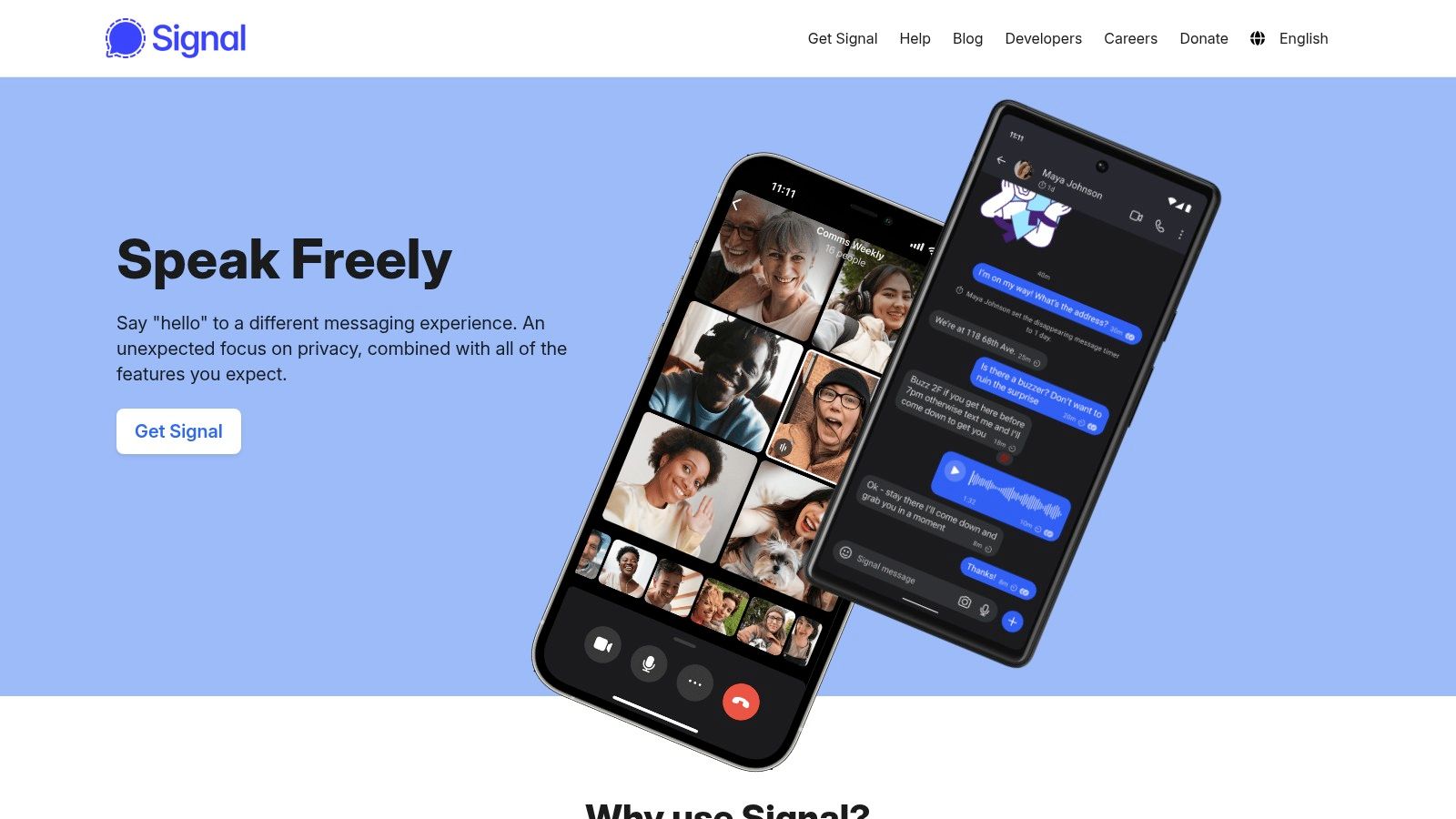
Signal is the default answer for an ongoing private conversation between two people who will install an app. Encryption is on by default rather than buried in settings, and it covers texts, voice notes, calls, and group chats.
Signal looks and behaves like a mainstream messenger, which is exactly why people reply.
Default coverage beats an optional setting
The Signal Protocol is the reference design other messengers copied, WhatsApp included. Reuters reported that WhatsApp began its end-to-end roll-out roughly two years before April 2016, with one-to-one texts covered in 2014 and group conversations and rich media left out until the full encryption announcement covered messages, calls, photos, and video for more than 1 billion users. The lesson is about scope, not brand: encryption that arrives switched on beats encryption that depends on a user finding a setting. The design decisions underneath are worth understanding when you compare messengers, and these secure communication protocol breakdowns explain how the ratchets and key exchanges differ.
The phone number problem
Registration still needs a phone number, even with usernames, so the service ties your account to a SIM. For many users that's a mild privacy cost. For a source who'd rather not appear in a carrier's records, it's the whole ballgame. If you keep WhatsApp for family chats while moving sensitive threads elsewhere, spend ten minutes to adjust your WhatsApp privacy controls so the account isn't sharing more than you think.
- Pros: free on mobile and desktop, encryption on by default, familiar enough that non-technical contacts respond.
- Cons: phone number required, install required, built for persistence rather than deliberate destruction of a whole session.
- Website: signal.org
3. SimpleX Chat
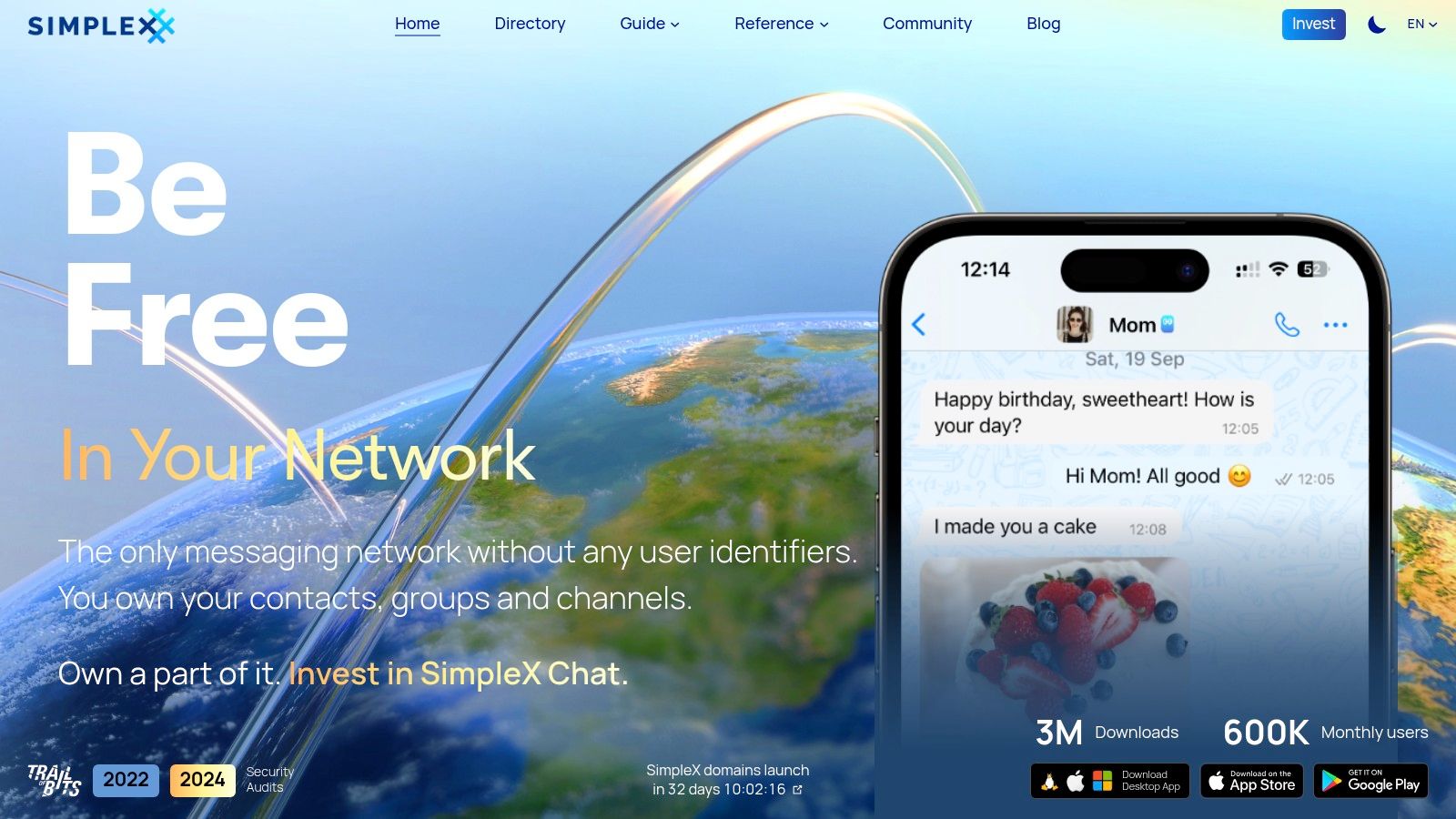
SimpleX removes the identifier instead of hiding it. There's no phone number, email address, username, or public profile ID used for routing, and profiles live on your devices. If your risk is "someone maps my identity to this conversation," that difference matters more than another round of cipher tuning.
Contact starts with a one-time invitation link rather than a search for a name.
Metadata is the part most comparisons skip
BlackBerry's research found that 90% of respondents misunderstand what end-to-end encryption protects, including whether it hides identities, communication patterns, and metadata at all, according to the state of secure communications report. That gap shapes purchasing decisions, because people compare cipher strength and never ask what the relay still sees.
Encryption hides what you said. It doesn't hide that you said it, when, or to whom.
Delivering an invite without leaking it is the operational half of the job. The out-of-band key exchange problem is identical whether you're sending an invitation link or a channel key, and it's the step people rush.
- Pros: no universal account identifier, open source, mobile and desktop clients, one-time links for first contact, relay servers you can run yourself.
- Cons: both people install and learn it, backup discipline matters because losing device data loses history, and setup is heavier than mainstream chat.
- Website: simplex.chat
4. Threema
Threema is the paid option, and paying is the point. You get a randomly generated Threema ID instead of tying the account to a phone number or email address, and no ad model is funding the service.
It behaves like an ordinary messenger, which is what makes it deployable to people who don't care about cryptography.

A conventional messenger with an unconventional identity model
Messages, calls, group chats, polls, and file sharing all work the way you'd expect, and contacts can be verified by QR code so a middleman can't swap themselves into a chat. For a small legal or healthcare practice, that's the useful middle ground: staff get familiar software and clients aren't asked for a personal number just to talk.
The friction lands on both ends. Each person buys and installs the app, and if neither side links contact details, you're exchanging Threema IDs through another channel before the first message goes out. Budget for that handshake, especially with clients who've never heard of the app.
- Pros: works without personal contact details, calls and files included, paid licensing instead of ad support, business plans for teams that need directory or policy controls.
- Cons: per-person purchase and setup, ID exchange needs a second channel, not browser-only and not built as a fixed-lifetime disposable channel.
- Website: threema.com
5. Session
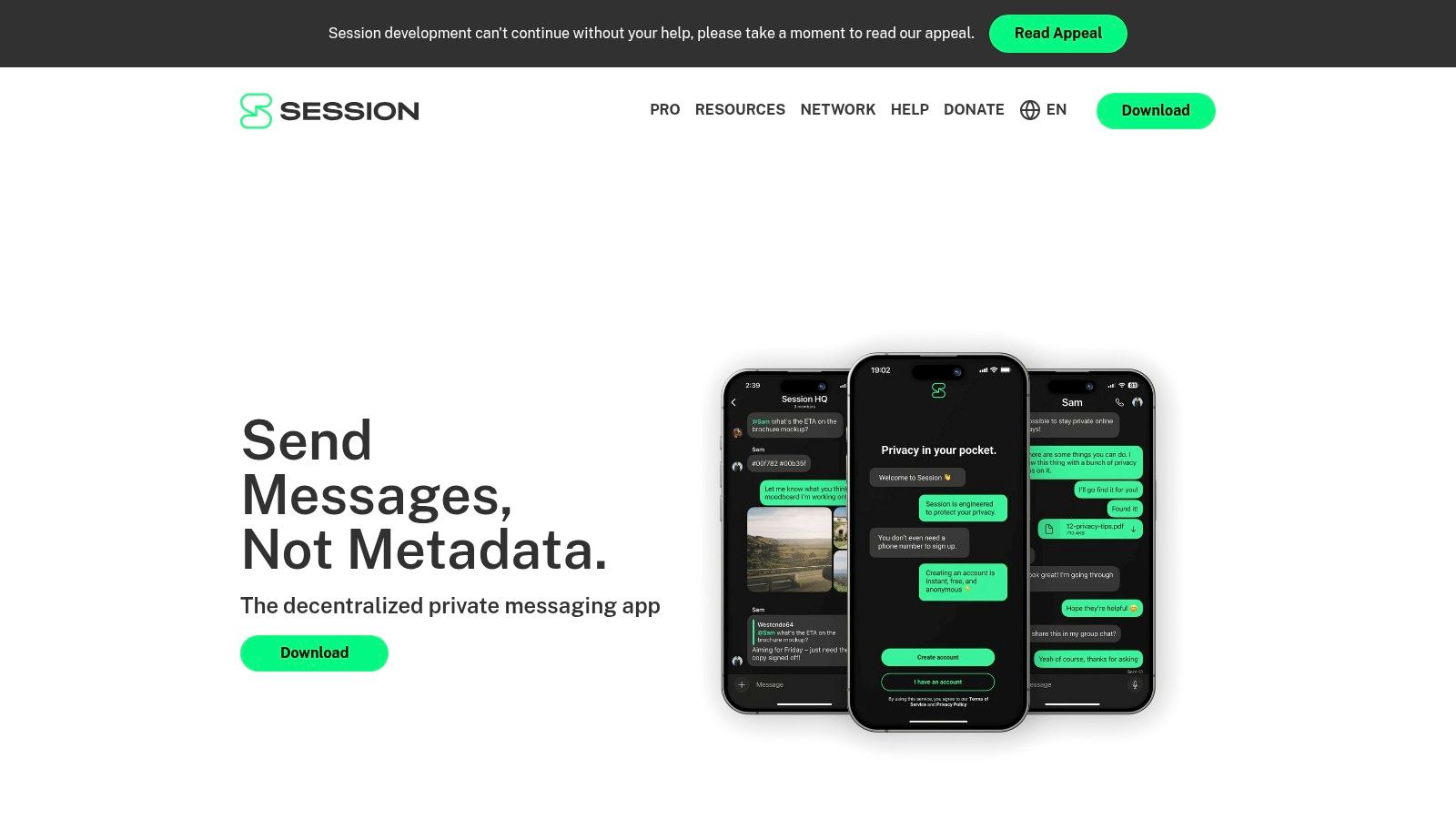
Session goes after metadata rather than paperwork. Accounts are created without a phone number or email address, messages travel over a decentralized server network, and onion routing is meant to keep your IP address and traffic patterns away from the nodes handling your messages.
The client is an ordinary chat app. The network underneath isn't.
Persistence with a pseudonym
The trade-off is that a Session ID is a durable pseudonymous identifier. You get ongoing chat, attachments, and groups, but that ID persists, so there's no clean way to reset a relationship without a new one. Set that beside a channel that evaporates after an hour and you can see they answer different questions.
Delivery also depends on a distributed network rather than one company's infrastructure. That's a governance advantage and, occasionally, an operational annoyance when you need a message to land immediately.
- Pros: free and open source, sign-up without a conventional personal identifier, designed to reduce metadata exposure as well as protect content, disappearing-message options.
- Cons: install and ID exchange required, persistent pseudonym rather than a one-time channel, distributed delivery can be less predictable than a mainstream service.
- Website: getsession.org
6. Wire
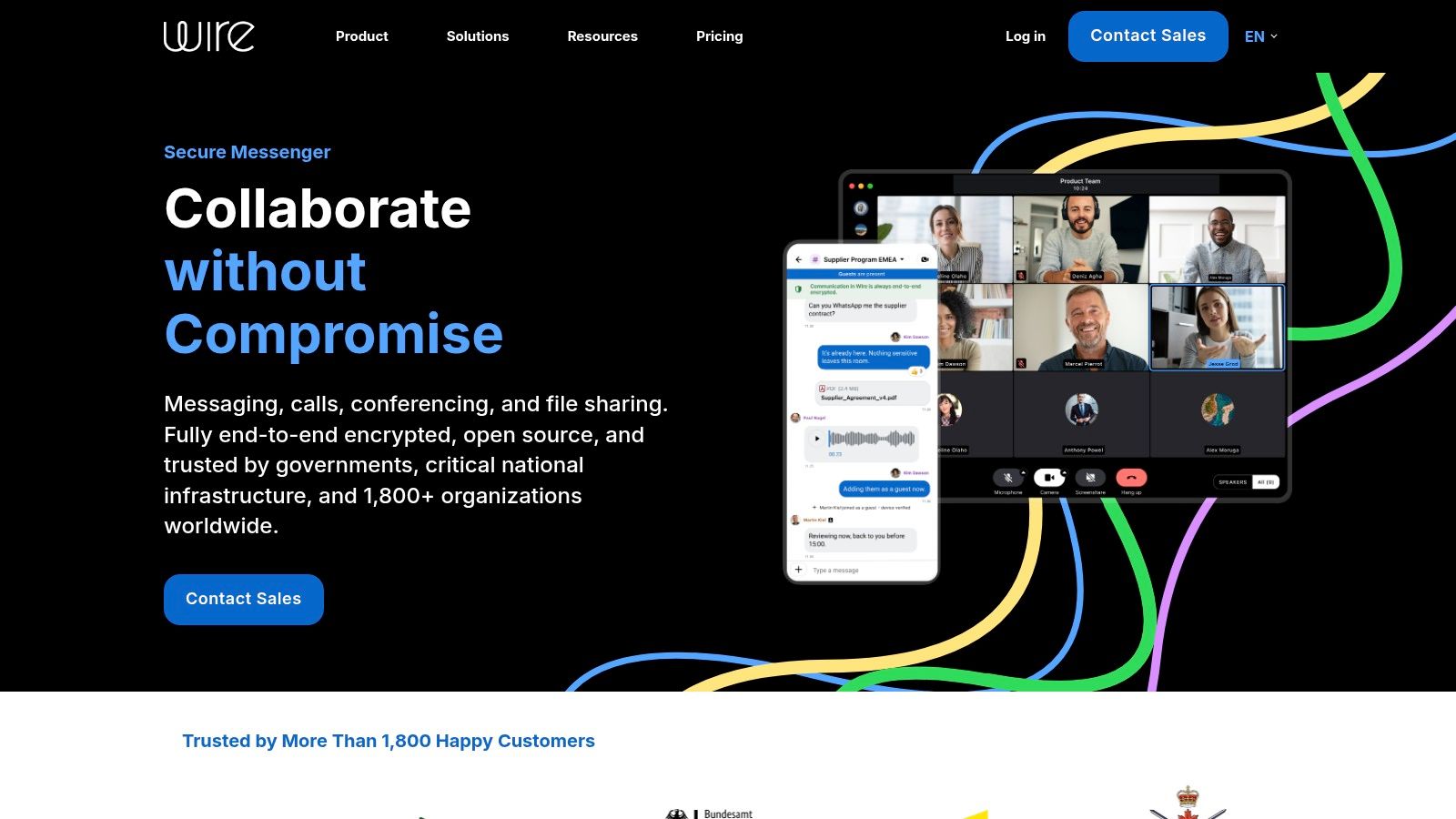
Wire is what an organization buys when it needs encrypted messaging with administration attached. Messages, calls, and files are end-to-end encrypted and that can't be switched off, self-deleting timers are configurable, and browser guest access lets you pull outside counsel or a client into a single conversation without an account.
Guest rooms are the feature that makes it usable between organizations.
Transparency is now a procurement question
Any vendor asking for your communications budget is asking for trust, and buyers weigh that. In Acxiom's CX Trends 2025 survey, 78% of consumers said they were more likely to trust a brand that is transparent about the personal data it collects and how it uses that data, per the Acxiom data transparency findings. Apply the same test to a messenger vendor: read what it says about retention, jurisdiction, and administrator access before you sign, not after an incident.
Procurement note: a self-deleting timer applies to individual messages, not to the whole conversation. If you need an entire session to be unrecoverable after a set time, timers won't get you there.
- Pros: encryption that can't be disabled, guest access for external participants, admin controls and larger conferences on business plans.
- Cons: a collaboration platform rather than an identity-free disposable chat, timers aren't a fixed channel lifetime, plan limits are overkill for brief exchanges.
- Website: wire.com
7. Element
Element is for organizations that want to run the server, not just use it. It's built on Matrix, an open network where separate homeservers federate, so a newsroom, a law firm, or a research group can host its own rooms and still talk to people elsewhere on the network.
It runs in a browser, on mobile, and on desktop, and self-hosting is a supported path rather than an afterthought.
Encryption is a room setting, not a default you can assume
Rooms have to have encryption enabled, and devices have to be verified before room membership means much. That trips up teams who assume "we use Element" equals "everything is encrypted." Give one person the job of checking room defaults before anyone sensitive is onboarded.
Self-hosting buys control, not simplicity
Running your own homeserver means you own availability, backups, and key recovery, and nobody else can decide to change retention or suspend an account. The complexity is real, though. Account, server, and device-key concepts ask more of a user than a mainstream chat app does.
Reality check: federation decides who runs the servers, not what those servers can see. A federated room is only as private as the least careful administrator in it.
- Pros: free for personal use, server choice or self-hosting, federation suits persistent rooms and larger communities, browser access with no install.
- Cons: unencrypted rooms are possible, onboarding requires understanding device keys, persistent history is the opposite of ephemeral.
- Website: element.io
Encrypted messaging tools at a glance
| Identity requirements | Install needed | Ephemerality | Best for |
|---|---|---|---|
| Ciphar: No account, email, or phone number | No, browser-based | Fixed 60-minute expiry; can burn sooner; no archive | Brief, sensitive conversations without identity details |
| Signal: Phone number required to register; usernames are optional | Yes | Disappearing messages available; conversations are generally ongoing | Everyday private messaging, calls, and group chats |
| SimpleX Chat: No phone number, email, username, or public user ID | Yes | Ongoing chats; history is stored on devices | Identity-sensitive ongoing conversations |
| Threema: Phone number and email optional; uses a Threema ID | Yes | Ongoing chats; not designed for fixed-lifetime channels | Private messaging with calls and file sharing |
| Session: No phone number or email; uses a persistent Session ID | Yes | Disappearing messages available; chats are generally ongoing | Pseudonymous messaging with reduced metadata exposure |
| Wire: Account-based collaboration; browser guests can join specific conversations | App for full use; guest access in browser | Self-deleting messages with configurable timer | Secure personal or organizational collaboration |
| Element: Account and server setup; device keys may be needed | No, browser access available; apps also offered | Persistent rooms and history; encryption depends on room settings | Federated communities and organizations seeking server choice |
Match the Tool to the Conversation, Not the Other Way Around
Choose by threat model. Signal for trusted contacts you'll still be talking to next month. SimpleX or Session when the identity behind the conversation matters more than the convenience of a phone number. Threema when someone should pay for privacy rather than rent it through ads. Wire or Element when an organization needs admin controls, retention policy, and a server it can point at. Ciphar when the conversation is short, the identities are the risk, and the channel should stop existing after an hour.
Two questions settle most of this before you open an app store. Is the conversation short-lived or ongoing? And does the other person already hold an identity you're willing to expose?
The step people skip: move the key, invite, or ID across a channel that's separate from the one you're setting up. A link pasted into the same email thread you're trying to protect defeats the design.
Verification habits are slipping in ways that matter. In 2025, 44% of Irish internet users said they checked that they were using secure websites or apps, down from 51% in 2023, according to the Central Statistics Office Household Internet Security release. The check takes seconds: confirm the address, confirm the contact, confirm the key.
For a wider view of how services handle what they collect, these data protection insights from AI Video Detector pair well with this comparison. Then pick the tool that fits the conversation you're having today, not the one a leaderboard told you to have.
If the conversation is short, sensitive, and needs to start without anyone handing over a phone number, Ciphar is built for exactly that: a one-click browser channel where every message, file, reply, and voice frame is encrypted with AES-256-GCM before it leaves your device, and the whole channel is deleted 60 minutes after it's created. Share the link and access key over a channel you already trust, and the relay never holds anything readable. Open Ciphar the next time you need to talk to someone without first handing over an identity.