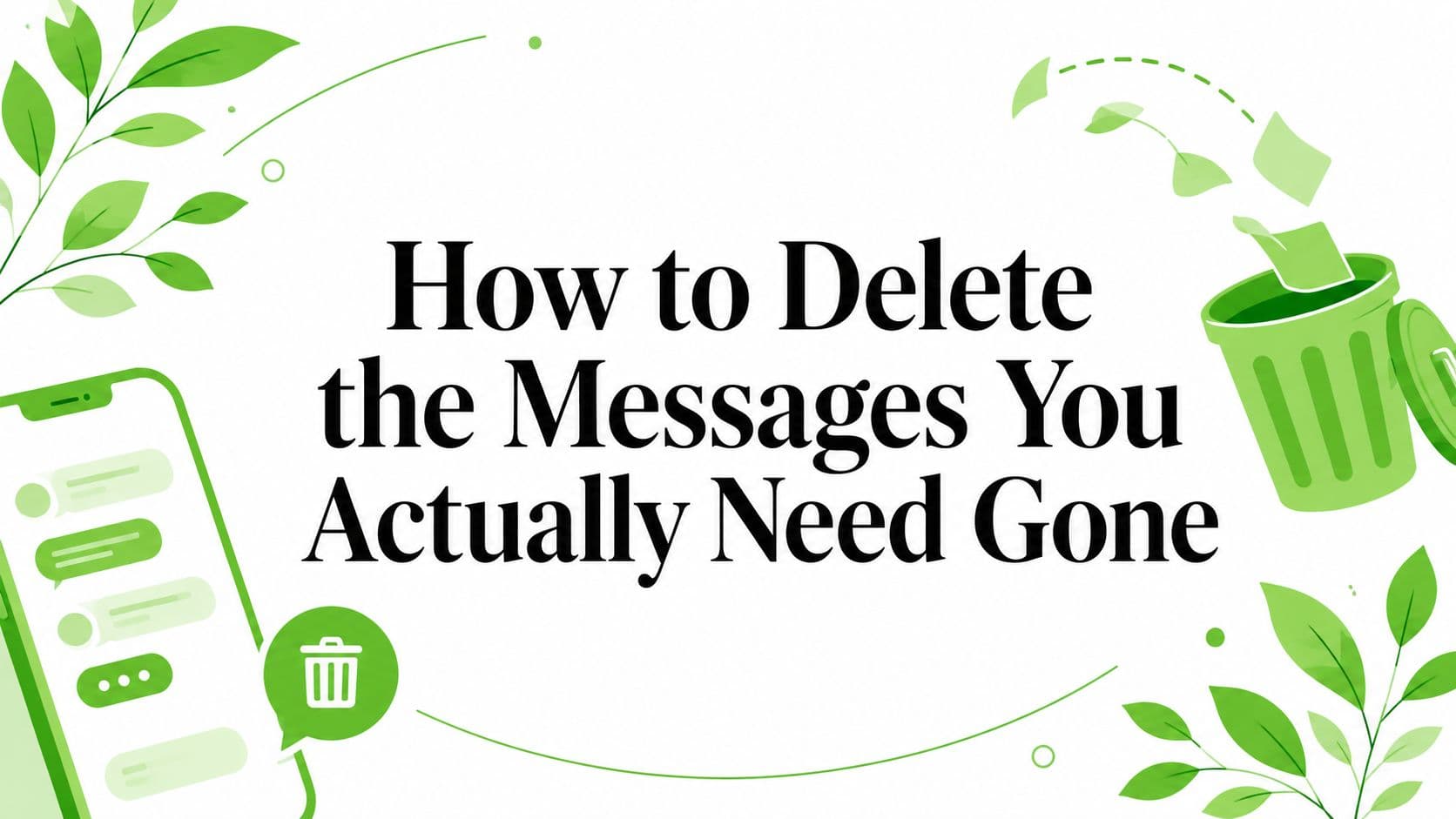
You can be in the middle of a bad minute right now, staring at a thread you wish had never existed. Maybe a source sent something sensitive, a clinician is coordinating a case, or a lawyer just realized the wrong chat picked up the right detail. The instinct is simple, delete the messages and move on, but that only works if you understand what deletion reaches and what it leaves behind.
When Deletion Actually Has to Work
A source asks for the thread to be scrubbed before they go offline. A clinician closes a chat after coordinating a sensitive handoff. A lawyer sees a privileged exchange sitting in the wrong place and needs it gone now. In those moments, “delete the messages” is a threat-model question, not a cleanup task. The point is to understand whether any reachable copy can still be found by the other person, the platform, a backup, or later search.
Ordinary messengers keep running into that gap. Google Messages community guidance says there's no way to delete all SMS at once in one step, and Apple's Messages app on Mac only offers automatic deletion after 30 days or 1 year. Android guides usually talk about selecting threads manually, and one tutorial notes auto-delete thresholds of 1,000 texts, 100 multimedia messages, and 5,000 chats in the Android Messages app. Those limits show these systems are built for cleanup, not hard disappearance. For bulk cleanup in a mail context, a bulk email deletion tool for SMEs helps clear volume quickly, but it still follows a cleanup workflow rather than true ephemerality.
The core issue is residue
People hear “delete” and assume the conversation is over. In practice, deletion is a chain of design decisions, server behavior, and user habits. A message can disappear from your screen and still persist in recipient devices, synced copies, or a platform's secondary storage. Apple's Messages app even keeps items in a Recently Deleted area for up to 40 days unless they're removed again, which is a clear example of how a local delete can leave a recoverable copy behind.
Practical rule: if a tool does not control every reachable copy, deletion is cleanup, not erasure.
That is why the question is not “How do I press delete?” It is “What architecture did I choose before I sent the message?” If the answer is a normal consumer chat app, then you are usually dealing with retention rules, not telling the system to forget.
What Deletion Really Means Across Different Chat Systems
The easiest way to think about chat deletion is to separate three models. The first is client-side cleanup, which is what most consumer messengers do. The second is policy-based retention, which is common in enterprise systems. The third is enforced ephemerality, where the channel itself is designed to expire and drop its contents by rule rather than by afterthought.
Cleanup tools remove visibility, not necessarily existence
WhatsApp and Facebook Messenger both expose options such as Delete for me and, where supported, Delete for everyone. That distinction matters because “for me” only changes what you see, while “for everyone” depends on platform rules, delivery state, and whether the other side has already seen or stored the message. Facebook Messenger's own guidance makes that split explicit, and the same logic applies across most consumer chat systems. WhatsApp's delete flow shows the same basic problem, you can remove local visibility, but that doesn't guarantee every copy is gone.
Enterprise tools follow policy, not instant disappearance
Google Workspace Admin can enable auto-deletion for Chat messages across an organization, so retention becomes a managed policy decision rather than a per-message self-destruct. Microsoft 365 and Exchange go even further into controlled removal. In eDiscovery, you first run a Compliance Search to identify the exact message set, then execute a purge action with New-ComplianceSearchAction -Purge, and Microsoft says you should refine the query before purge to avoid removing the wrong content. That workflow is about precision and governance, not casual cleanup. The deletion stage is still controlled, reviewed, and tied to retention requirements. Microsoft's message purge guidance makes that operational reality clear.
Enforced ephemerality changes the rules
A zero-knowledge relay takes a different approach. The server never gets the decryption key, the channel is time-bound, and deletion is baked into the system rather than requested after the fact. In that model, the question isn't whether a message can be hidden from your screen, it's whether plaintext ever exists outside the participants' devices. That's the big gap between “delete for me” and “gone everywhere reachable”.
Bottom line: client-side cleanup is fine for housekeeping, policy-based retention is for organizations, and ephemeral-by-design systems are what you reach for when retrievability itself is the risk.
For a deeper technical comparison of why client-side cleanup stops short, browse the Slack leak guide and keep the retention question in mind, not just the delete button.
| Architecture | What gets removed | What can survive | Who controls the timer |
|---|---|---|---|
| Client-side cleanup | Your visible copy, sometimes a thread entry | Recipient devices, backups, synced clients, secondary retention areas | The user, within app limits |
| Policy-based retention | Messages under admin or compliance rules | Archived stores, legal holds, audit systems | The organization or platform admin |
| Enforced ephemerality | Plaintext after expiry or manual burn | Only opaque ciphertext until the wipe routine runs | The system, with hard limits |
How to Delete the Messages in an Ephemeral Channel
An ephemeral channel only works if the channel is set up that way from the start. In a Ciphar flow, you create the channel in the browser, share the access key out-of-band, and use the room for the exchange you need. Messages, files, replies, edits, and voice frames are encrypted client-side with AES-256-GCM, and the server relay only stores opaque ciphertext, IVs, auth tags, salt, and expiry timestamps.
The question is what happens when time runs out, or when you burn the room early. Ciphar enforces a hard 60-minute lifetime server-side, so the channel disappears on schedule even if participants want to keep using it. Manual burn is not a cosmetic delete button. It runs the same wipe routine right away, which clears the stored ciphertext for the whole session, including messages, files, replies, and voice frames. Ciphar's self-destructing messages walkthrough explains the channel lifecycle in more detail.

Burn is a defensive move, not cleanup
Use burn the moment the conversation feels compromised. A guessed key, a misrouted participant, a device you no longer trust, or a source who changes their mind are all reasons to end the channel fast. Because the same wipe routine runs at expiry and on burn, you are not waiting for every client to catch up. You are triggering the server-side lifecycle control the system already enforces.
That matters because the residue problem starts after the visible chat is gone. A normal delete can leave a thread out of sight while copies still live in synced clients, retention areas, or backup paths. An ephemeral channel is built to reduce that gap. The server's job after burn is narrow. It does not try to reconstruct history, and it does not keep plaintext for later. It deletes what it holds, and what it holds is already ciphertext.
Manual burn works because the session was built to end. It does not ask the platform to forget. It makes forgetting part of the design.
If you need the operator view of what that lifecycle looks like under pressure, the browse the Slack leak guide is a useful comparison point.
Verifying the Messages Are Actually Gone
Deletion only matters if you can confirm it. Start with the visible layer. The message should no longer appear in the active thread, and the channel entry should be gone from the lobby or conversation list. That proves the interface has cleared, but it does not tell you whether a backup, a synced device, or a retention path still holds a copy.

The stronger check is cryptographic
In an ephemeral-by-design system, the better proof is whether an encrypted test blob only opens for the correct participants. If a channel can be probed only with the right key, access is still bounded by cryptography rather than trust in the interface. Intrusion alerts add a second signal. When a platform posts system notices after failed access attempts, you get an early warning that someone tried to reach the channel before it expired.
That matters because logs, backups, and synced devices can preserve residue. User-facing deletion does not tell you whether a copied attachment exists somewhere else. Cryptographic verification does a better job of separating the live channel from the dead one.
A useful parallel is what operators do after a Slack exposure. If you need a practical triage reference, browse the Slack leak guide and focus on how it separates visible cleanup from actual containment. The same logic applies here, except the goal is to make sure the copy never outlives the channel.
Use a three-check ritual
- Confirm the wipe action: Make sure you triggered expiry or burn, not just hid the thread.
- Confirm the channel is unreachable: Try the access path again and verify it no longer opens.
- Confirm no secondary retention area remains: Check for a Recently Deleted view, archive, backup, or synced client that could still hold the content.
If you can't verify the copy is unreachable, you haven't finished deleting it.
For a related look at where hidden copies often live, the archived-messages guide is worth keeping nearby.
A Simple Threat Model for Deciding How to Delete
Not every chat needs the same level of handling. A casual coordination thread about dinner or a ride home doesn't deserve the same process as a privileged legal exchange or a clinical handoff. The mistake I see most often is overspending on cleanup for low-stakes messages, then underprotecting the conversations that need to disappear.
Match the tool to the exposure
For low-stakes chats, client-side cleanup is usually enough if you're honest about what it does. Delete the visible thread, know that backups or recipient copies may remain, and don't pretend the platform has forgotten what you only hid.
For medium-stakes exchanges, use an ephemeral channel and share the key out-of-band. That keeps the conversation bounded without turning every message into a separate security project. A fixed window and a real burn control are the right middle ground when the downside is reputational or procedural rather than catastrophic.
For high-stakes work, you want enforced ephemerality, manual burn, and verification rituals. If the conversation is privileged, clinical, or investigative, the system should treat deletion as a default property, not an optional cleanup action. Client-side encryption guidance is the relevant background if you're deciding how much should ever reach the relay.
Guiding principle: the more harmful a recoverable copy would be, the less you should rely on after-the-fact deletion.
The point isn't paranoia. It's matching the deletion method to the cost of a mistake. If the downside is small, cleanup is fine. If the downside is serious, the architecture has to do the hard part for you.
Habits That Make Deletion Actually Stick
Good deletion habits start before the first message leaves your device. Share the access key out-of-band, not in the same thread you plan to erase later. If the key travels in the channel, you've already weakened the whole model, because the thing that gives access to the room now lives alongside the room.
Rotating channels helps too. Use one short-lived room for one matter, then let it die. Reusing a long-lived thread turns every future message into extra residue, and it makes later cleanup harder because you're trying to separate fresh coordination from old content that should've expired already.
Keep the channel from re-creating itself
A zero-knowledge relay limits what can leak if a device gets compromised later, because the server never had the plaintext to begin with. That's the useful contrast with consumer messengers, where backups and synced devices can preserve copies even after you hit delete. Screenshots and exports create the same problem on the human side. If you make a record outside the channel, the channel can't protect you from your own archive.
Intrusion alerts deserve attention for the same reason. If the system tells you someone probed the room, don't file that away as background noise. Burn the channel and move to a new one if the conversation still matters.
- Share keys out-of-band: Use a separate path for the credential, not the chat itself.
- Use fresh channels for fresh matters: Don't pile multiple sensitive exchanges into one thread.
- Watch for intrusion alerts: Treat failed access attempts as a reason to terminate early.
- Avoid screenshots and exports: A saved copy is still a copy.
- Assume backups behave differently: Deletion inside the app is not the same as deletion everywhere.
For more on the operational side of these habits, trusted moderation resources from AI Image Detector are a useful reminder that handling sensitive material works best when the workflow is simple enough to follow under pressure.
Treating Deletion as a Design Choice
Deletion is not a button you press after the fact. It's a property of the system you chose before the conversation started. Cleanup-based messengers remove visibility. Policy-based systems manage retention. Ephemeral-by-design channels make disappearance part of the architecture, which is why they fit short, sensitive, identity-free exchanges so much better than retroactive cleanup.
Ciphar's model is built around that idea, with client-side AES-256-GCM encryption, PBKDF2-derived keys, a hard 60-minute lifetime, and a manual burn control that wipes the session immediately. That gives the channel a default endpoint instead of asking users to remember to clean up later. It's the same reason a zero-knowledge relay is easier to trust for this use case than a platform that was built to keep conversations around.
Three principles are worth carrying into the next sensitive exchange. Choose the architecture before you start. Verify the wipe instead of assuming it. Protect the access key out-of-band.
If you're handling conversations where residue is the risk, Ciphar gives you a browser-based way to set up a one-time channel, share the key separately, and let the session die on schedule or burn it the moment it feels unsafe.