A source writes a reporter from a personal address. The reporter answers from a café, on open Wi-Fi, and both people have already leaked more than the words in the message. The inbox ties a name to the tip. The network can see where the traffic goes even when the page looks locked. Those are different failures, and they call for different online privacy tools.
A Pew Research Center survey conducted from May 15–21, 2023, among 5,101 U.S. adults found that 81% were very or somewhat concerned about how companies use the data they collect, while 71% expressed equivalent concern about government use of personal data. 73% said they had very little or no control over data collected by companies.
Worry doesn't pick the right layer. I judge each tool below against one concrete threat, then name the trade-off that makes it wrong for someone else. First contact needs a channel that doesn't ask for a phone number. Browsing needs a client that cuts trackers or hides an IP. Untrusted networks need a tunnel you're willing to trust. Ongoing talk needs a messenger you can keep. Email, aliases, and passwords stop the rest of an identity from sticking to the story.
Start with the threat in front of you. Take only the layers that threat requires.
1. Ciphar
The threat here is a first conversation that should not create an account, a phone-number link, or a mailbox that still exists next week. A source, a client, or an incident contact needs to talk now, then have the room disappear.
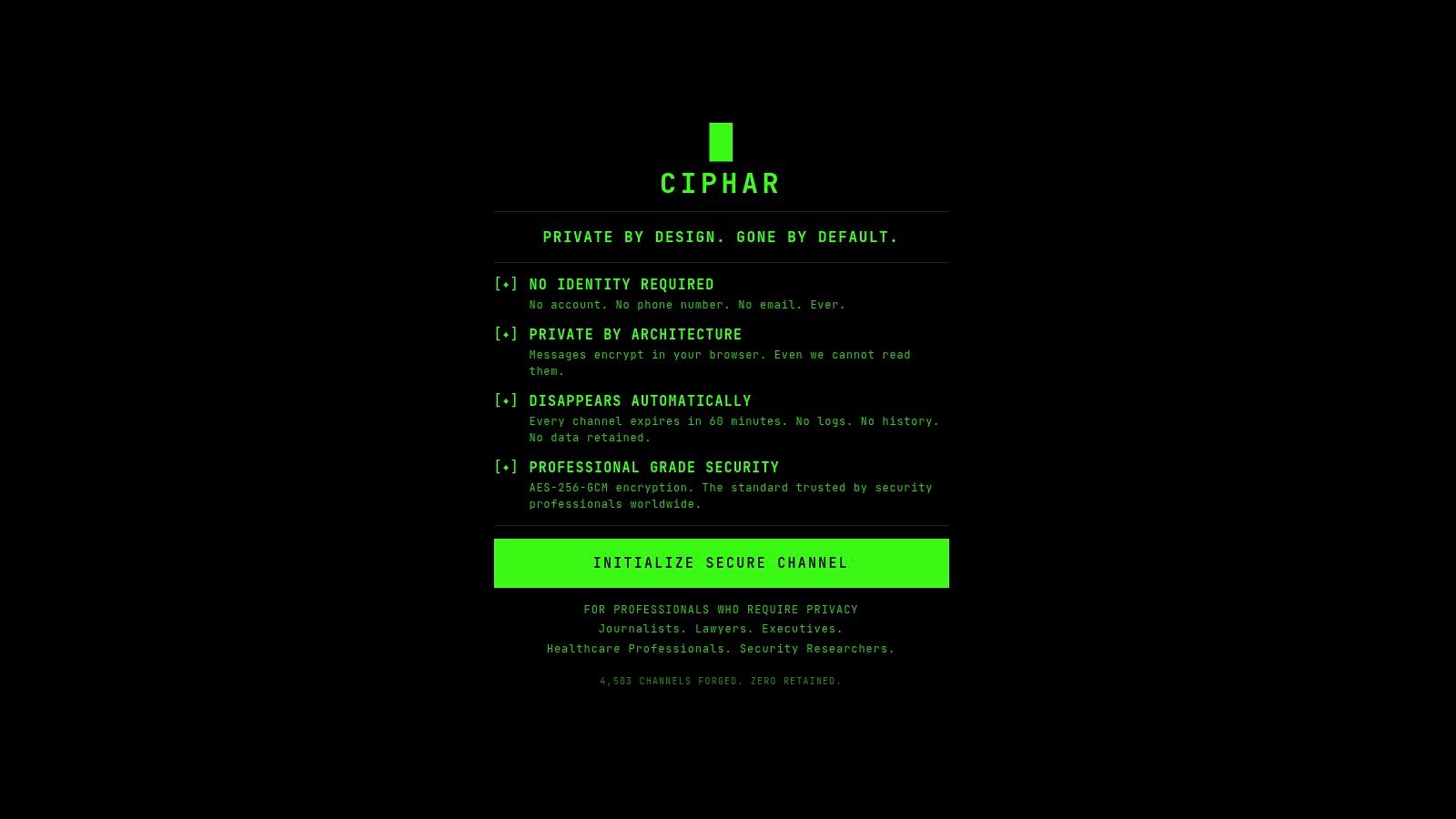
We built Ciphar as a zero-knowledge chat that runs entirely in the browser. You click Initialize Secure Channel, share the link and access key over a separate trusted medium, and the other person opens the link and pastes the key. No account, phone number, email, or install is required. Every message, file, reply, edit, and voice frame is encrypted in the browser with AES-256-GCM before it touches the network. The key is derived from the access key and a per-channel salt using PBKDF2 with 100,000 SHA-256 iterations, and that derived key stays in browser memory.
A review of measurement studies found that, among 21 messaging applications described as secure, 11 leaked metadata such as user IDs, names, or phone numbers to push-notification services, while four exposed message content through implementation failures, as covered by Security Scientist. Encrypted payloads still leave identities, timing, and account existence on the table. A one-hour, identity-free room cuts those links by refusing to collect them.
What the hour does not cover
The relay stores ciphertext, not readable content, and channels die on a hard 60-minute clock with no archive and no recovery. A BURN CHANNEL control deletes the encrypted blobs immediately. In response to lawful process, we can provide only encrypted blobs on that one-hour clock, because we hold no plaintext, keys, or message history. Our security model and privacy policy document the weaknesses on purpose.
- Wrong tool for a beat: Ongoing source relationships, group newsrooms, and regulated record-keeping need a durable messenger or a compliance platform, not a room that vanishes.
- Key loss is final: If the access key is gone, the conversation is gone. There is no reset email.
- Endpoint risk remains: A screenshot, a compromised laptop, or a key sent in the same inbox you were trying to avoid still defeats the design.
Practical rule: Send the link one way and the access key another way. If both travel in the same email, you have rebuilt the identity trail the channel was meant to avoid.
Closing the tab is enough to stop. We are not a long-term messenger, and we are not a substitute for privileged-record systems in healthcare or law.
2. Tor Browser
A reporter on a hostile network needs websites to see a relay address, not a home IP, and needs a local observer to have a harder time listing every site visited. Tor Browser routes traffic through volunteer relays, isolates sites, and clears cookies and history when the session ends. It also tries to reduce fingerprinting, which is a separate problem from cookies. Clearcote Labs on browser tracking defenses is a useful companion read if canvas and font signals are the leak you are fighting.
- Use it for: Sensitive browsing, blocked sites, and sessions you do not want tied to a daily browser profile.
- Expect friction: Pages load slower, and some sites block or challenge Tor exits.
- Identity still wins: Signing into a named account tells the site who you are, relays or not.
- HTTPS still matters: Tor does not encrypt the hop from the exit relay to a site that is not using HTTPS.
Tor is the wrong daily driver when you need speed, logins, and embedded media that refuse exit nodes. Keep it for the lookup that must not touch your normal profile.
3. Brave Browser
Independent ACM research that crawled 10,000 websites on real mobile devices found that protection varies by implementation, and that Brave generally blocked the largest number of list-identified tracking elements against lists including EasyList, EasyPrivacy, Disconnect, and WhoTracksMe, according to the ACM study. That is the job: a Chromium browser that cuts third-party trackers, ads, cross-site cookies, and many fingerprinting tricks without an extension hunt.
Brave turns Shields on by default, with per-site controls when a page breaks. Cookie partitioning and fingerprinting defenses are part of the same surface. The core browser is free. Optional services sit beside it, and you should read those settings before you treat the install as a pure blocker.
Shields will break some embeds, paywalls, and comment systems. Lowering them for one site is normal. What Shields will not do is hide your IP from the site or from the café router. Pair it with a network tool when the threat is the path, not the tracker script.
4. Firefox
When you don't want another Chromium shell, Firefox is the practical alternative. Enhanced Tracking Protection blocks known trackers, and Total Cookie Protection isolates cross-site cookies so one site's identifier is less useful on the next. Privacy and data-collection settings are configurable on desktop and mobile, and the browser is free and open source.
Mozilla's privacy notice still describes processing of some technical, settings, and usage data. Stronger blocking can break logins and media. Tracking protection is not network anonymity and it is not end-to-end encryption of what you type into a site.
- Best fit: Everyday research where you want a non-Chromium client and cookie isolation you can inspect.
- Poor fit: A source who must keep an IP off a hostile local network. Firefox does not provide that layer.
- Habit that matters: A logged-in Google or newsroom account will identify you no matter how strict the tracker list is.
5. Mullvad VPN
A reporter on hotel Wi-Fi needs the path covered before any page loads. The access point can see destinations and can tamper with unprotected traffic. Mullvad VPN encrypts the path from your device to its server, so websites see the VPN address instead of a home or hotel IP.
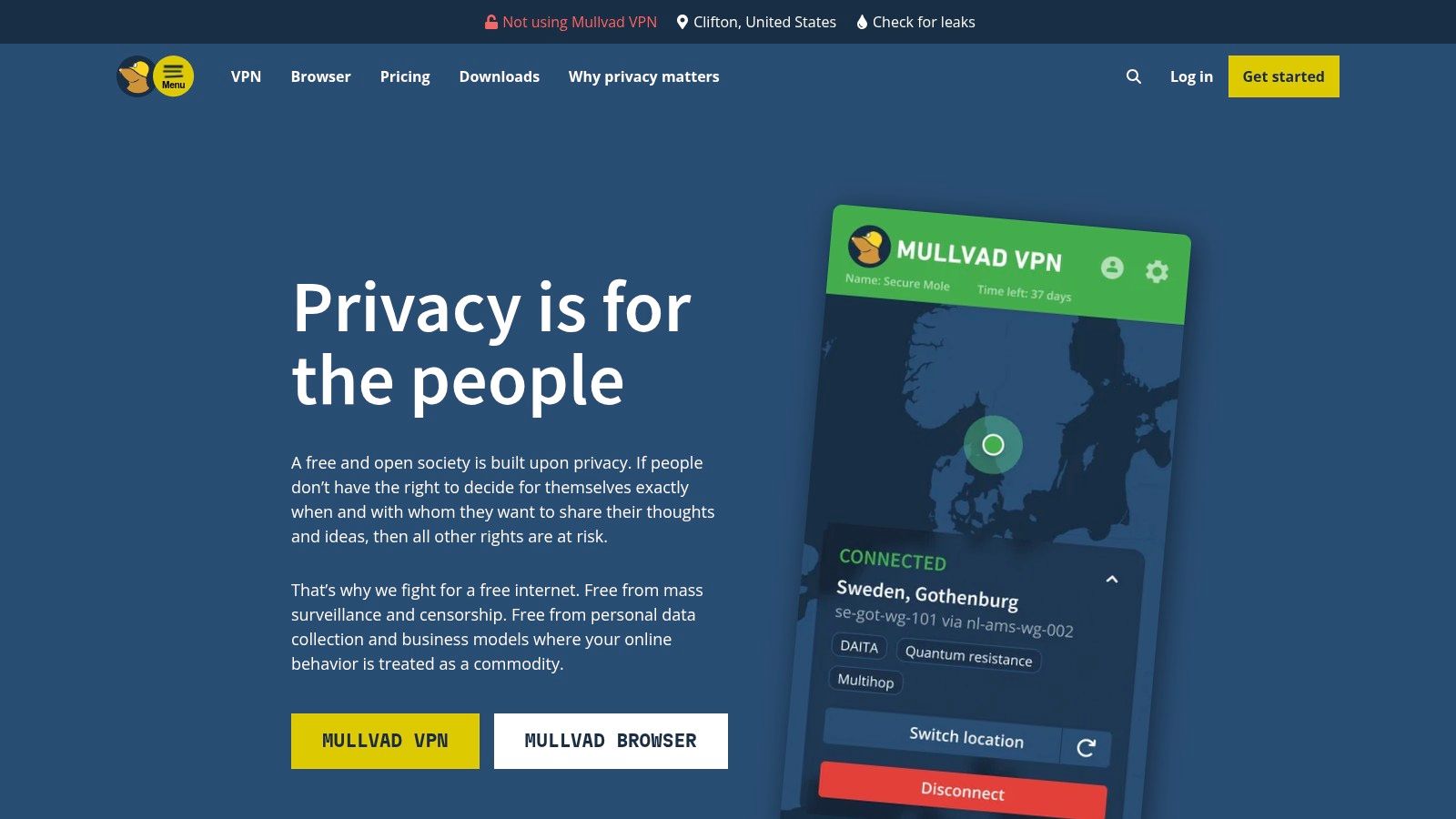
Signup uses an account number rather than a conventional email. Payment options include cash, Monero, and Bitcoin as well as ordinary methods. The price is €5 per month, including VAT, for up to five devices, with no long-term contract and no free plan. You install a client.
Mullvad then becomes the intermediary that can see connection metadata even when websites cannot see your original IP. A VPN does not make activity untraceable. Skip it when the secret is the content of a message rather than the path it travels, or when you cannot install software on the machine in front of you.
6. Proton VPN
Some newsrooms need a tunnel before they can justify a paid account. Proton VPN splits that cleanly. The free plan includes unlimited data, a kill switch, DNS leak protection, and one device at a time, on servers in a limited set of countries. Paid plans add locations and raise the cap to ten simultaneous connections. Apps cover the major platforms.
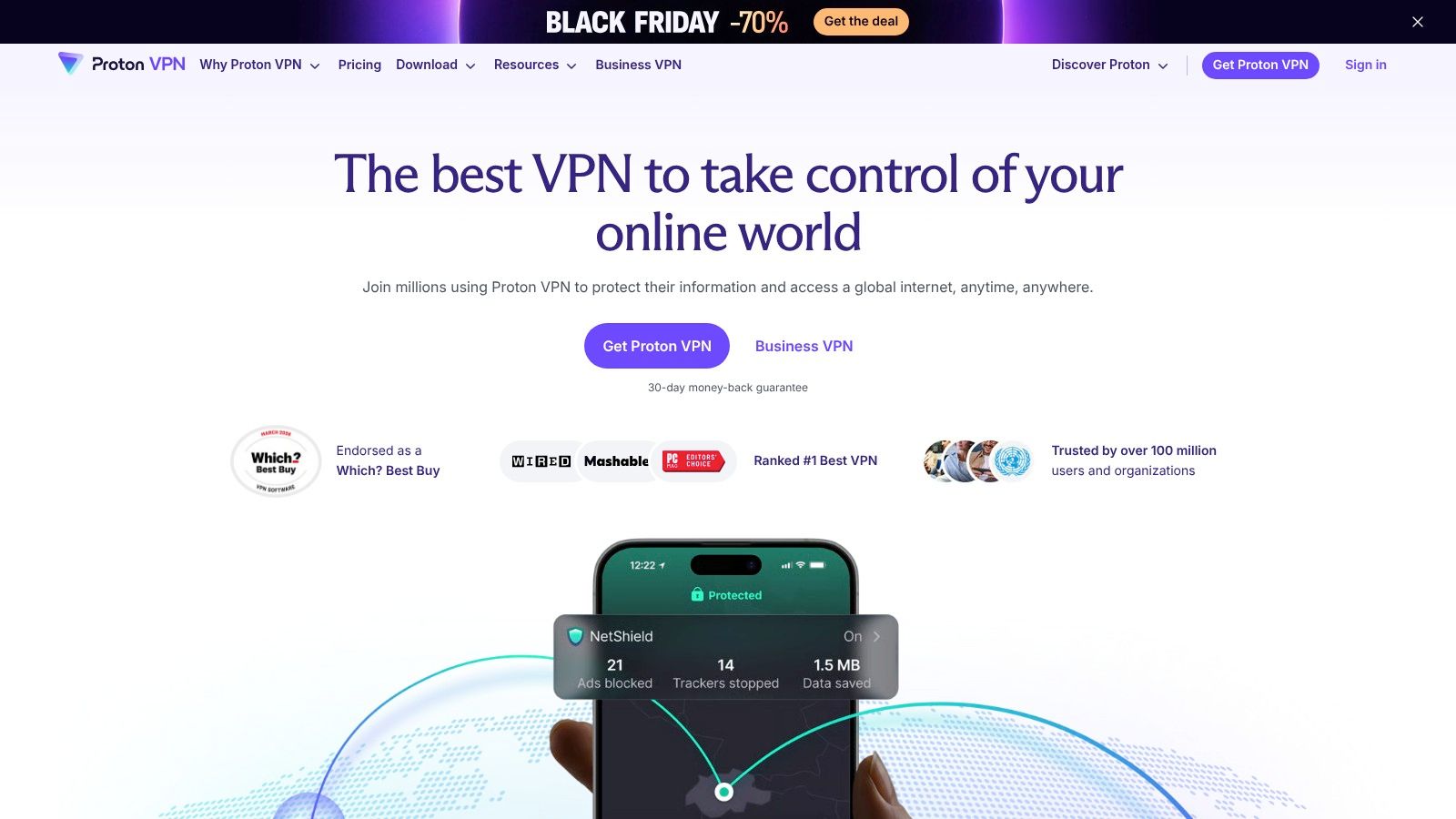
On public Wi-Fi, the free tier is enough to stop the café from reading unencrypted traffic and to change the apparent location of the connection. It is a weak choice when several laptops must stay up during a breaking story, because free users get one connection and fewer countries. Paid pricing changes by plan and term, so budget it as a subscription, not a flat public rate.
A VPN still trusts the provider with the fact of the connection. It does not hide what you do after you log into a website, and it does not encrypt a message stored on that site. Use it for the network. Use a messenger for the words.
7. Signal
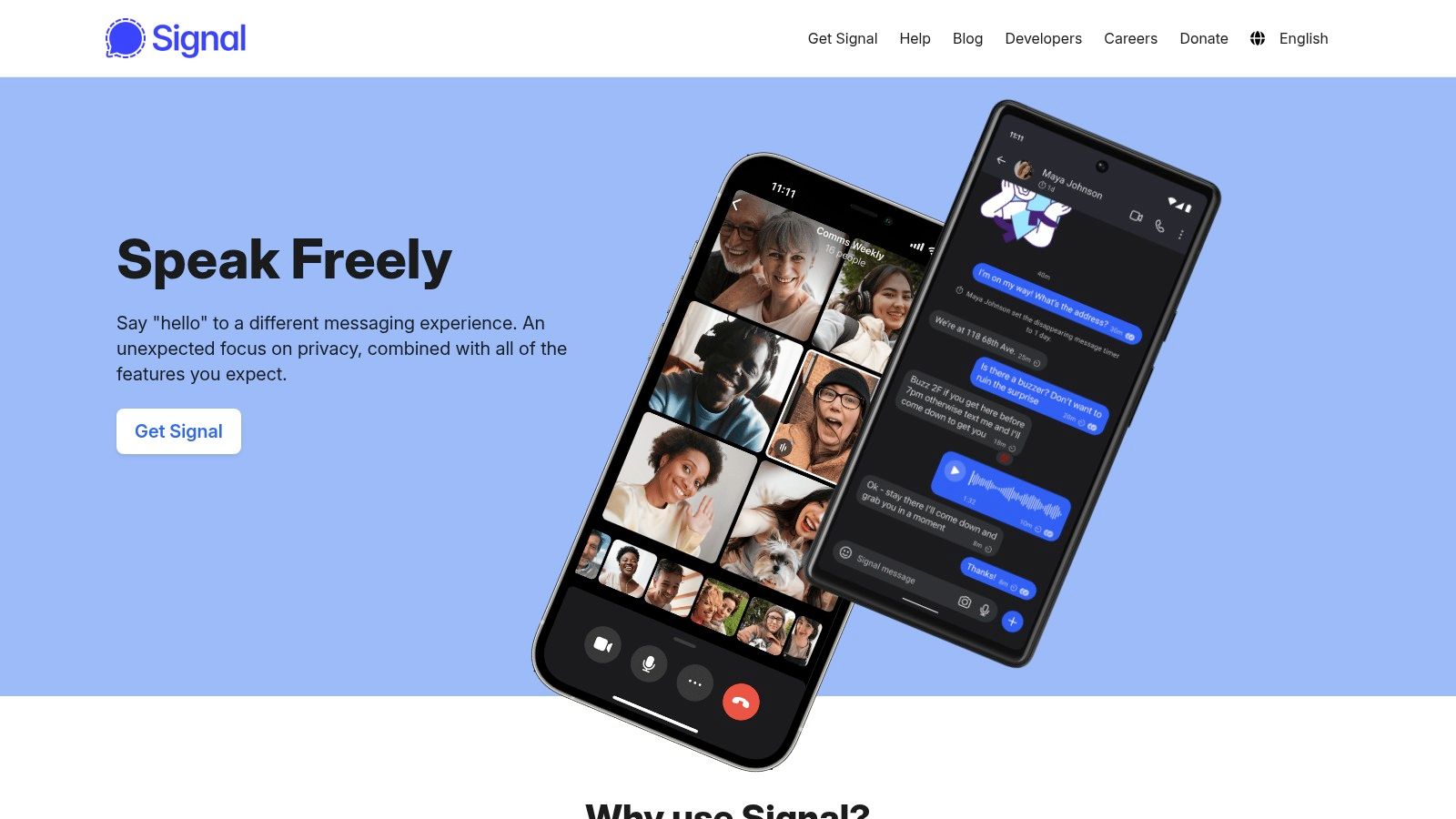
Once a source agrees to keep talking, a one-hour room is the wrong container. Signal makes end-to-end encryption the default for messages, voice and video calls, groups, and files, on desktop and mobile. Optional usernames and links let you connect without handing a contact your number, though registration itself still requires a phone number. The app is free, donation-funded, and built on the open-source Signal Protocol.
In Pew Research Center's 2023 survey, only 36% of U.S. adults said they had used a messaging app or service that encrypts private communications, as reported in How Americans protect their online data. Encryption that people never install doesn't help a source who will not put a new app on a personal phone. Our notes on encrypted messaging apps walk through that install-and-account cost next to shorter channels.
- Keep it when: The relationship will last past today and both people can install an app.
- Drop it when: A phone number on the registration record is itself the risk, or the device is shared and message history would linger.
- Still your job: Lock the phone, decide how long messages stay, and don't treat the app as protection against a seized handset.
8. Tuta Mail
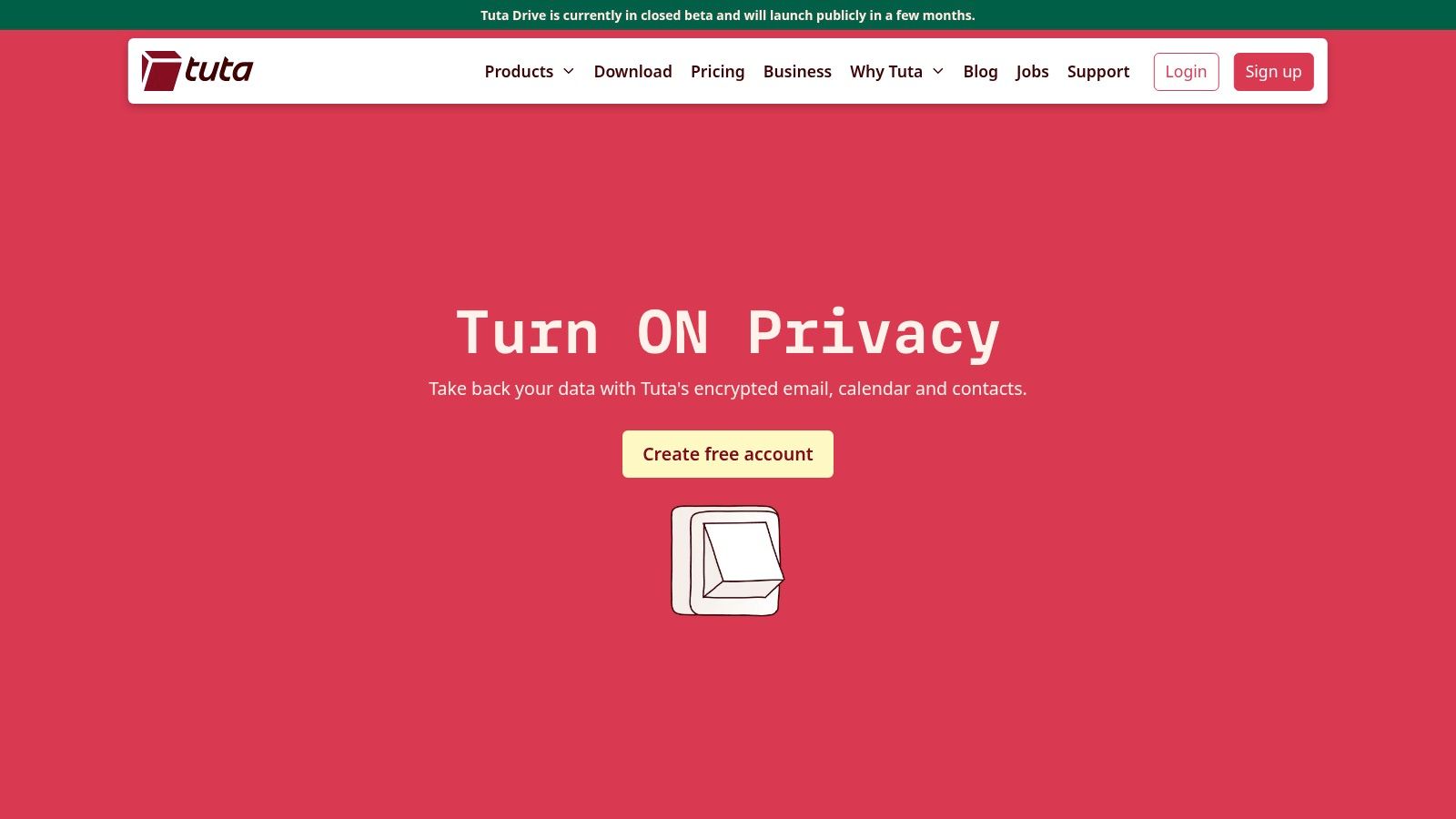
Some exchanges are asynchronous. A lawyer sends a draft at night. A clinician needs a calendar hold that isn't sitting in a consumer inbox. Tuta Mail encrypts mail between Tuta users automatically, and it can send a password-protected message to someone outside the service if you arrange that password separately. Calendar and contacts sit in the same account, with web, desktop, and mobile apps. Paid tiers add storage, aliases, and custom domains. The free tier is the way to test the workflow before you move a practice onto it.
External encryption fails in practice when nobody wants to share a second secret. Free accounts also run out of storage quickly. Email is durable by design, so you manage retention yourself. Even a deleted message can resurface in backups and other copies, which is why it helps to read why deleted emails can reappear before you promise a source the note is gone. For a note that should not become a mailbox at all, the shorter path is how to send encrypted messages without standing up an account.
9. SimpleLogin
A reporter who signs up for a leaky forum with a personal address has published a stable identifier. SimpleLogin issues aliases that forward to a mailbox you choose, and you can reply as that alias. Disable the alias when spam or a hostile party starts using it. Browser extensions and mobile apps make creation fast. The free plan includes up to ten aliases. Premium adds unlimited aliases, custom domains, and catch-all addresses. The software is open source and self-hostable.
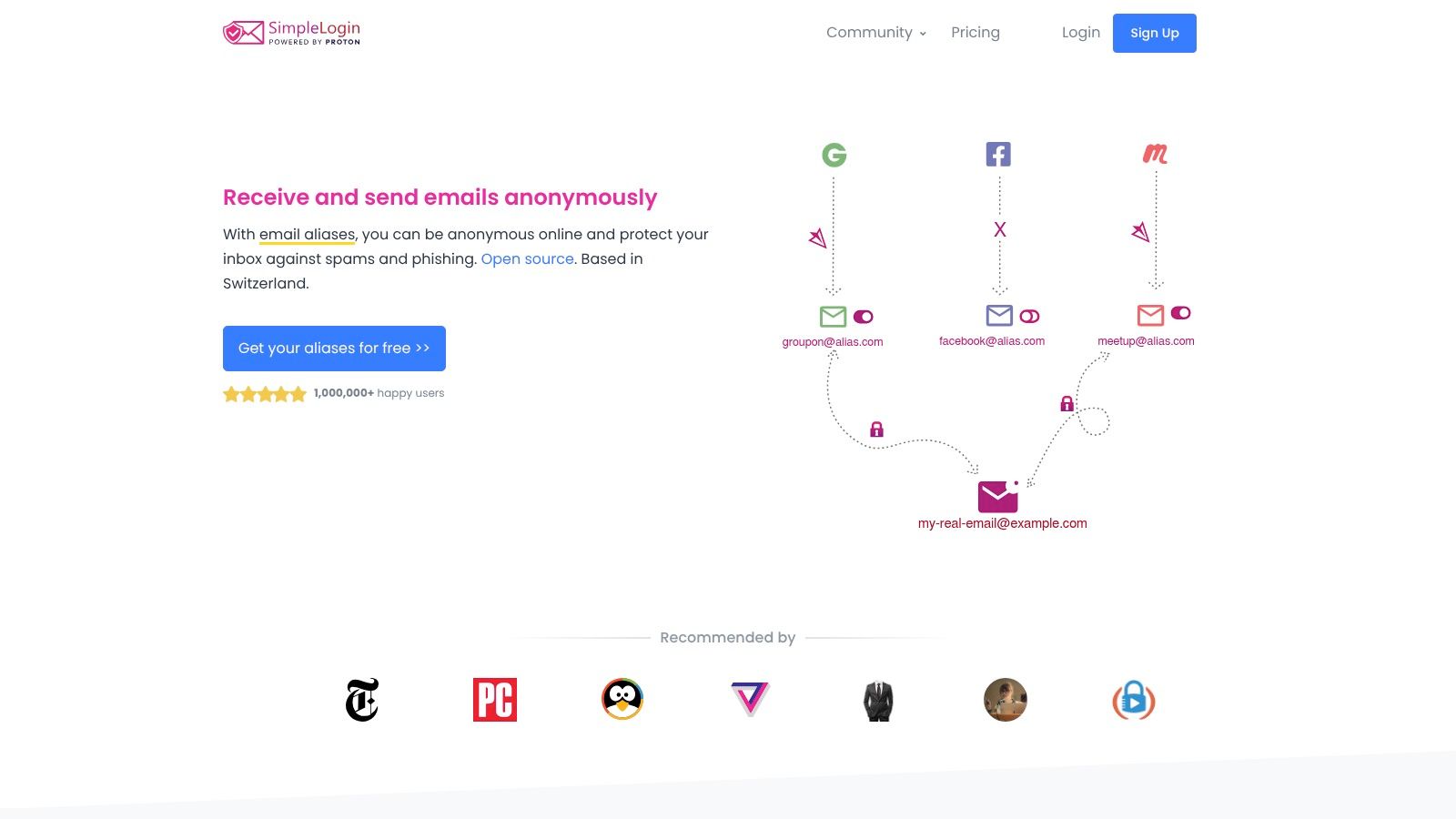
- Compartments: One alias per tip line, one per signup, one per travel booking.
- Not encryption: Forwarded mail still lands in a mailbox. An alias does not make the contents end-to-end encrypted.
- Trust shift: Unless you self-host, the forwarding service sees the mapping between alias and real inbox.
- Ceiling: Ten free aliases run out fast in a newsroom that files a lot of accounts.
Use aliases to limit how far a breach spreads. Don't use them as the confidential channel itself.
10. Bitwarden
Unique passwords are the unglamorous layer that keeps a seized or phished account from opening the rest of the stack. Bitwarden stores logins, notes, cards, and identities in an encrypted vault, generates passwords, and syncs through browser extensions and apps. The free individual plan includes unlimited password storage and device access. Paid plans add items such as encrypted file attachments and emergency access. Secure Send can share text on the free plan.
A four-market study of 400 senior security decision-makers across the United States, United Kingdom, Japan, and Australia found that 57% already used password management and a further 15% planned to adopt it, with anti-fraud cited by 51%, according to 451 Research as published by Bitwarden. The sample is limited and vendor-commissioned, so treat it as directional. The reason security teams buy these tools is fraud reduction, not anonymity.
You still have to protect the master password, and a cloud vault means trusting the operator. Bitwarden is not a disposable chat room. When the thing you need to pass is a secret rather than a saved login, use a short-lived handoff such as sharing passwords securely instead of parking it in email.
How the 10 Online Privacy Tools Compare on Pricing, Fit, and Trade-offs
A first contact, an untrusted network, and a public signup fail in different ways. Match the row to that job, then read the limit that rules the tool out.
| Item | Category | Pricing | Best for | Main trade-off |
|---|---|---|---|---|
| Ciphar | Temporary encrypted chat | Browser-based; no account or install | Short, sensitive conversations without an account or app | Channels expire after 60 minutes; no archive or recovery |
| Tor Browser | Privacy browser | Free | Sensitive browsing and censorship resistance | Can be slow; does not guarantee anonymity |
| Brave Browser | Privacy browser | Free; optional paid services | Built-in ad and tracker blocking | May disrupt some sites; does not hide your IP |
| Firefox | Privacy browser | Free | Customizable privacy and a non-Chromium browser | Stronger settings may affect compatibility |
| Mullvad VPN | VPN | €5 per month | Concealing your IP and protecting traffic on untrusted networks | Requires trusting the VPN provider; no free plan |
| Proton VPN | VPN | Free plan; paid plans | Basic VPN protection or changing apparent location | Free plan has fewer locations and one connection |
| Signal | Encrypted messaging | Free | Ongoing private chats, calls, and groups | Requires a phone number and app |
| Tuta Mail | Encrypted email | Free tier; paid plans available | Private asynchronous email and scheduling | External encrypted email requires sharing a password |
| SimpleLogin | Email alias service | Free for up to 10 aliases; paid Premium | Protecting your primary email address from signups | Forwards mail to another mailbox; not end-to-end encrypted email |
| Bitwarden | Password manager | Free individual plan; paid options available | Managing unique passwords across devices | Requires protecting a master password and trusting the cloud service |
Build a Stack Around Your Threat Model, Not a Single App
No single product covers messaging, browsing, network traffic, passwords, and file exchange. A first tip from someone you will not give a phone number belongs in a short-lived channel. A café or hotel network belongs under a VPN you have already decided to trust. Daily research belongs in a browser whose tracker settings you have opened. A relationship that continues belongs in Signal or in encrypted mail, with aliases so the personal address never becomes the public one, and with a password manager so one phish doesn't open the rest.
A 2026 benchmark of 242 leading US websites found that 104 failed core privacy tests, and that among sites using advertising trackers, 139 of 173 lacked an obvious opt-out route, while 76% did not fully honor the Global Privacy Control signal, according to DataTrue research reported by Business Wire. Controls on the open web fail at the point of use. Your own stack fails the same way if you only read the marketing line.
Before a sensitive exchange, check the limit that matches the threat. Confirm whether the tool hides content, an IP, a tracker, or an email address, because those are different promises. Agree on a separate channel for any access key or mailbox password. Decide in advance when the conversation ends, who deletes local copies, and what you will do if a device is seized. If the other person cannot install an app, don't plan around an app. If you need a record for a legal file, don't plan around a room that burns itself.
I would rather carry three narrow tools that each fail openly than one app that claims to be private and keeps the account, the logs, and the contact graph. Match the layer to the risk, then stop adding layers you will not maintain.
Ciphar is a browser-based encrypted chat for short, identity-free conversations, with messages, files, and voice encrypted on your device and channels that end within an hour. If your next sensitive exchange is a first contact rather than a lasting inbox, open a one-time channel and share the access key out of band. Visit Ciphar when you are ready to start that room.